Immersive Translate
1
Open Google Docs Add-ons
In Google Docs, choose Extensions > Add-ons > Get add-ons.
Translate documents directly inside Google Docs™ using AI-powered translation.
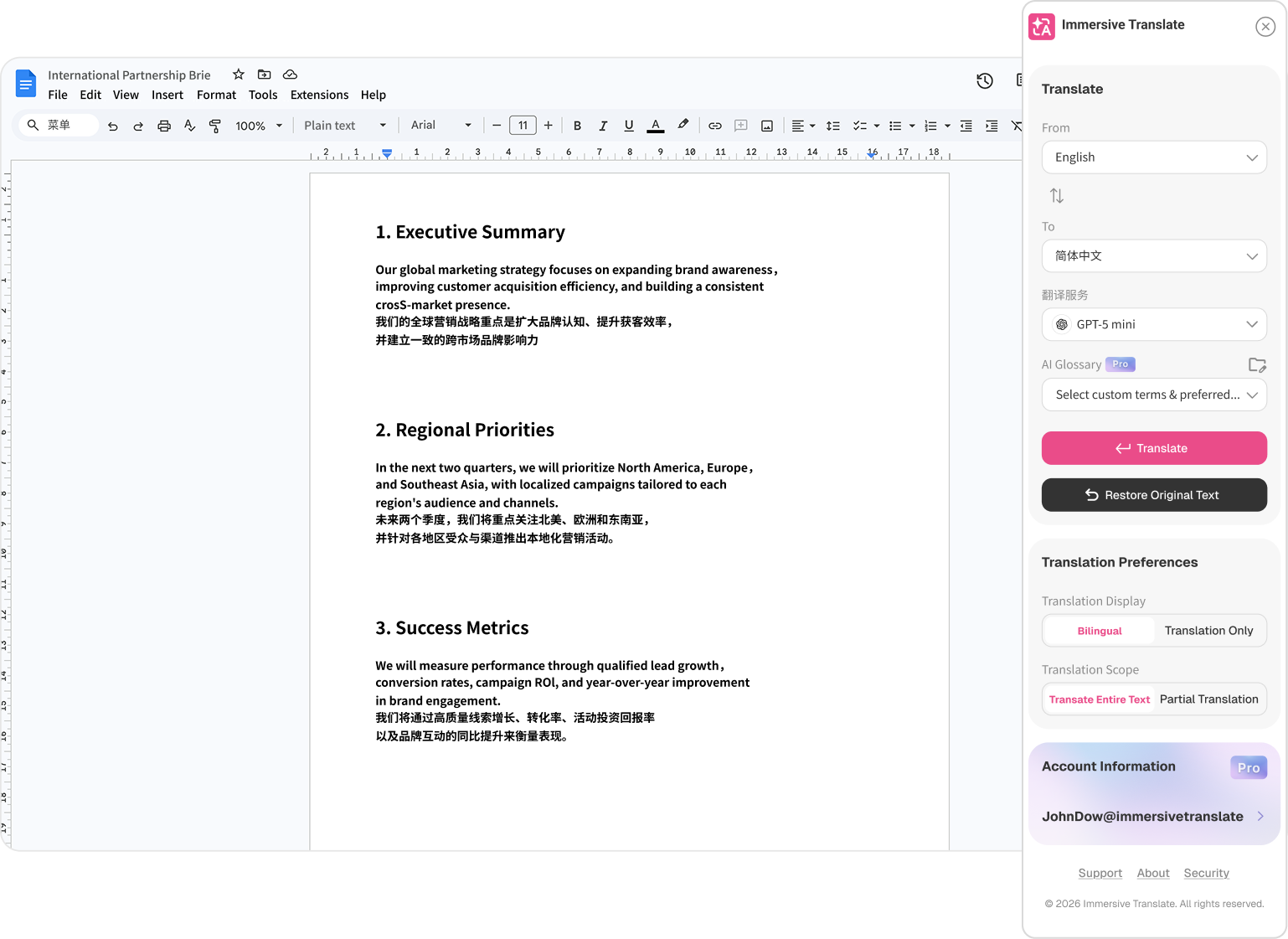
How to Use
In Google Docs, choose Extensions > Add-ons > Get add-ons.
Search for Immersive Translate in Google Workspace Marketplace, then click Install.
Review the Can access permissions, agree to the required access, and start translating.
What the App Does
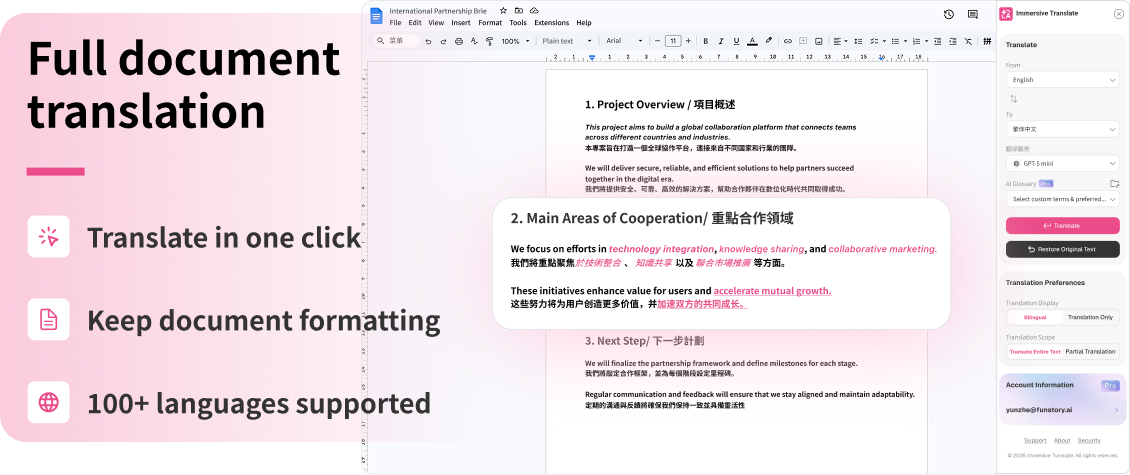
Translate full documents, use bilingual mode, and apply glossary support without leaving Google Docs.
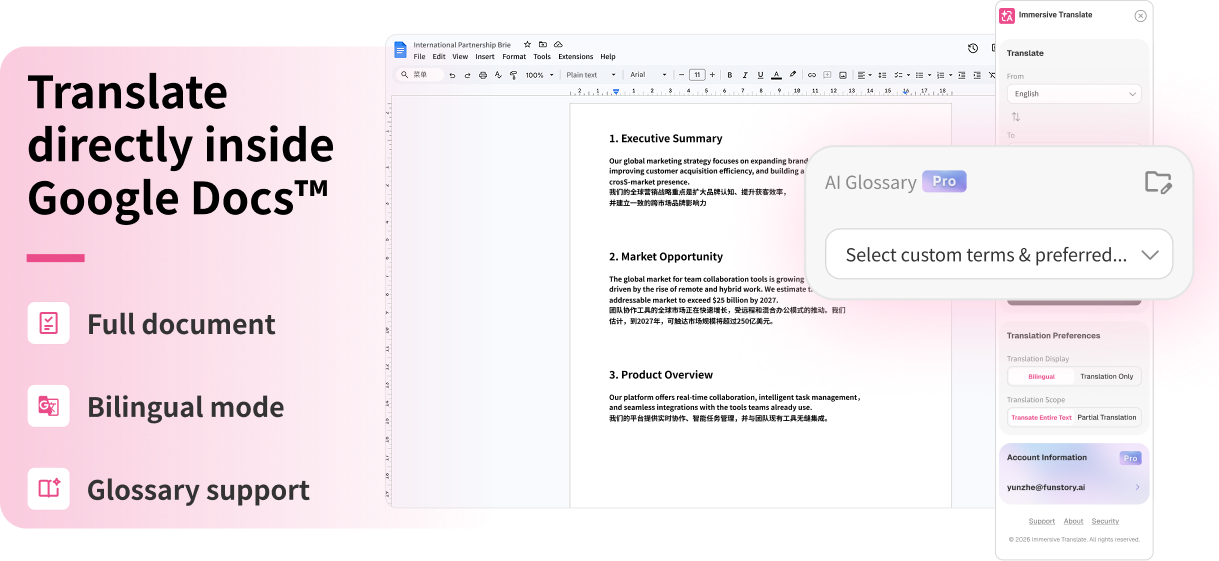
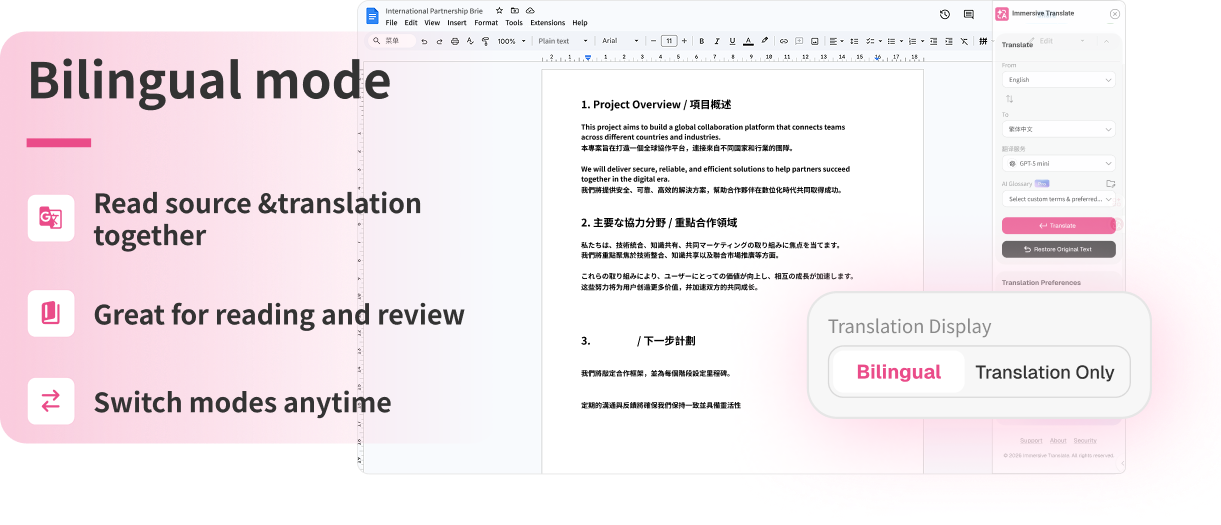
Read source and translated text together, review context quickly, and switch display modes anytime.
Translate in one click, keep document formatting, and work across 100+ supported languages.
Why Google Permissions Are Required
The add-on requires access to Google Docs content in order to:
Docs glossary entries are stored locally and used only for Docs translation in this browser.
The add-on reads the document or selection that users choose to translate.
Document translation requests are handled through encrypted connections and scoped permissions.