
Bilingual subtitle rendering
Dual subtitle display quality for YouTube videos.
We tested 22 tools against 5 criteria to find the 10 best AI translators for YouTube videos. Our top picks handle captions, dual subtitles, and real-time translation.
The right tool depends on whether you need dual subtitles for learning or dubbing for content creation.
| Use Case | Best Choice | Runner-up |
|---|---|---|
| Best Overall | Immersive Translate | Trancy |
| Best for Language Learning | Language Reactor | Trancy |
| Best for Content Dubbing | VEED.io | Kapwing |
| Best for Accuracy | DeepL | Google Translate |
| Best Free Option | Immersive Translate | Google Translate |
| Best for Pro Editors | Maestra | Kapwing |
A side-by-side comparison of all 10 options we tested, ranked by overall performance.
| # | Translator | Best For | Mode | Coverage | Free Tier | Platforms | Pricing |
|---|---|---|---|---|---|---|---|
| 1 | Immersive Translate20M+ users · 2024 Chrome Favorite | Bilingual subtitles across platforms | Side-by-side | 20+ configurable AI and translation enginesWebpages, PDFs, EPUB, DOCX, HTML, TXT, Markdown, subtitles, images, manga, meetings | Free bilingual webpage translation; Pro adds higher quotas for OCR, PDF, video, image, and premium engine use | Chrome, Edge, Firefox, Safari, iOS, Android, userscript, ZIP package | Free + Pro |
| 2 | TrancyLanguage learning focus · Trancy Team | Language learners & subtitle control | Side-by-side | Google & Microsoft DualVideo · Webpage | Generous free tier | Chrome / Safari / iOS / Android | Freemium |
| 3 | Language ReactorLanguage learning companion · Reactor Inc | Immersive language learning | Side-by-side | Google & MicrosoftVideo · Webpage · Netflix | Generous free tier | Chrome / Edge / Firefox | Freemium |
| 4 | VEED.ioVideo editing suite · VEED Ltd | Video dubbing & subtitling | Replace | 1 own modelVideo · Audio · Text | Limited free tier | Web / Mobile App | Freemium |
| 5 | KapwingCreative video suite · Kapwing Inc | Collaborative subtitling & translation | Replace | 1 own modelVideo · Audio · Image | Limited free tier | Web | Freemium |
| 6 | Google TranslateUbiquitous utility · Google | Quick manual text translation | Replace | Google TranslateText, websites, camera, photos, offline packs, conversations, transcribe, handwriting | Free consumer service for words, phrases, web pages, camera, speech, and app translation | Web, Chrome, Android, iOS | Free |
| 7 | DeepLEU quality leader · DeepL SE | High-quality caption text translation | Replace | DeepL language AIText, documents, images, speech, desktop apps, web app | Free web translation is available; Pro plans add higher limits and document workflows with trial access | Web, macOS, Windows, iOS, Android, browser extensions | Freemium |
| 8 | MaestraEnterprise transcription · Maestra Suite | Professional subtitling workflows | Replace | 1 own modelVideo · Audio · Live | Trial only | Web | Paid |
| 9 | SonixAI transcription engine · Sonix Inc | Podcast & video-to-text translation | Replace | Sonix transcription and translationAudio, video, transcripts, translated subtitles | Paid transcription and translation product; trial availability varies | Web | Paid |
| 10 | Happy ScribeHuman-AI hybrid · Happy Scribe | Broadcast quality subtitles | Replace | 1 own modelVideo · Audio | Trial only | Web | Freemium |
We evaluated 22 tools to identify the top 10 YouTube translators. Data verified at time of writing.
Dual subtitle display quality for YouTube videos.
Ability to switch between AI engines like GPT and DeepL.
Coverage beyond YouTube, including Netflix and local files.
Scope of daily translation limits without payment.
Stability of the extension or web player connection.
Disclosure: We rank our own tool #1, and we also show where competitors beat us: Trancy for language learning features, VEED.io for video dubbing, and DeepL for raw text translation accuracy. Pricing data is brief in each tool entry below since rates change often.
Immersive Translate stands out as the best overall AI translator for YouTube videos because of its strong bilingual rendering and engine flexibility.
Immersive Translate excels at YouTube translation by overlaying dual subtitles directly onto the player. Unlike standard YouTube auto-translate which hides original captions, this tool displays both languages simultaneously. This side-by-side view makes it significantly easier to follow fast-paced content or learn new vocabulary without losing context. The extension integrates smoothly with the YouTube player, offering a non-intrusive reading experience.
We checked Immersive Translate against the core YouTube Videos workflow, including source review, supported surfaces, and repeated-use friction. It stayed the strongest fit when bilingual reading and format coverage mattered more than one-off text replacement.
A major advantage is the ability to configure translation engines. Users are not locked into a single AI model. You can select ChatGPT for nuanced flow, DeepL for European accuracy, or Google Translate for speed. This flexibility allows you to tailor the translation quality to the specific video content, whether it is a technical tutorial or a casual vlog. The tool also supports other video platforms like Netflix and Coursera.
Best for: Ideal for language learners and viewers who want to understand foreign videos without losing the original context.
Get Immersive Translate Free →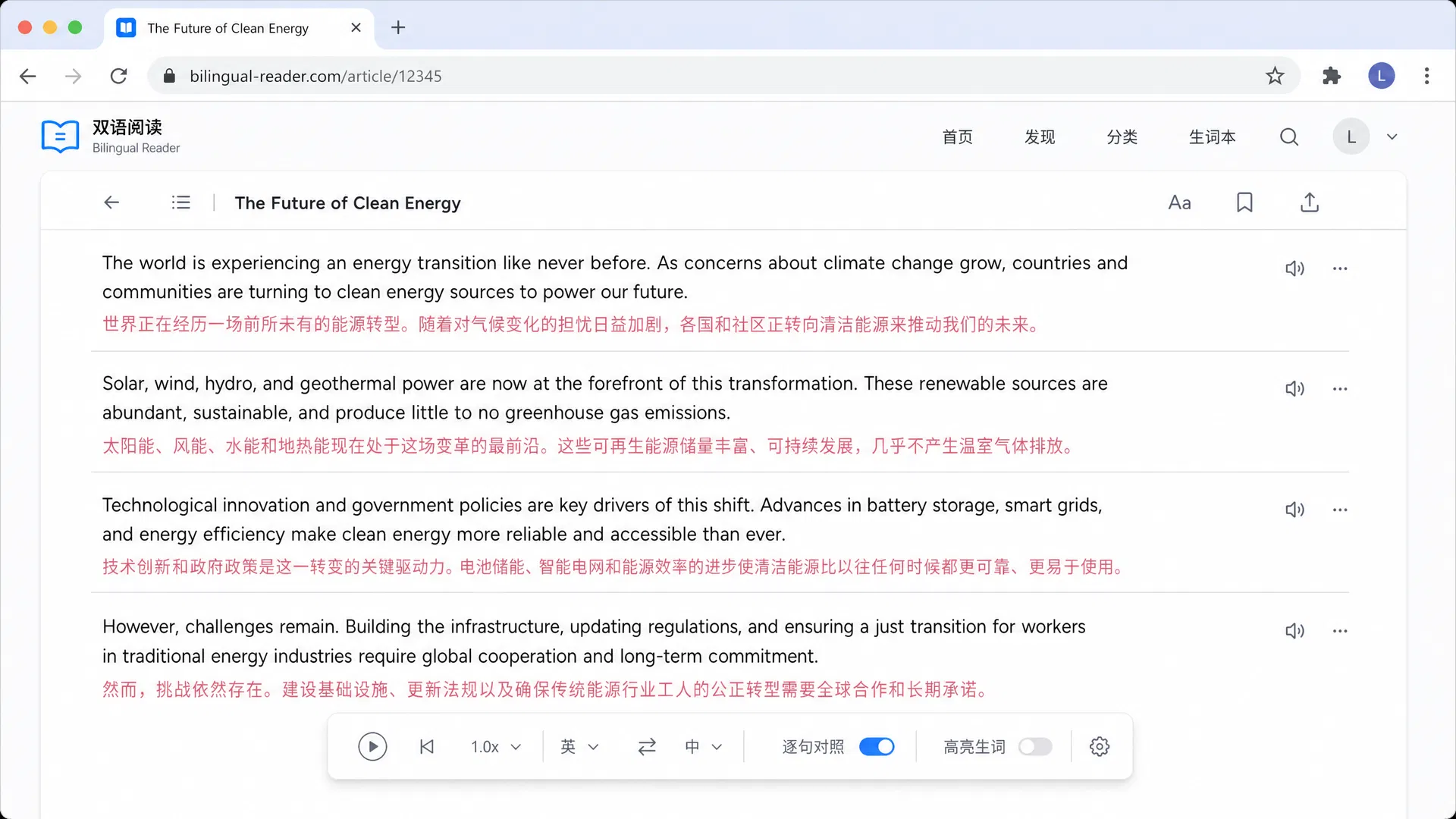
Trancy Team · Web-based · Freemium
Trancy is designed specifically for language learners consuming video content. It provides smart sentence segmentation and allows users to click on specific words in the subtitles for instant definitions. In our testing, the interface felt more like a study tool than a simple translator. It supports major platforms like YouTube and Netflix with a clean dual-subtitle view. The tool also offers AI Talk features to practice pronunciation based on video clips.
Best for: Best for: Serious language students who want to study vocabulary directly from videos.
Reactor Inc · Chrome Extension · Freemium
Language Reactor (formerly Language Learning with Netflix) creates a immersive environment for picking up new languages. It overlays dual subtitles and provides advanced hover dictionaries. We found it particularly effective for long-form content where you want to analyze sentence structures. The extension also offers a mastery mode to hide subtitles partially for listening practice. It handles YouTube videos well but truly shines with Netflix integration.
Best for: Best for: Learners who want deep linguistic analysis of movies and shows.
VEED Ltd · Web Editor · Freemium
VEED.io is a browser-based video editor that includes powerful AI translation and dubbing features. Unlike tools that just overlay text, VEED can generate translated audio tracks using AI voiceovers. We tested this by uploading a short clip, and the lip-sync and translation quality were impressive for a web tool. It also auto-generates subtitles which you can then translate and style extensively. It is a heavier workflow than simple extensions.
Best for: Best for: Content creators wanting to translate and dub their own videos.
Kapwing Inc · Collaborative Editor · Freemium
Kapwing offers a collaborative approach to video translation. Its translator works within a larger video editing suite, allowing teams to work on subtitles simultaneously. We found the interface intuitive for dragging and dropping subtitle tracks. The translation quality is reliable, and it supports a wide array of languages. It is particularly good if you need to burn translated subtitles directly into the video file for distribution.
Best for: Best for: Teams creating and translating video content for social media.
Google · Utility · Free
Google Translate is the ubiquitous utility that everyone has used. While it does not integrate into the YouTube player automatically for dual subtitles, it is invaluable for translating manual comments, descriptions, or copying text from auto-captions. We used it to verify the accuracy of other tools' outputs. Its strength lies in its massive language database and speed, but it lacks the immersive video features of dedicated extensions.
Best for: Best for: Users needing a quick check for specific words or short phrases.
DeepL SE · Germany · Freemium
DeepL is renowned for its translation accuracy, particularly for European language pairs. While it does not offer a dedicated YouTube overlay extension, you can copy auto-generated captions into DeepL for a much higher quality translation than standard tools. We observed that DeepL captures nuance and tone better than almost any competitor. It is a manual workflow, but the output quality justifies the extra step for critical content.
Best for: Best for: Researchers and professionals needing precise translations of educational content.
Maestra Suite · Enterprise · Paid
Maestra is a cloud-based tool geared towards professionals. It offers automatic transcription, translation, and voiceover features. We tested it with a 20-minute corporate video, and the transcript accuracy was high. It allows for exporting in various subtitle formats like SRT and VTT. The interface is functional rather than consumer-friendly. It is a strong choice if you need to prepare broadcast-ready files.
Best for: Best for: Media professionals needing compliant subtitle files.
Sonix Inc · Web · Paid
Sonix focuses heavily on the speed of its automated transcription engine. Once transcribed, translating the text is straightforward. We liked its in-browser text editor which makes correcting timestamps easy. It is particularly useful for podcasts and long-form interviews. The video player integration is basic, serving mainly to check the transcript against the audio. It is a specialized tool rather than a general viewer.
Best for: Best for: Podcasters needing transcripts and translations.
Happy Scribe · Hybrid · Freemium
Happy Scribe offers a unique selling point by combining AI generation with a human verification service. You can run an AI transcription first, then order human correction if needed. For YouTube videos, this ensures the subtitles are broadcast quality. We found the interface clean and easy to use. It is a great middle ground if you want better than AI accuracy but cannot afford a full manual service.
Best for: Best for: Organizations requiring high accuracy for archival videos.
These criteria separate great YouTube translators from mediocre ones, plus common mistakes to avoid.
Ensure the tool displays original and translated text simultaneously for better comprehension.
Check if the tool works beyond YouTube, such as on Netflix or local video files.
Look for options to switch translation engines, like Google, DeepL, or GPT, for different contexts.
The translated text must align perfectly with the video timing to avoid confusion.
The tool should overlay subtitles without blocking important parts of the video content.
A capable free tier allows you to test the tool thoroughly for daily learning habits.
Avoid tools locked to one engine, as they may fail on specific idioms or technical terms.
Steer clear of subtitles that obscure the video or cannot be moved or resized.
Be wary of extensions that require excessive permissions or install unwanted software.
Avoid tools that advertise free use but block essential features like sentence replay immediately.
