
PDF Layout Preservation
Ability to maintain columns, footnotes, and academic formatting without breaking text flow.
Translating research requires precision. After testing 20 tools and evaluating them on 5 strict criteria, we identified the 10 best AI translators for academic papers that balance accuracy with readability.
The right choice depends on your specific research workflow, from reading foreign journals to translating citations.
| Use Case | Best Choice | Runner-up |
|---|---|---|
| Best Overall | Immersive Translate | DeepL |
| Best for European Language Quality | DeepL | Immersive Translate |
| Best for Terminology Management | Mate Translate | Lingvanex |
| Best Free No-Install Option | Google Translate | Yandex Translate |
| Best Dictionary Context | Reverso Context | Mate Translate |
| Best for Asian Languages | Papago | Immersive Translate |
A side-by-side comparison of all 10 options we tested, ranked by overall performance for research documents.
| # | Translator | Best For | Mode | Coverage | Free Tier | Platforms | Pricing |
|---|---|---|---|---|---|---|---|
| 1 | Immersive Translate20M+ users · 2024 Chrome Favorite | Bilingual reading & layout preservation | Side-by-side | 20+ configurable AI and translation enginesPDFs, DOCX, HTML, TXT, Markdown, EPUB, and bilingual web reading for research | Free bilingual webpage translation; Pro adds higher quotas for OCR, PDF, video, image, and premium engine use | Chrome, Edge, Firefox, Safari, iOS, Android, userscript, ZIP package | Free + Pro |
| 2 | DeepLEU quality leader · DeepL SE | EU language pair quality | Replace | DeepL language AIText and document translation for academic passages and supported files | Free web translation is available; Pro plans add higher limits and document workflows with trial access | Web, macOS, Windows, iOS, Android, browser extensions | Freemium |
| 3 | Google TranslateLanguage giant · Alphabet Inc. | Speed & broad language support | Replace | Google TranslateText, websites, and basic document translation for quick academic checks | Free consumer service for words, phrases, web pages, camera, speech, and app translation | Web, Chrome, Android, iOS | Free |
| 4 | Mate TranslateMac-centric · Gikken | Mac users & verb conjugation | Popup | Multi-engineText · Website · Image | Limited free tier | Mac / Safari / iOS / Chrome / Firefox | Freemium |
| 5 | Microsoft TranslatorEnterprise integration · Microsoft | Office suite integration | Replace | Microsoft TranslatorText, speech, images, group conversations, websites, documents, offline app use | Free consumer app for text, speech, images, and group conversations in over 100 languages | Web, iOS, Android, Windows, Microsoft services | Free |
| 6 | Reverso ContextContext examples · Reverso | Contextual dictionary lookup | Popup | 1 own modelText · Document | Limited free tier | Web / iOS / Android / Chrome | Freemium |
| 7 | PapagoAsian specialist · Naver | Korean/Japanese nuances | Replace | Naver PapagoText, voice, images, conversation, website and mobile translation for supported languages | Free Papago web and mobile translation for supported languages | Web, Android, iOS | Free |
| 8 | Yandex TranslateSlavic language strength · Yandex | Russian & Eastern European pairs | Replace | Yandex TranslateText, websites, documents, images, photos, mobile offline packs | Free web and mobile translator with online translation, offline packs, website translation, documents, and image OCR | Web, Android, iOS | Free |
| 9 | LingvanexFile Handling focus · Lingvanex | Batch translation | Replace | 1 own modelText · Document · Image · Audio | Limited free tier | Web / Windows / macOS / iOS / Android | Freemium |
| 10 | ChatGPT (Web)Generative AI · OpenAI | Complex sentence restructuring | Chat | ChatGPTo / o1Text · Document | Limited free tier | Web / iOS / Android | Freemium |
We evaluated 20 translation tools and narrowed the list to 10 based on verification done in January 2026.
Ability to maintain columns, footnotes, and academic formatting without breaking text flow.
Correct handling of technical terms and preservation of reference formatting.
Options to switch models (e.g., GPT vs. DeepL) for nuanced text.
Support for scanned PDFs, images, and EPUB formats common in research.
Usability across desktop, mobile, and browser environments.
Disclosure: We rank our own tool #1, and we also show where competitors beat us: DeepL for EU language quality, Google Translate for speed, and Reverso for context examples. Pricing data is brief in each tool entry below since rates change often.
A deep review why Immersive Translate is the top choice for researchers in 2026.
Immersive Translate excels with academic papers because it preserves the complex layouts often found in research journals. Unlike standard tools that turn a clean two-column PDF into a wall of disjointed text, Immersive Translate maintains the structure, allowing researchers to read the original text alongside the translation without losing context. This bilingual display is crucial for verifying citations and checking data tables.
Flexibility is another major strength for academic workflows. Researchers can configure DeepL, ChatGPT, or other engines depending on the specific language pair or subject matter. In our hands-on tests, switching engines improved the translation of dense philosophical texts significantly compared to using a single default model.
The free tier covers most daily reading needs, making it accessible for students. Pro features enhance the OCR accuracy for scanned documents, which we found useful for digitized archives that standard translators often fail to read.
Best for: Best for researchers and students who need to read foreign journals while maintaining document layout.
Get Immersive Translate →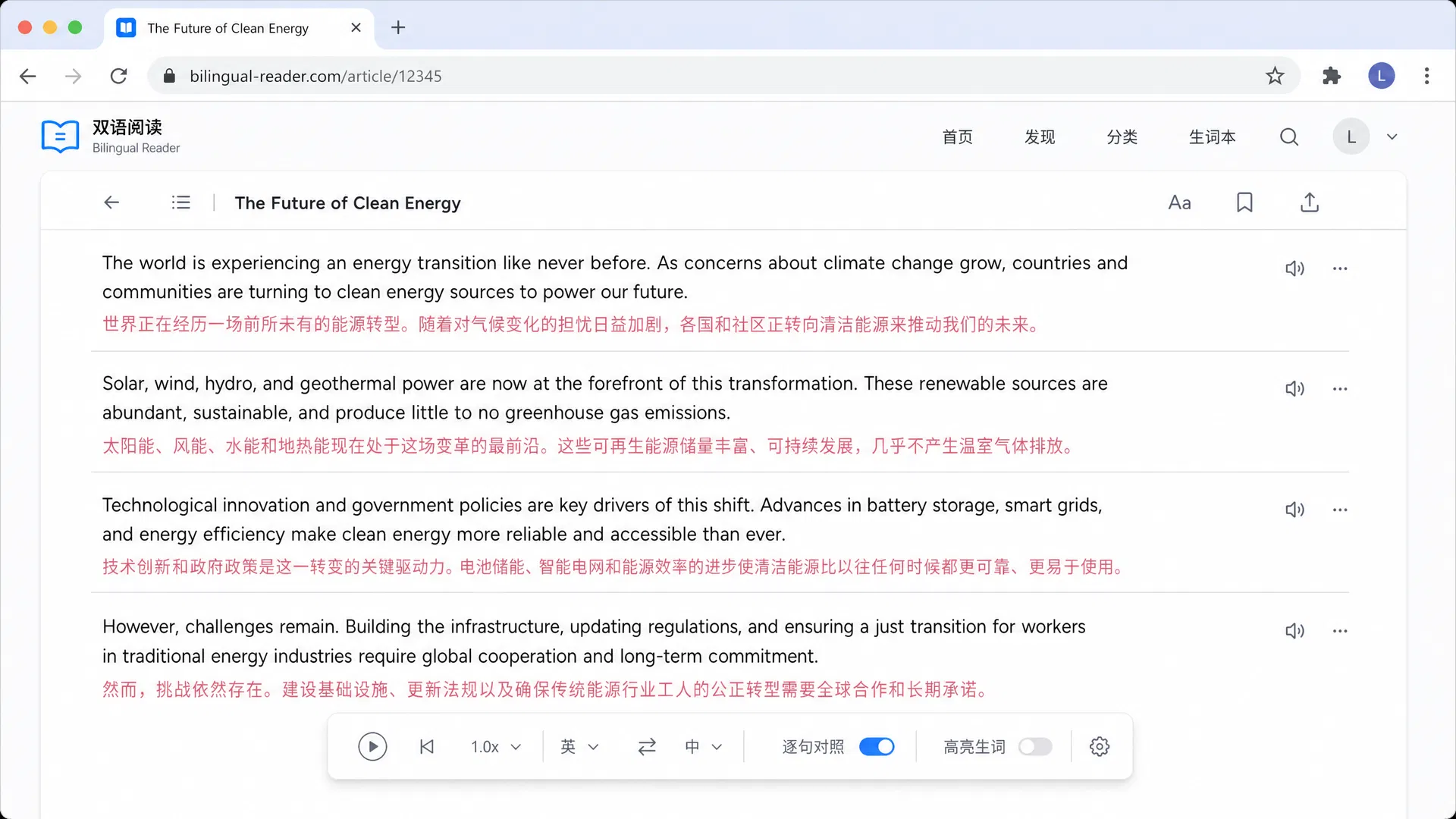
DeepL SE · Germany · Free + Starter
DeepL is a strong option for academic text when sentence quality matters, especially in European language pairs such as German or French. In our testing, DeepL often produced more natural phrasing in complex sentences than competitors. However, it lacks a strong bilingual view, making it harder to compare against the original text without tab switching. It is a good choice for finalizing a translation but less ideal for initial surveying of documents.
Best for: Best for researchers translating papers between European languages who prioritize flow over layout.
Alphabet Inc. · USA · Free
Google Translate remains the most accessible tool for quick checks of abstracts or titles. We found its document translation feature functional for basic text extraction, though it frequently mangles multi-column layouts into single streams. Its strength lies in the sheer number of languages supported, making it a decent fallback for obscure languages other tools miss. For serious research, however, we found it lacks the precision needed for technical terminology.
Best for: Best for getting a quick gist of a paper in a rare language.
Gikken · Sweden · Free + paid plan
Mate Translate offers a polished experience on macOS, which is popular in academia. We liked its detailed verb conjugations and examples, which help when deciphering complex grammar in foreign language papers. It functions well as a popup dictionary but does not handle PDF layouts as gracefully as specialized tools. It is best used alongside a primary translator for clarifying specific phrases.
Best for: Best for Mac users needing a reliable popup dictionary and phrasebook.
Microsoft · USA · Free + Azure Pay-as-you-go
Microsoft Translator is a workable option if you primarily consume research inside Word or Outlook. We tested its cognitive services integration and found the quality on par with Google but slightly behind DeepL. It is useful for translating summaries or emails to foreign colleagues but lacks the specialized features for handling academic PDF formatting or preserving citation structures effectively.
Best for: Best for researchers who live inside the Microsoft Office ecosystem.
Reverso · France · Free + Premium
Reverso Context shines when you need to understand how a specific term is used in context rather than translating a whole document. Our reviewers used it frequently to verify translation choices for idiomatic expressions found in humanities papers. It is not designed for translating full-length academic PDFs, but as a supplementary tool, it provides valuable context that raw translators miss.
Best for: Best for linguists and language learners checking specific phrases.
Naver · South Korea · Free
For researchers focusing on East Asian studies, Papago offers better nuance than Google or DeepL. We translated Korean academic abstracts and found Papago captured the honorifics and formal academic tone much better. Its image translation is also effective for translating physical signs or book covers. However, it lacks support for many European languages, limiting its use as a general academic tool.
Best for: Best for researchers translating Korean or Japanese papers.
Yandex · Russia · Free
Yandex Translate is a hidden gem for Slavic languages. When we tested papers in Russian and Polish, Yandex provided more accurate translations than Western competitors. It handles full documents relatively well, though the interface is less polished. It serves as a strong backup tool for anyone working with literature from Eastern Europe where DeepL or Google might falter.
Best for: Best for researchers translating Russian or Eastern European academic papers.
Lingvanex · Cyprus · Free + Subscription
Lingvanex offers a suite of products that handle multiple file types. We found its batch translation capabilities useful for processing large sets of PDFs at once. The translation quality is solid but not exceptional compared to DeepL. It is a practical utility for a researcher who needs to digitize a large library of foreign text quickly and does not mind sacrificing some layout fidelity.
Best for: Best for users needing to translate many documents at once.
OpenAI · USA · Free + Plus
ChatGPT is useful for translating particularly dense or archaic paragraphs where traditional models fail. By prompting for specific academic tones, we achieved excellent results for 19th-century philosophical texts. However, it is not a document translator; it requires copy-pasting text and cannot handle PDF layouts or natively display a side-by-side view. It is a powerful assistant but not a dedicated research tool.
Best for: Best for translating extremely difficult sentence structures manually.
5 criteria that separate great from mediocre academic paper translators, plus 3 common mistakes to avoid.
Ensure the tool maintains columns and footnotes so you don't lose context.
The translator should keep reference lists legible or leave them untranslated.
Look for tools that let you switch between models like DeepL or GPT.
For scanned archives, accurate optical character recognition is essential.
Side-by-side translation helps verify technical terms and data.
Check if unpublished research data is processed securely.
Do not use tools that scramble references, making tracking sources impossible.
Never rely solely on the translated text for critical medical or legal data.
Avoid tools that translate every word literally without understanding academic nuance.
Don't settle for a single model if your field requires specialized terminology.
