Large Text Translator: Translate Long Text Online for Free
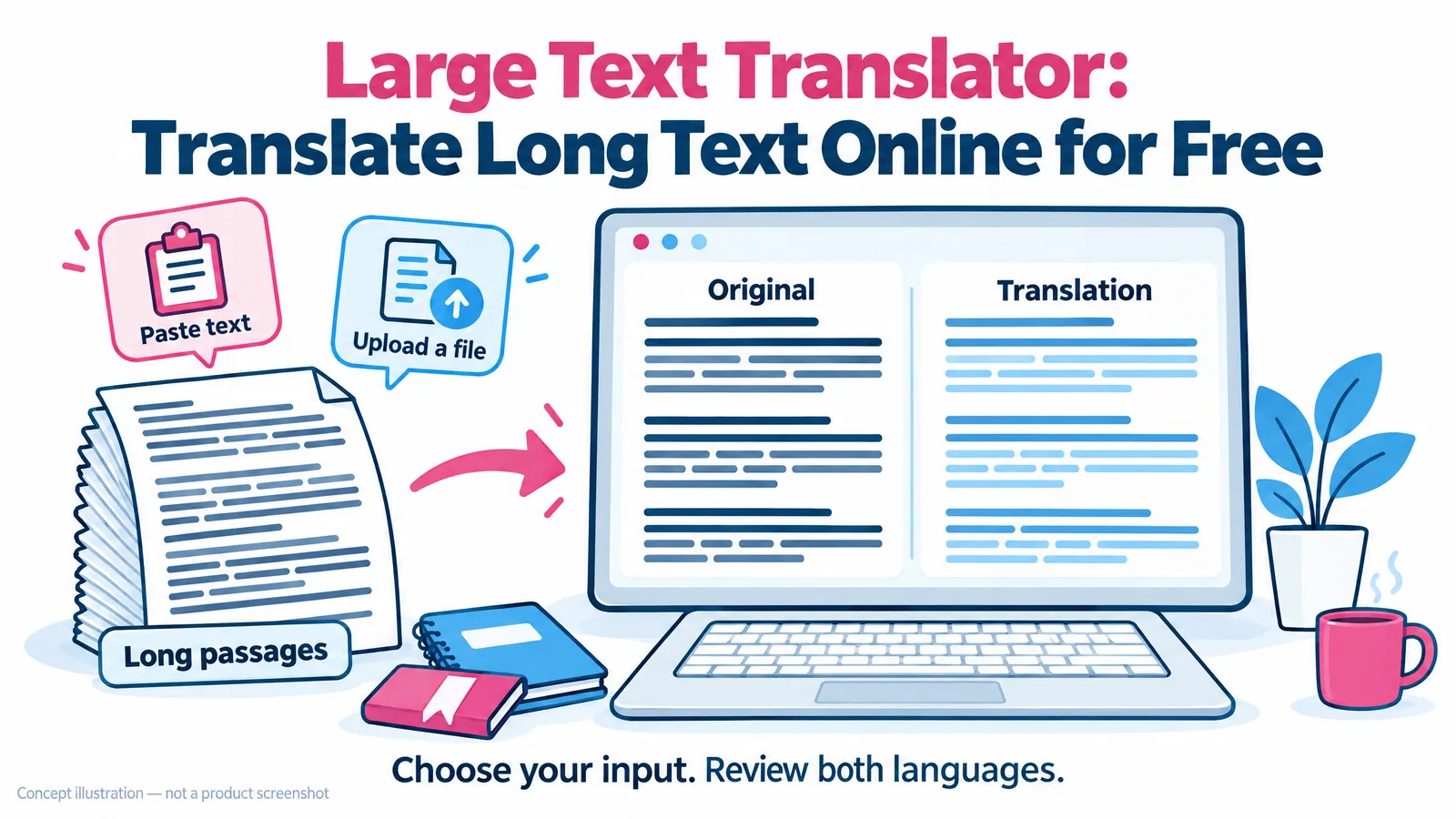
Need to translate a large text right now? Paste your long passages into the free online text translator from Immersive Translate. More than 100 language pairs are supported, and you get a bilingual result you can check against the original. This page also answers the questions that decide whether a long text translator is worth your time: how many characters each service actually accepts, how long the translation takes, and how to keep your formatting when you move from pasting text to translating whole documents.
How to Translate a Large Text Online, Step by Step
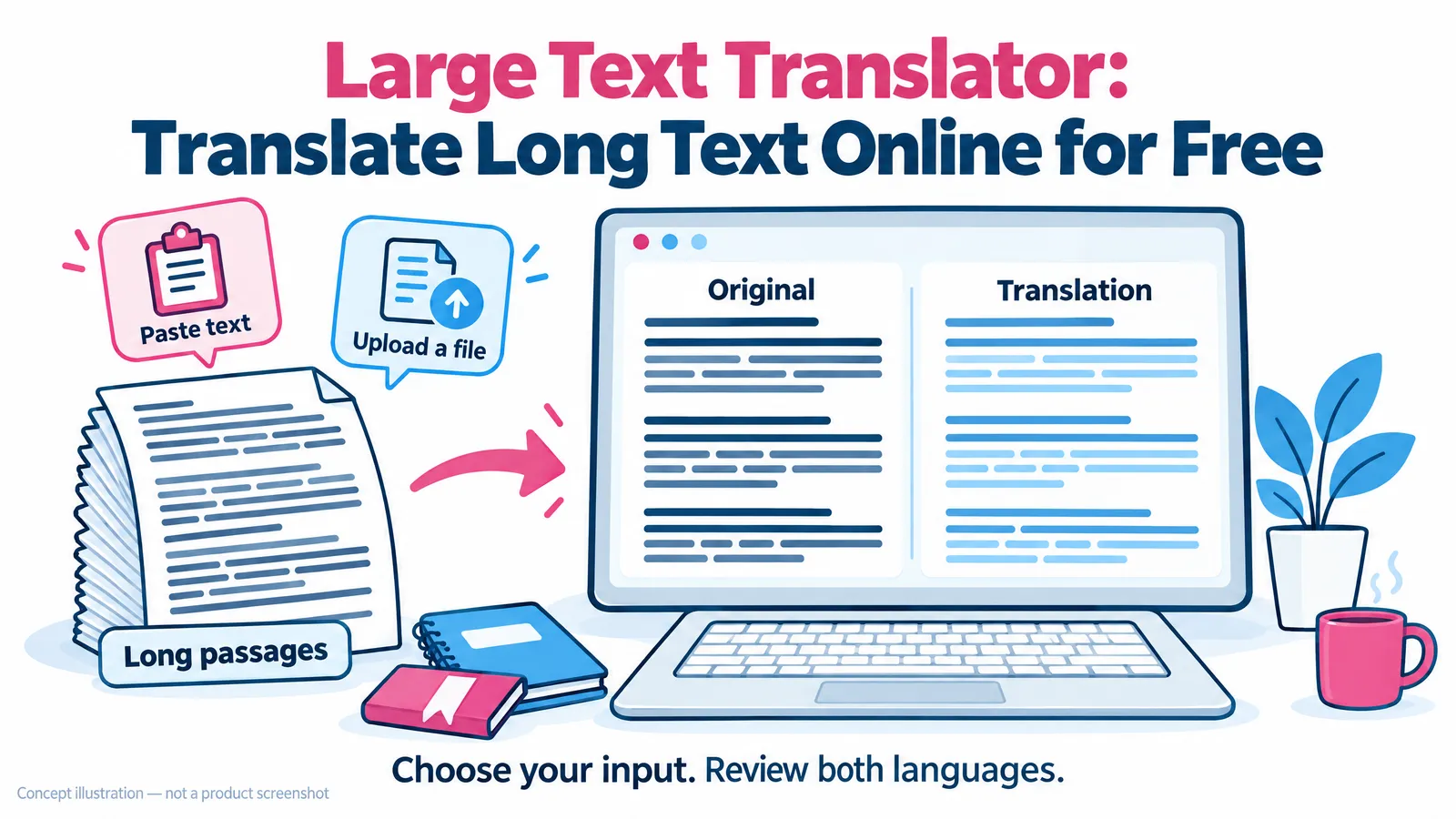
Whether you plan to translate big text in a single paste or convert an entire document, the workflow is the same everywhere: choose your language pair, get the text in, and copy or export the result. What changes with large text is the input path. Use the paste path when your passage fits the tool's per-run allowance and you just need the translated text. Use the whole-file path when you're working with a complete document (a research paper, a contract, an ebook) or when the layout needs to survive the translation.
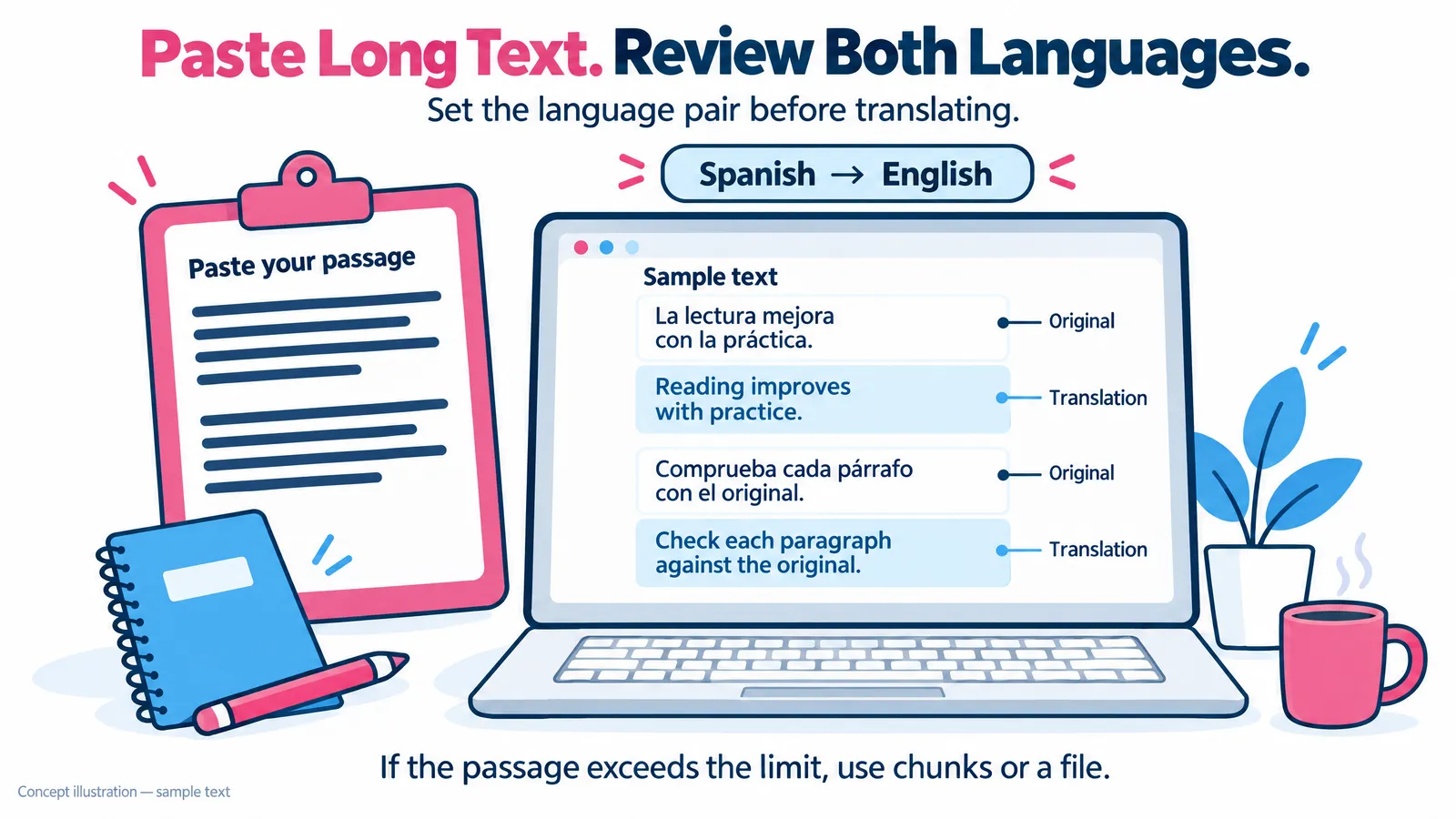
Option 1: Paste Your Long Text Directly
-
Open the online text translator.
-
Set the source and target languages.
-
Paste your long text, one block or several paragraphs, into the input box.
-
Run the translation, then read the bilingual result and copy the output wherever you need it.
Option 2: Upload the Entire File Instead
-
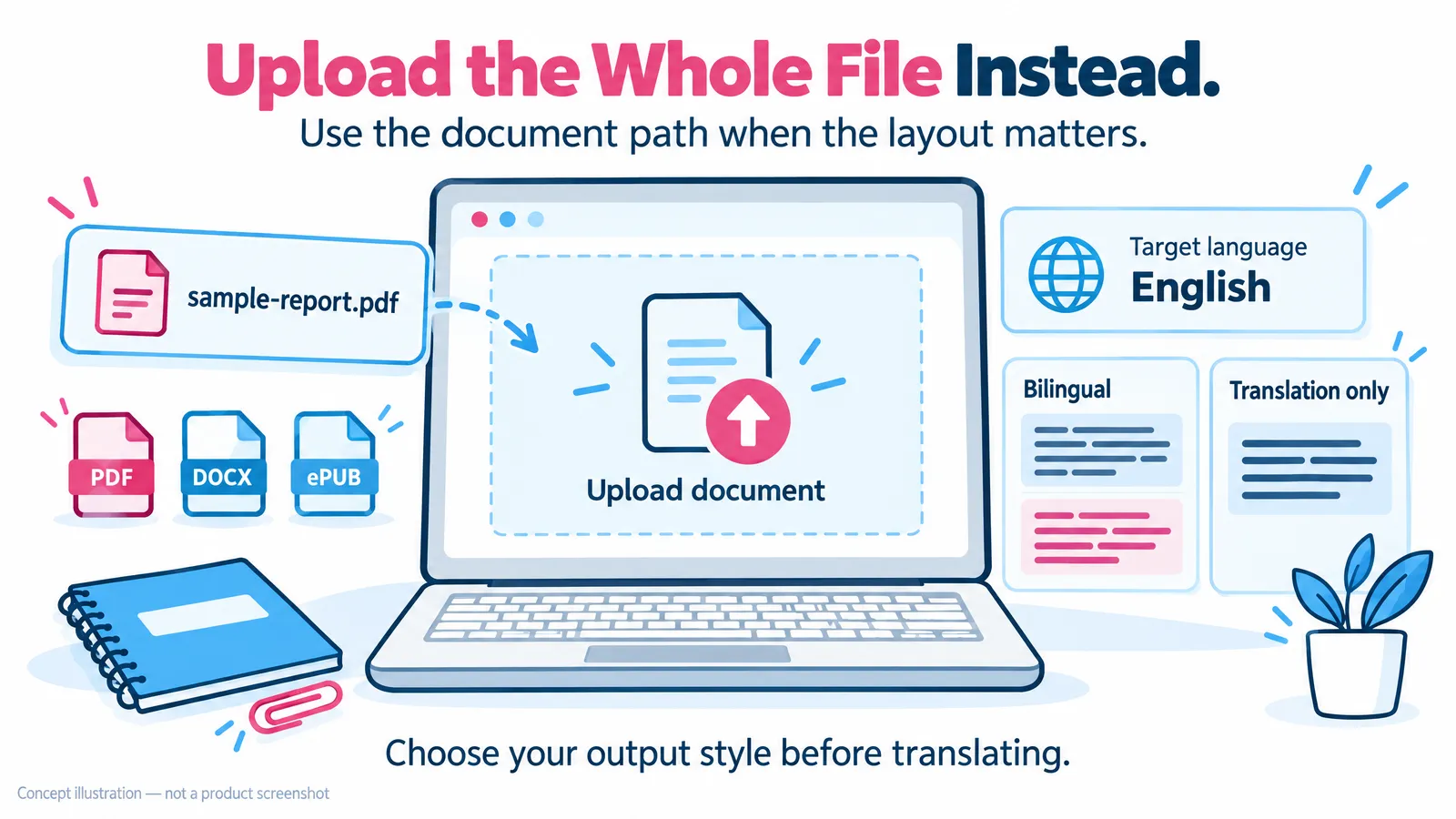
Go to document translation.
-
Upload your file. Supported formats include PDF, ePUB, HTML, TXT, DOCX, Markdown, and subtitle files; scanned PDFs are handled through OCR.
-
Choose your target language and output style—bilingual, with the original and translation together, or translation only.
-
Read or download the translated document with the original formatting preserved.
Text Length Limits: How Many Characters Can Each Translator Handle?
The fastest way to compare a long text translator is to see what happens when the text gets long. The table below collects what each major service says about its own limits. Every entry is the vendor's own statement rather than an independent test, so treat it as a starting point and confirm the current limit inside the tool you use.
| Translator | Free tier | Paid or trial tier | Source (self-reported, retrieved Nov 2026) |
|---|---|---|---|
| Google Translate | No published per-run limit; pasted text and full document uploads, 100+ languages | Free service | Google AI Overview, Nov 2026 |
| DeepL | No character limit stated on its translator page; full-document upload supported | Free trial; paid plans for individuals and teams | deepl.com translator page, Nov 2026 |
| QuillBot | 5,000 characters per run | Premium: unlimited | QuillBot FAQ, Nov 2026 |
| Grammarly | Up to 5,000 characters per run | Not stated in source | Google search snippet, Nov 2026 |
| Systran | Limit not stated on the free widget | PRO: "unlimited text translation," 14-day free trial | systransoft.com, Nov 2026 |
| Smartcat | Trial only | Trial: large-document length "virtually unlimited"; team and enterprise plans after | Smartcat FAQ, Nov 2026 |
| Immersive Translate | Long-text paste translation; Google's AI Overview cites "up to 5,000 characters" per run | Pro plans (see pricing) | Google AI Overview citation; official site, Nov 2026 |
Two patterns stand out. Most "unlimited" promises are attached to paid plans or free trials (Systran's sits in its PRO pitch, QuillBot's in Premium, Smartcat's in its trial), while 5,000 characters per run is the common free-tier anchor. And when a passage outgrows the paste box, you don't have to abandon the tool: translate in chunks, or skip pasting and upload the whole file. For engine-by-engine breakdowns, our translation tool comparisons go deeper.
Translation Speed and Quality: What to Expect with Long Passages
Machine translation of long text usually runs from a few seconds to a few minutes, depending mainly on length. Whole-file translation takes longer than a paste, but it scales with the document instead of interrupting you midway.
On long passages, consistency matters more than raw speed. What typically weakens a long translation isn't the clock; it's terminology drifting halfway through or context being read the wrong way. Immersive Translate uses context-aware translation powered by customizable AI terminology, so a term that carries a specific meaning in your field stays consistent from the first paragraph to the last. And if an engine's style doesn't fit your text, you can switch among more than 20 translation engines—including ChatGPT, DeepL, DeepSeek, and Gemini.
Keep Your Formatting When Translating Long Documents
The whole-file path is the right choice when your text lives in a document and the layout matters—academic papers, contracts, reports, and ebooks all belong here. It's also the practical answer when a passage is simply too long for any paste box.
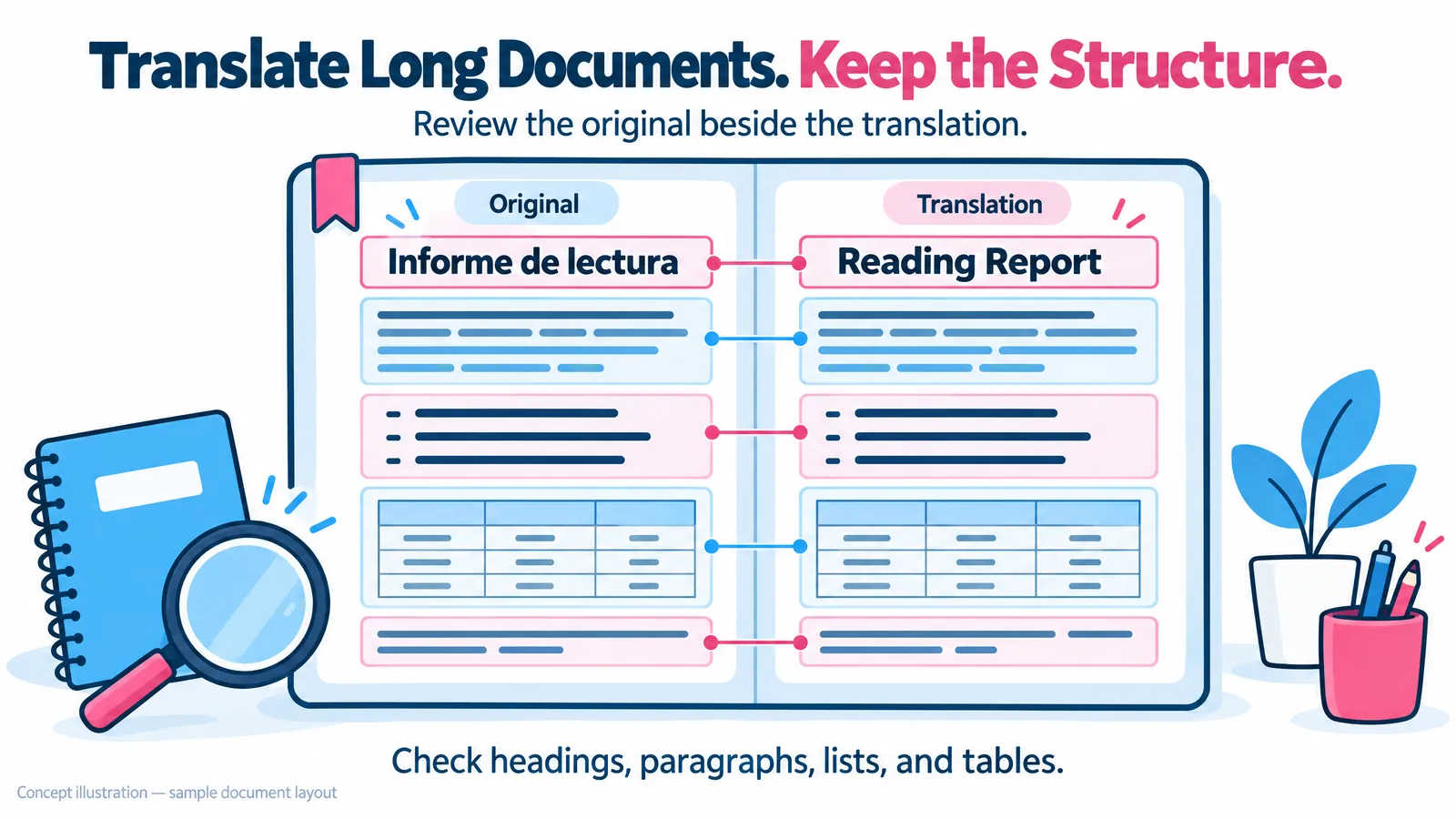
Immersive Translate's document translation supports both bilingual and translation-only outputs while preserving the original formatting, and it handles PDF, ePUB, HTML, TXT, DOCX, Markdown, and subtitle files. Scanned PDFs (pages that are images of text rather than selectable text) are covered too, through OCR translation. Start from the document translation overview, or go straight to the PDF translator if that's your format.
For long papers and reports, the bilingual output is usually the better default: the original stays alongside the translation, which makes citations and spot-checks straightforward.
Why Bilingual Output Makes Long Text Easier to Review
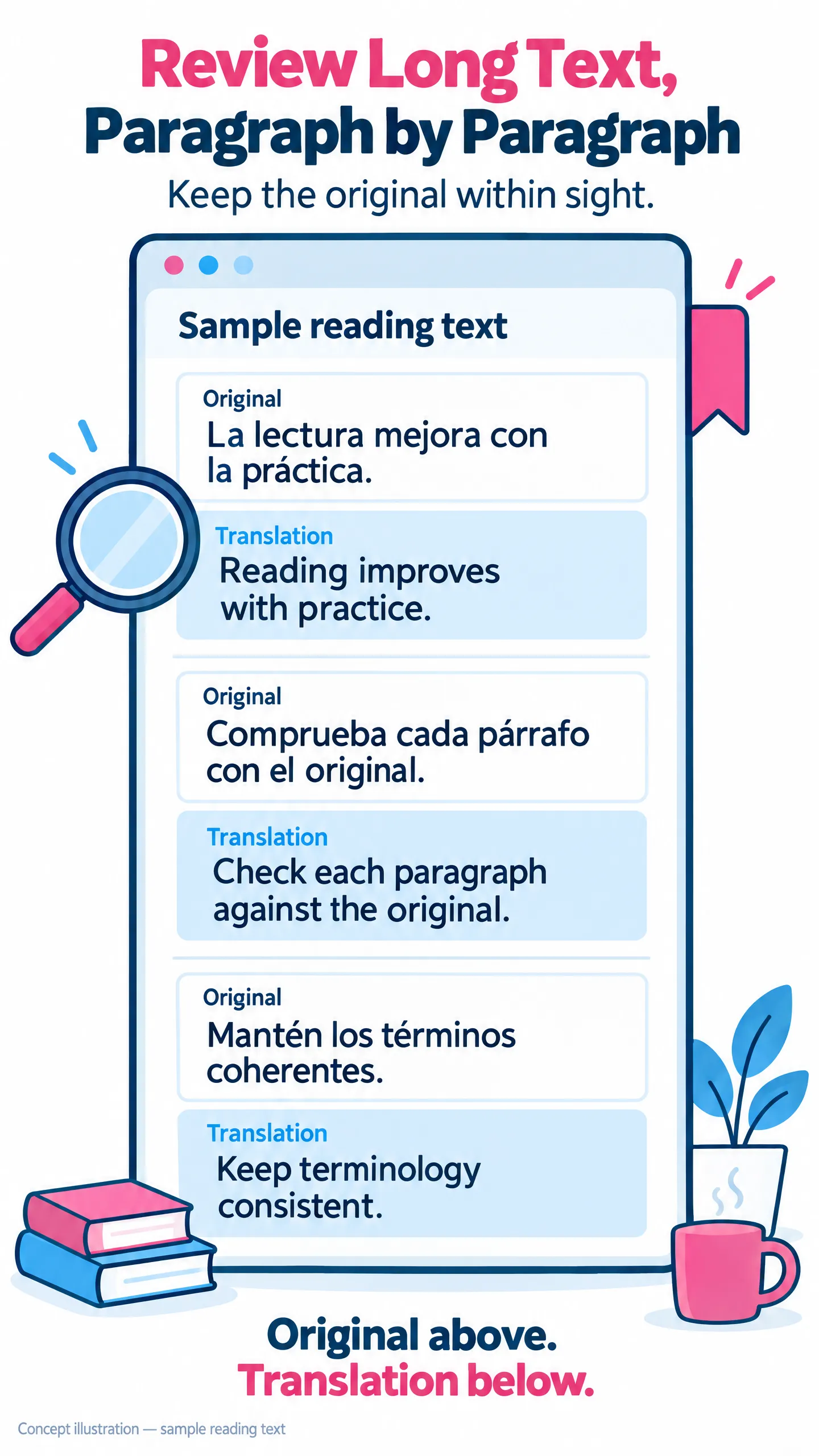
A single-column translation forces a choice: trust it completely, or check it against the original in a second window. Bilingual output removes that friction. When the original and the translation sit in a side-by-side vertical layout, verifying a suspicious paragraph takes seconds, and reviewing a long document turns into reading rather than window-switching.
That layout is the core idea Immersive Translate is known for, and it runs through the text, document, and website tools alike. Long text is where it pays off most: the longer the passage, the more there is to verify, and the more a line-by-line layout saves you. Privacy holds up along the way: applicable official translation services don't use your content to train models, and requests travel over encrypted channels (learn how your content is protected).
To see how other tools compare on engines, limits, and workflow, browse the translation tool comparisons.
Large Text Translation FAQs
How to translate a large text?
Choose your path first: paste the text if it fits the tool's per-run limit, or upload the whole file if it doesn't or if the formatting must be kept. The step-by-step section above walks through both. The core flow is identical everywhere—set the language pair, translate, then copy or export the result.
Which translator has no text limit?
No major service advertises a genuinely unlimited free tier. The "unlimited" claims in the market belong to paid plans or trials (Systran's PRO, QuillBot Premium, Smartcat's trial), while free paste boxes commonly top out around 5,000 characters per run. Google Translate and DeepL don't publish per-run limits, but neither promises unlimited use. The table above shows each vendor's own wording.
Can Google Translate translate large documents?
Yes, within its own limits: you can paste text or upload entire documents across 100+ languages, as summarized in Google's AI Overview. Google doesn't publish a specific character cap for document uploads, so for very large or formatting-sensitive files, check its official guidance or use a dedicated document translator.
Where can I translate a long text?
Right on this page—the online text translator is the fastest starting point. Google Translate, DeepL, and QuillBot are widely used alternatives with different limits and output styles; the table above summarizes what each one says about itself.
How long does it take to translate a large text?
Usually a few seconds to a few minutes, depending mainly on length. Whole-file translation takes longer than a paste, but it processes the document in one pass rather than in manual chunks.
How many characters can I translate at once?
It depends on the tool: 5,000 characters per run is the common free-tier figure, and the table above lists each service's own statement. If your passage exceeds the limit, translate it in chunks or switch to whole-file upload, which sidesteps the paste limit entirely.
Can I translate large text for free?
Yes. The Immersive Translate text translator is free to use, and its free tier covers the core bilingual translation workflow. A Pro plan is available for heavier use; see the pricing page for what it currently includes.
If you translate long text regularly, the browser extension brings the same bilingual workflow to any webpage: add Immersive Translate to Chrome. For setup and account questions, the official FAQ has you covered.