How to Watch Spanish Videos with Bilingual Subtitles on YouTube & Netflix
If you want to watch Spanish videos—a YouTube interview, a Netflix series, a course taught in Latin American Spanish—English-only subtitles cut you off from the language, and dubbing removes it entirely. Bilingual subtitles keep both: the original Spanish line with an English translation right below it. The direct way to turn them on is a free browser extension like Immersive Translate, which overlays real-time bilingual subtitles on YouTube, Netflix, and more than 100 other video platforms. This guide walks through the exact steps, covers videos with no subtitles at all, and helps you pick a good Spanish translator for the job.
Why Bilingual Subtitles Are the Best Way to Watch Spanish Videos
You have three ways to watch Spanish content, and each makes a different trade-off:
-
Translated subtitles only. You read English, but the Spanish you came for is gone. Fine for pure entertainment, useless for comprehension practice.
-
Dubbing. Comfortable, but you lose the original voices, accents, and pacing that make Spanish sound like Spanish.
-
Bilingual subtitles. The original line and its translation appear together on screen, so you can follow the audio, check meaning instantly, and drop back into Spanish whenever you're ready.
That last option is why bilingual subtitles are a popular choice among Spanish learners and bilingual professionals. The short answer: install a browser extension such as Immersive Translate, open the video, and switch on bilingual subtitles—it's free to start and takes just a few clicks. Because the extension lives in your browser, the same setup works on YouTube, Netflix, and 100+ platforms without copying text into a translation box.
The rest of this page covers what you need, the step-by-step instructions for YouTube and Netflix, what to do when a video has no subtitles at all, and how the top Spanish translator tools compare for this task.
What You Need to Get Started
You only need a few things:
-
A desktop browser. Chrome, Edge, Firefox, and Safari are all supported—Immersive Translate ships an official extension for each.
-
The extension itself. Get it from your browser's store or the official download page.
-
Nothing to pay upfront. You can start free, which matters if you're comparing free online Spanish translators before spending anything. A Pro upgrade exists for heavier use, but the bilingual subtitle basics don't require it.
One optional choice: your translation engine. Immersive Translate integrates more than 20 of them—Google, DeepL, OpenAI's ChatGPT, Gemini, DeepSeek, and more—so you can switch engines without switching tools. Spanish is fully supported across the platform's 100+ language pairs.
A note on mobile: Immersive Translate also offers iOS and Android apps, but this guide follows the desktop browser path.
How to Turn On Bilingual Subtitles for Spanish Videos on YouTube
YouTube is the easiest place to start. Here's the full sequence:
-
Install the extension. Add Immersive Translate to Chrome, Edge, Firefox, or Safari from the download page. Once installed, its icon appears in your browser toolbar.
-
Open a Spanish video. Navigate to any YouTube video in Spanish—news, interviews, podcasts, vlogs. The video doesn't need human-made subtitles of its own for this to work.
-
Switch on bilingual subtitles. Use the extension's panel on the video page to enable subtitle translation. Within moments, the original Spanish captions display with an English translation directly beneath each line.
-
Adjust to taste. You can change how the subtitles look and which engine translates them—Google for speed, DeepL for nuance, or an AI model like ChatGPT when context matters. And to go the other direction—English to Spanish for Spanish-speaking viewers—flip the language pair so English videos get Spanish subtitles instead.
Tip: auto-generated captions are fine. YouTube's machine-generated Spanish captions work too, so videos without creator-made subtitles are still covered. One user review—from V Joy, an entrepreneur—noted that real-time YouTube subtitle translation with the Google engine was surprisingly fast, even compared with YouTube's own caption translation.
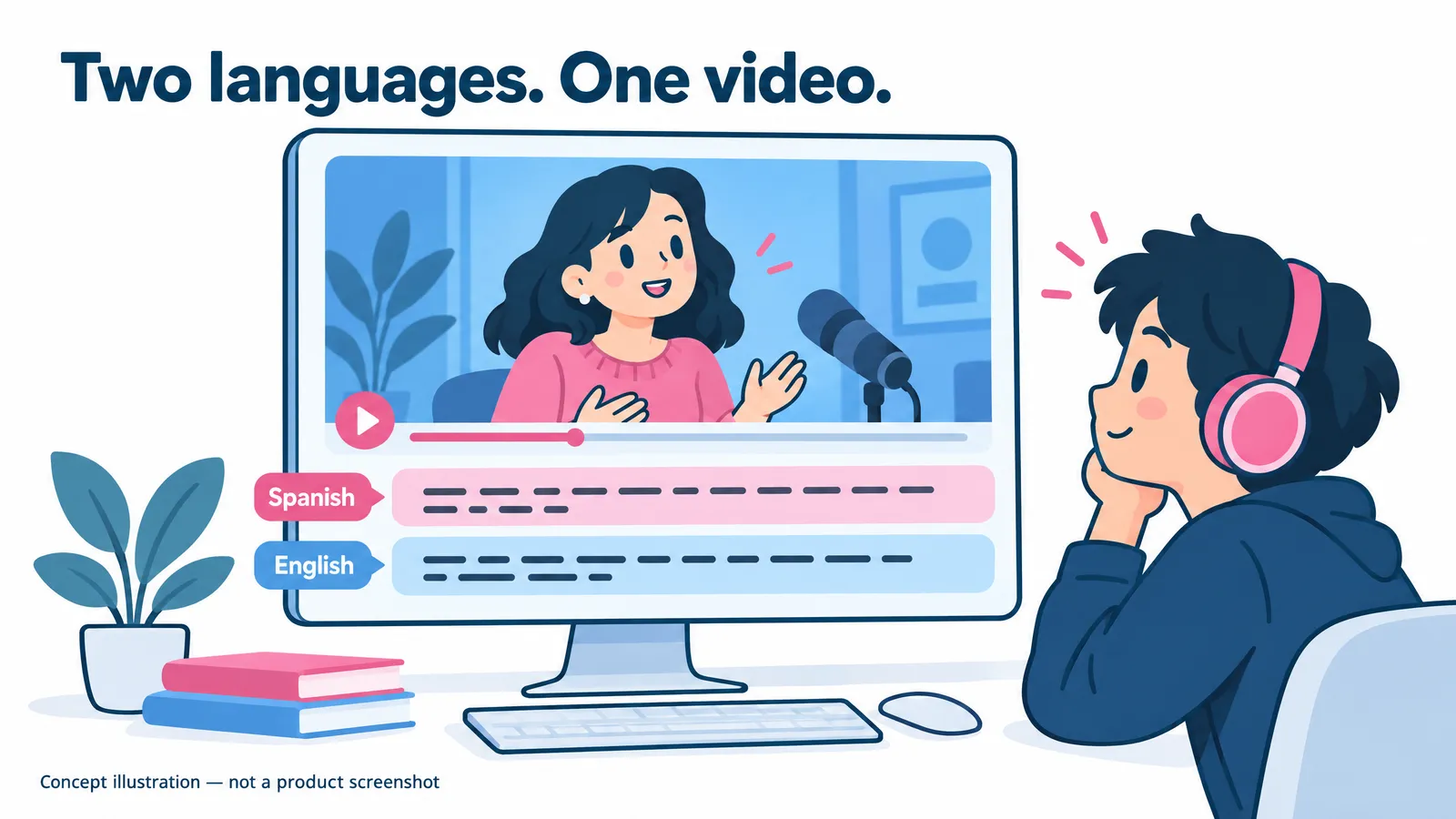
If a subtitle line lags or looks off, pause and replay the segment, or switch engines—the captions usually re-translate on the next play. And if you ever need to translate a standalone subtitle file rather than live video, there's also a dedicated subtitle translator tool.
You just saw how the YouTube setup works—install the extension and the same steps apply to Netflix and 100+ more platforms.
How to Watch Netflix in Spanish with Bilingual Subtitles
Netflix works much the same way, with a few platform differences worth knowing.
-
Sign in to Netflix in your browser. The extension works while you stream on the Netflix website, so watch there rather than in a native app.
-
Pick your show. Anything from Madrid thrillers to Mexican telenovelas works—Latin American and Castilian Spanish content are both handled by the same engines.
-
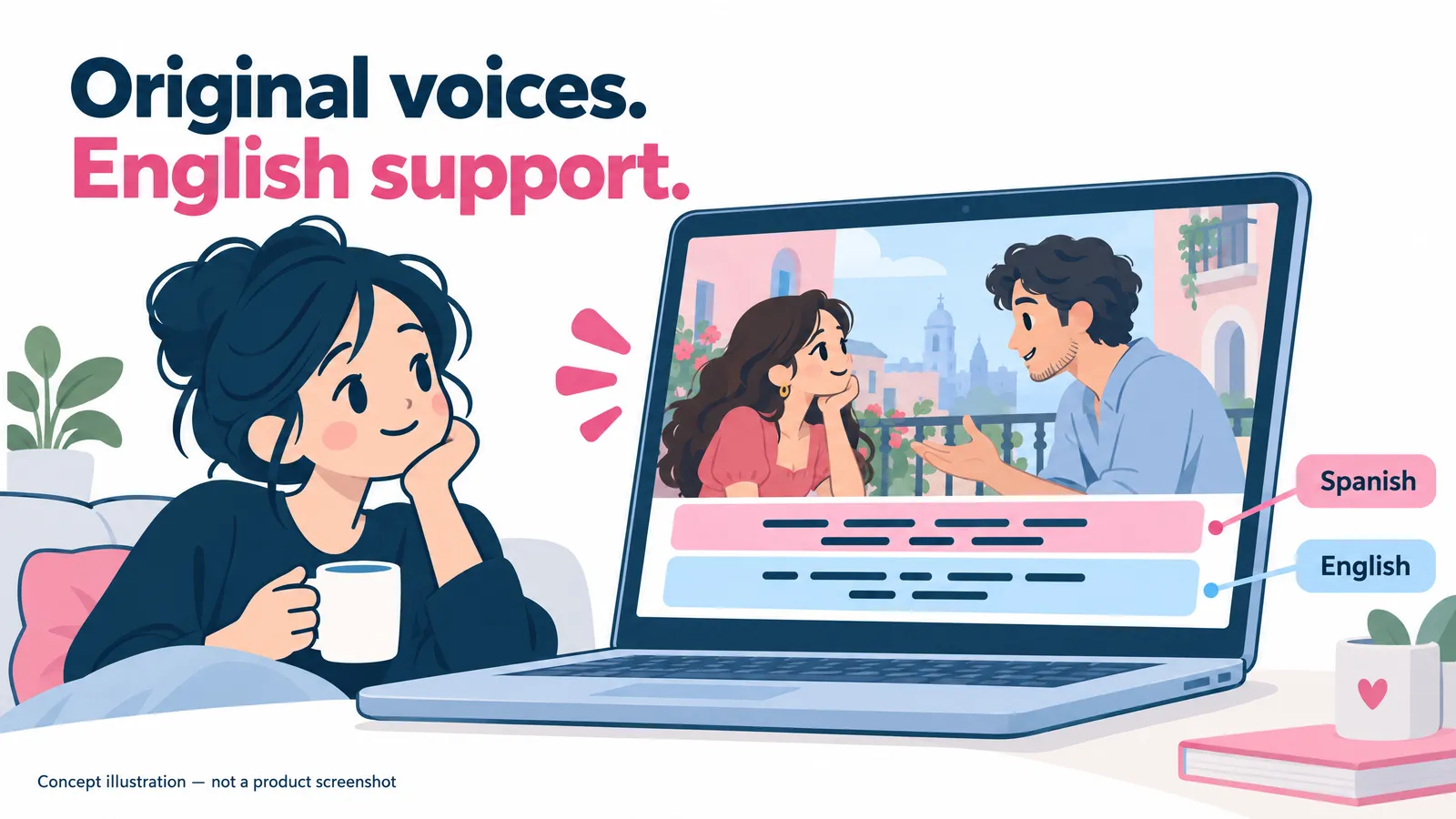
Enable bilingual subtitles. As on YouTube, turn on subtitle translation from the extension, and the Spanish dialogue appears with an English translation beneath it as the episode plays.
The differences from YouTube are mostly practical. Netflix requires an account, and its catalog shifts by region, so the Spanish selection you see depends on where your subscription is based; how each title's captions behave can also vary from show to show. Productions move between regional libraries over time, so check what's currently available in yours.
One more note: many Netflix originals ship official Spanish subtitles or dub tracks for global releases. The extension adds a bilingual layer on top of the original audio, so you keep the actors' actual voices—whether the show was made in Mexico City, Bogotá, or Madrid. Once a good translator for Spanish is running in your browser, the viewing experience is seamless: original dialogue, English support, and the freedom to switch engines mid-episode if a translation feels stiff.
How to Translate Spanish Videos That Have No Subtitles
Plenty of Spanish content has no captions at all—vlogs, livestream replays, regional news clips, family recordings. Immersive Translate also translates videos without original subtitles: it recognizes the spoken Spanish first, then displays bilingual captions in real time.
That covers the cases where subtitle-based tools have nothing to work with:
-
YouTube uploads where the creator never added captions
-
Live streams and their replays
-
Interviews and talks posted without subtitles
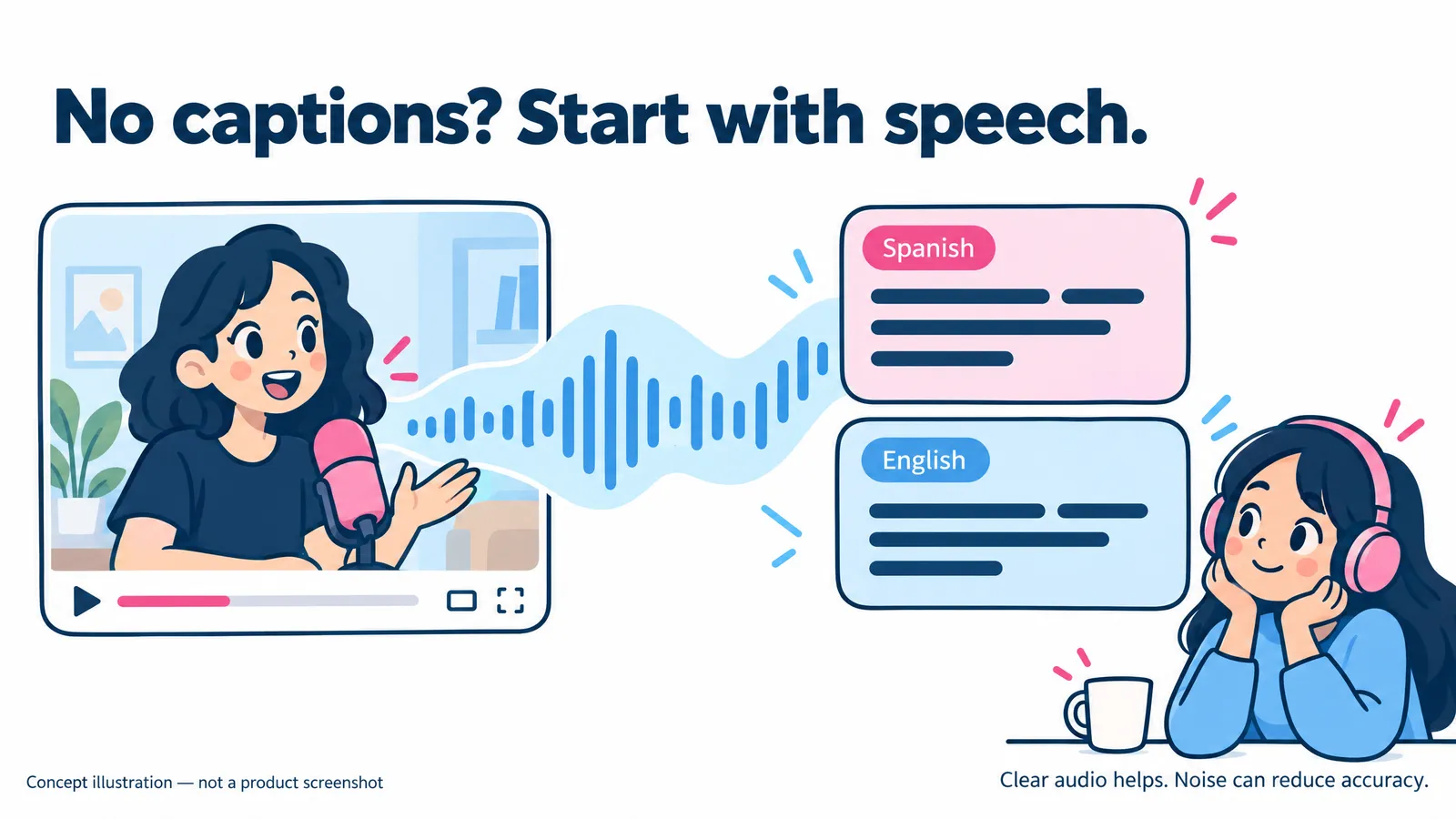
One honest caveat: when there are no captions to start from, accuracy depends on the audio itself. Clear speech with modest background noise translates well; heavy accents, loud music, or overlapping speakers produce rougher results. If you're hunting for the most accurate Spanish to English translation of an uncaptioned clip, set expectations accordingly—no tool nails every word of difficult audio, and the translation is only as good as the speech recognition underneath it.
For videos that do have subtitles, the process from the previous sections applies unchanged.
Good Spanish Translators Compared: Which One Works for Video?
Here are the top Spanish translator names of 2026, compared on the same dimensions. Each is genuinely good—in a different lane.
Google Translate is the default for a reason. It's ideal for real-time speech, offline use, and camera photo translations, which makes it the best pocket tool for travel. As a website, it's built around paste-and-translate boxes: excellent for quick text and phrases, simply not designed to sit inside a streaming player.
DeepL is widely considered the best online tool for natural-sounding sentences and context, especially for long or nuanced text. For essays, emails, and documents, it's often the first choice. Like Google Translate, it's a destination you take text to, not something that travels with the video you're watching.
SpanishDict is the specialist. With over 1 million words and phrases, precise vocabulary, conjugation tables, and real-world usage examples, it's the best Spanish translator for learning and definitions. It's a dictionary and reference tool at heart—looking up a word and following a video are two different rhythms of using Spanish.
Immersive Translate is the browser extension. It overlays real-time bilingual subtitles on YouTube, Netflix, Prime Video, and 100+ video platforms, translates videos that have no subtitles, and lets you switch among 20+ engines—including Google, DeepL, ChatGPT, and Gemini—inside one tool. Beyond video, it translates entire web pages and PDFs in a bilingual layout. It's free to start with a Pro tier for heavier use, trusted by more than 30 million users, and recognized in Chrome's 2024 Favorites collection.
| Tool | Form | Strength for Spanish | Primary focus | Cost |
|---|---|---|---|---|
| Google Translate | Website + mobile app | Real-time speech, offline packs, camera translation | Built for text, voice, and camera | Free |
| DeepL | Website + mobile app | Natural-sounding, context-aware long-form translation | Built for text and documents | Free tier + paid Pro |
| SpanishDict | Website + mobile app | Vocabulary, conjugation, real-world usage examples | Built for dictionary and learning | Free with premium features |
| Immersive Translate | Browser extension | Bilingual subtitles on 100+ platforms, 20+ switchable engines | Real-time bilingual subtitles, incl. videos without subtitles | Free to start; Pro available |
The verdict by scenario: for quick phrases, voice, and camera on the go, use Google Translate. For the best Spanish to English translation of important documents, DeepL. For looking up words and verb forms while you learn, SpanishDict. And for actually watching Spanish videos—with the original audio and a translation together—a browser extension like Immersive Translate is the form factor built for the job. If you want the best free online Spanish translator for either direction—English to Spanish or Spanish to English—the extension's free tier covers bilingual subtitles both ways.
Tips for Learning Spanish with Bilingual Subtitles
Bilingual subtitles are a learning system if you use them deliberately:
-
Read Spanish first. Glance at the original line before the translation. You'll be surprised how much you parse before English kicks in.
-
Compare engines on the same line. Play a line, switch from Google to DeepL to ChatGPT, and see how each renders it. Watching different engines handle the same slang is one of the fastest ways to develop a feel for nuance.
-
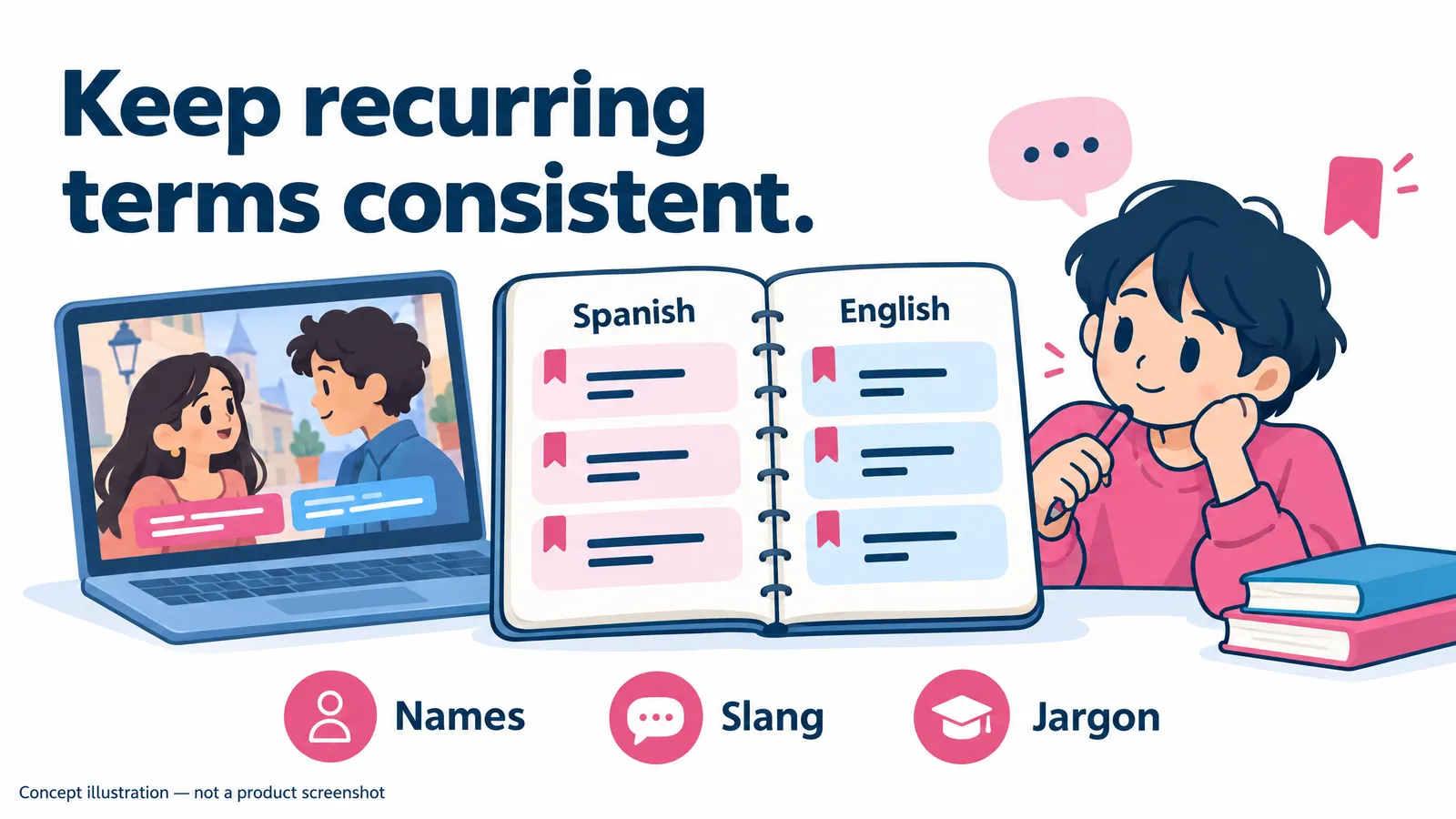
Build a terminology list. Immersive Translate's customizable AI terminology library works across web pages, PDFs, and video subtitles—lock in a show's slang, names, and jargon once, and every episode translates consistently.
-
Look words up in place. Select any word or phrase for an instant translation and pronunciation without leaving the page, or hover over a paragraph and press the shortcut key to reveal its translation.
-
Re-watch without training wheels. Turn the translation off for scenes you know well. Same audio, new confidence.
Beyond YouTube and Netflix: More Platforms with Dual Subtitles
The same extension covers far more than the two platforms above. As of July 2026, the official list includes 129 video platforms, grouped roughly like this:
-
Film and TV streaming: Prime Video, Disney+, Hulu, HBO Max, Paramount+, Starz
-
Learning and talks: TED, Coursera, Udemy, Khan Academy, edX, MasterClass
-
Spanish-language broadcasting: RTVE.es, Spain's national public broadcaster
-
News and documentaries: Bloomberg, Reuters, BBC, Al Jazeera
-
Short-form and community video: TikTok, Vimeo, Dailymotion
Platform support evolves—the official video translation page tracks the current list, and new sites are added over time. If a favorite Spanish channel lives somewhere unusual, it's worth checking before assuming it's unsupported.
Frequently Asked Questions
What is the best free Spanish translator app?
It depends on the job. For watching videos, a browser extension like Immersive Translate starts free and handles bilingual subtitles directly. For looking up words and verb forms, SpanishDict's free tools are hard to beat. For voice, camera, and offline translation while traveling, Google Translate is the strongest free mobile option. Free tiers change often, so verify current limits before deciding.
What's the most accurate free translator?
There's no single winner—accuracy varies with content type, register, and engine. Formal text, dialogue, and slang each expose different weaknesses. The practical test is to run the same passage through two or three engines and compare—tools that integrate multiple engines make this quick.
What is better than Google Translate for Spanish?
Nothing is universally "better"—it depends on the task. For natural-sounding long-form text, DeepL is widely considered the strongest option. For vocabulary and conjugation, SpanishDict. For bilingual subtitles while streaming, a browser extension. Google Translate itself remains excellent for real-time speech, camera translation, and offline use.
Is Chatgpt a good translator?
As an engine, yes—ChatGPT handles context and natural phrasing well in Spanish, which is why it's one of the selectable engines inside Immersive Translate. But on its own, it's a chat model, not a subtitle tool: it doesn't overlay captions on a video or preserve document layouts. Using it as an engine inside a dedicated translator combines both strengths.
Does my phone have a built-in translator?
Most modern phones include some built-in translation through the system keyboard or voice assistant—enough for words and phrases on the go. For bilingual subtitles on streaming video, the desktop browser path described above is the more complete solution today. Immersive Translate also offers iOS and Android apps for mobile translation needs.