How to Translate a French PDF to English While Keeping the Layout
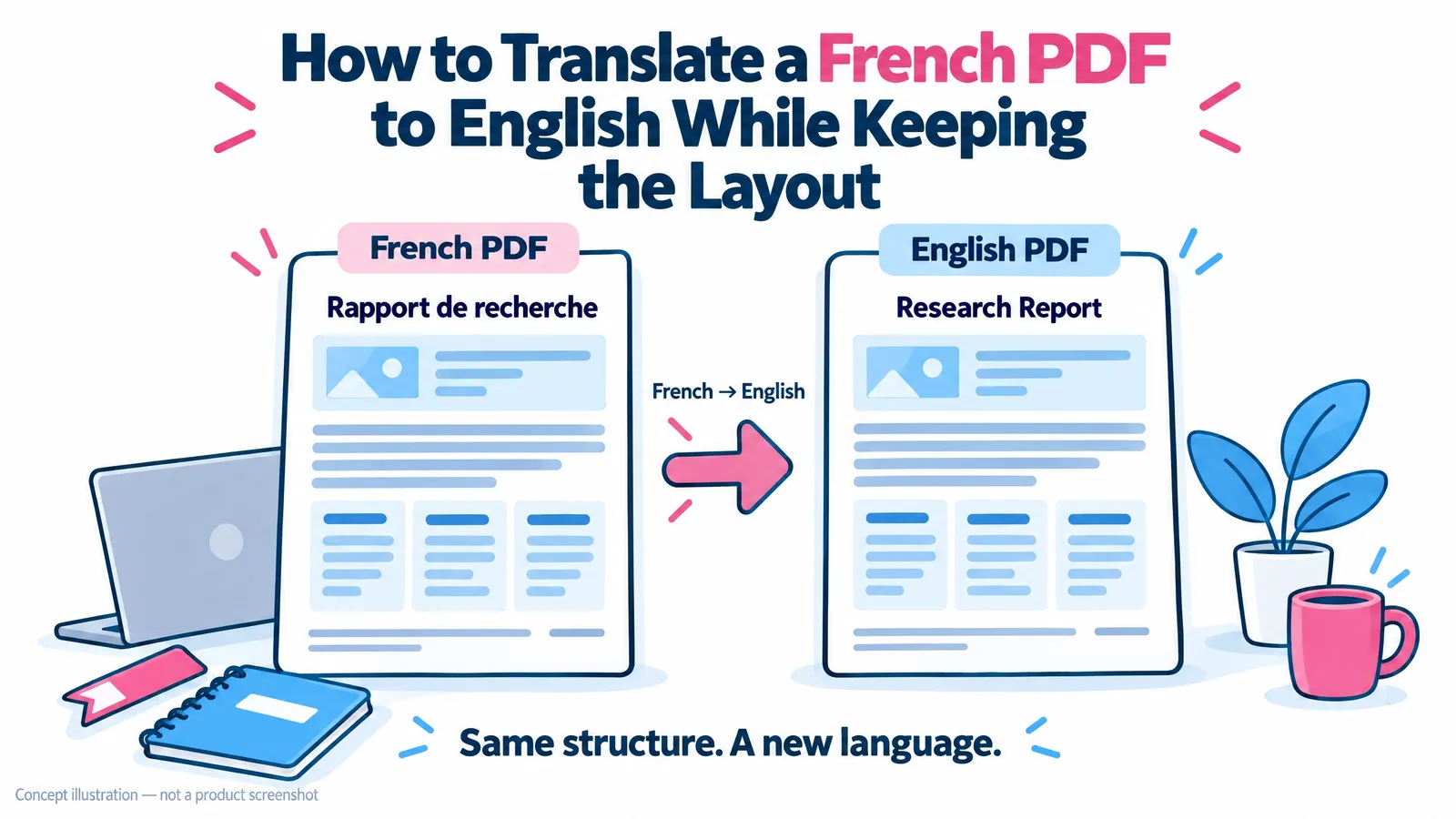
To translate a French PDF to English, upload the file to an online document translator, select French as the source language and English as the target, then download the translated PDF. The original layout is preserved, and you choose the output: a bilingual document with French and English side by side, or a clean English-only version. It is free to start, requires no installation, and supports scanned PDFs.
The tool behind it, Immersive Translate, is a bilingual AI translator used by more than 30 million people and named to Chrome's 2024 Favorites collection. The sections below cover each step and the options worth knowing before you upload.
Step-by-Step: How to Convert a French PDF to English Online
Here is the complete workflow to convert a French PDF to English online, from upload to download:
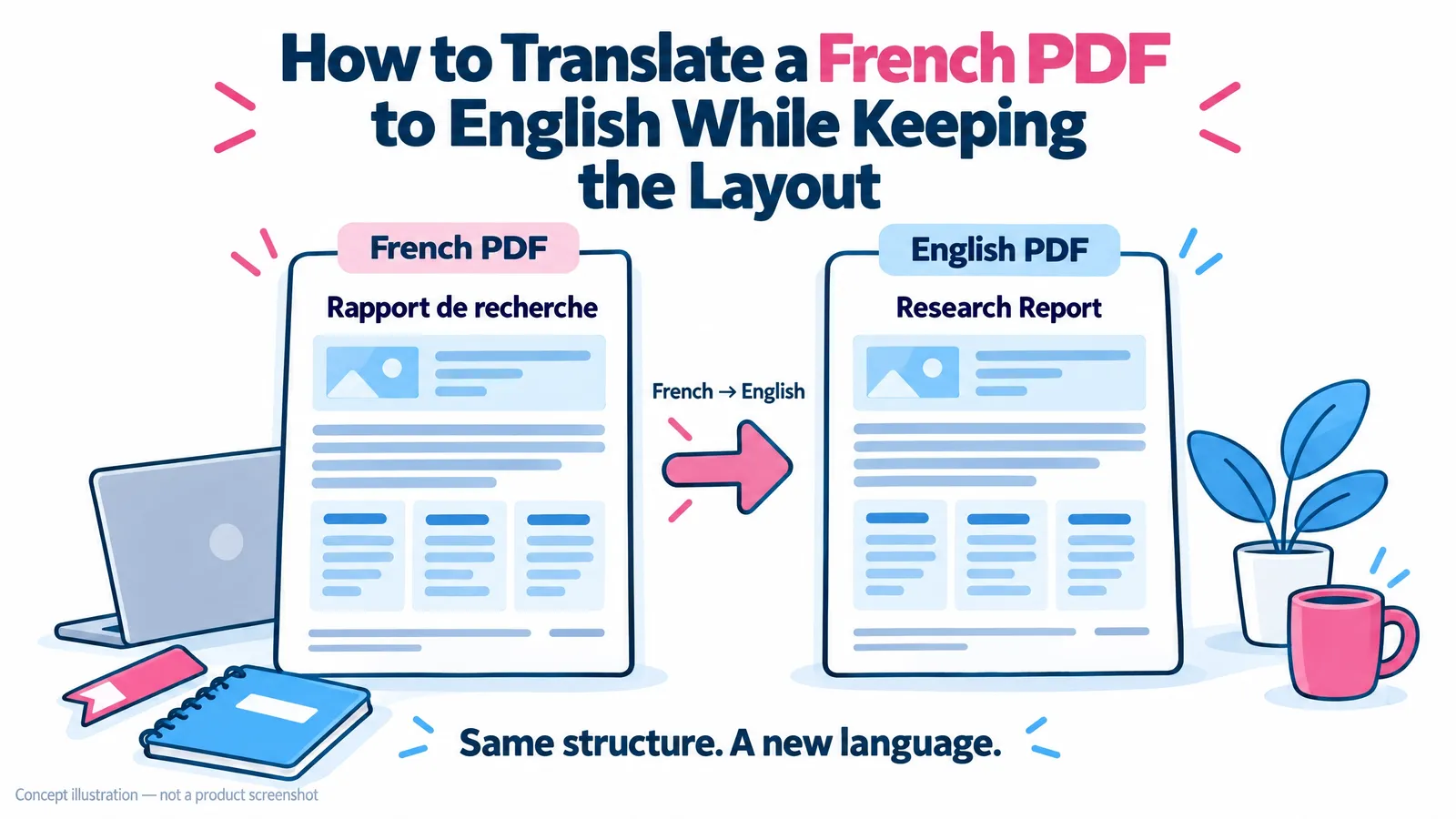
Step 1: Upload your French PDF
Open the online document translation page and upload your French PDF. The same entry point also accepts ePub, HTML, TXT, DOCX, Markdown, and subtitle files.
Step 2: Choose French → English and pick your AI translation engine
Set French as the source language and English as the target — this is the single setting that converts the language of your PDF from French to English. You can also choose which AI translation engine does the work; engine choice affects terminology and tone, and more than 100 language pairs are supported.
Step 3: Download your translated PDF — bilingual or English-only
Before the translation runs, you pick the output mode: a bilingual PDF with the French original and the English translation together, or an English-only document. When it finishes, download the file.
Bilingual or English-Only? Choose How You Read
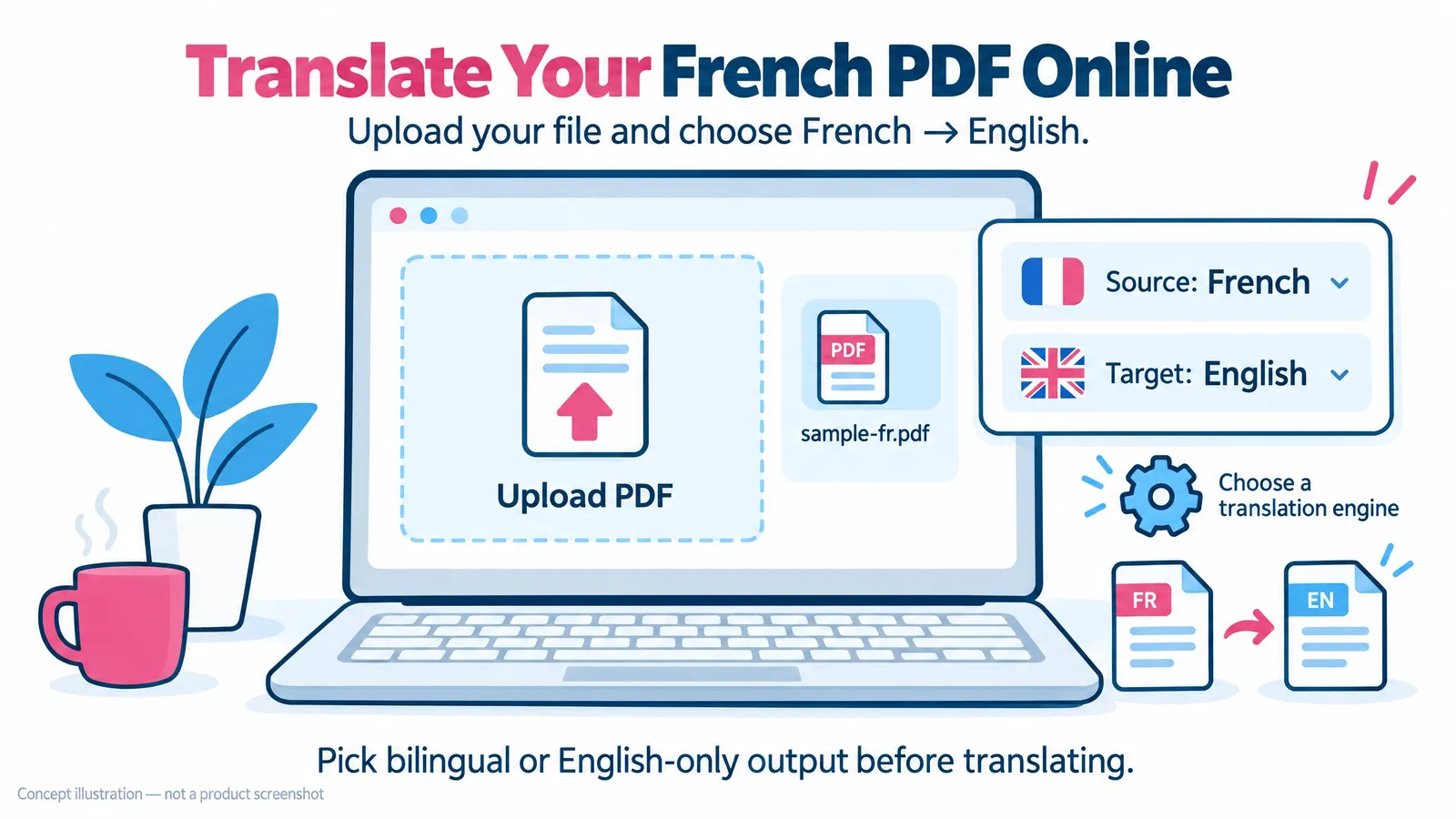
Most French-to-English PDF converter options online give you one output: English text replacing the French. Immersive Translate supports both modes:
| Mode | What you get | Best for |
|---|---|---|
| Bilingual | French original with the English translation alongside it | Checking citations against the source, comparing contract clauses, learning French |
| English-only | The translated document with no French text | Reading or delivering the English version directly |
Bilingual mode is the one to choose when accuracy matters. For an academic paper, every translated passage sits next to the original French, so quotes and terminology can be checked in context without juggling two files. For a contract, the French clause and its English rendering appear together, which makes review practical. If you only need the English version, choose English-only — the original formatting is preserved either way.
What "Keeping the Original Layout" Actually Means
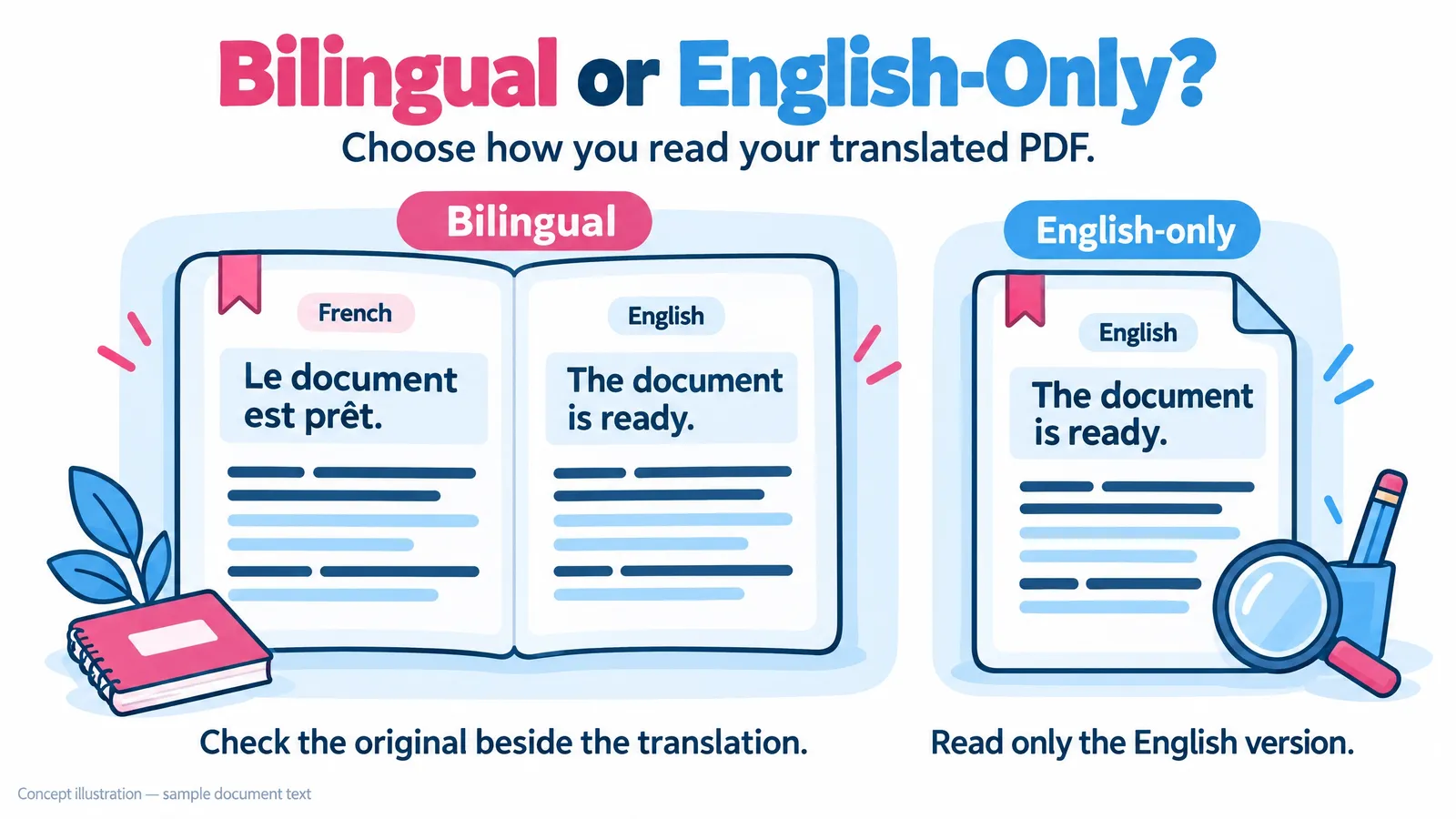
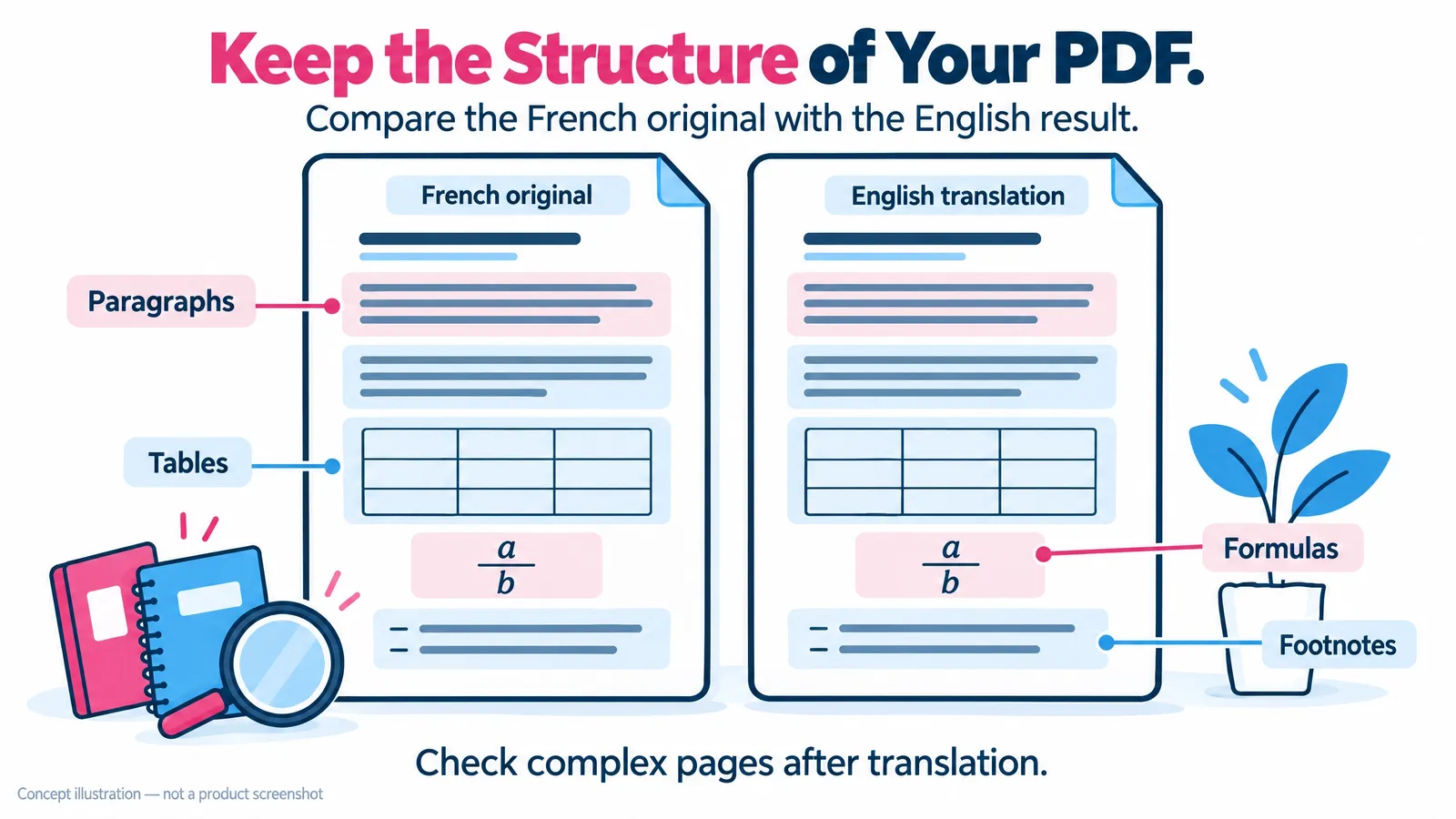
"Layout preserved" is easy to claim and hard to do. For a French document, it should mean: paragraphs stay in place, tables keep their rows and columns aligned, footnotes stay at the bottom of the correct page, formulas keep their fraction bars and radical signs, and multi-column pages stay multi-column.
That is what Immersive Translate's PDF translation is built to deliver — it is described as ideal for academic papers and contracts, the two formats where broken layout hurts most. For dense, formatting-heavy documents there is also BabelDOC, a layout-preserving mode that aligns the translation with the source at the pixel level: embedded charts, footnotes, and formulas are extracted without loss, horizontal text inside tables and vector graphics is translated, formula and table lines stay intact, and term extraction can keep terminology consistent across the whole document. BabelDOC is open source and has ranked as high as third on GitHub's site-wide trending list.
Got a Scanned French PDF? Here's How OCR Translation Works
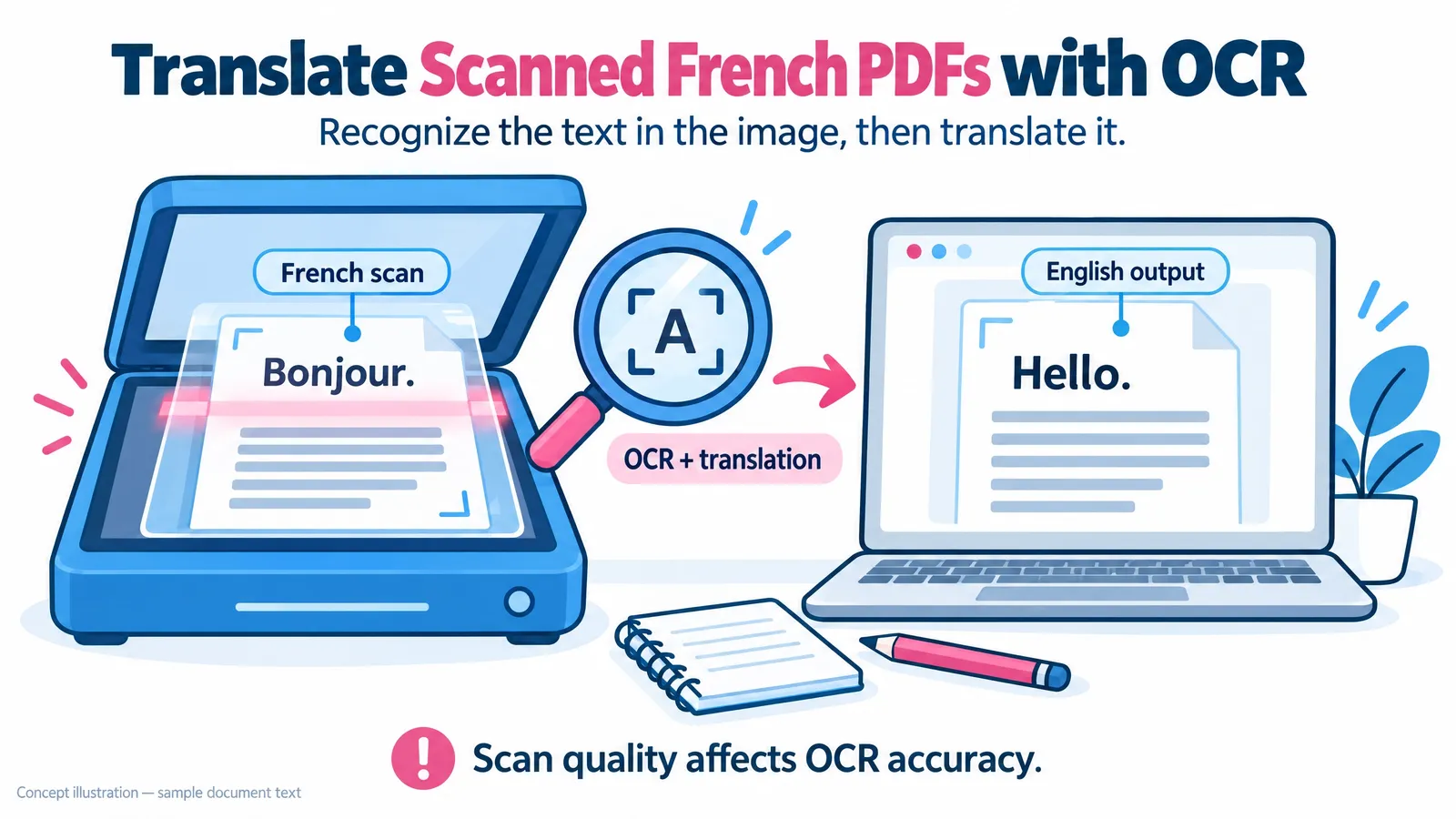
Not every PDF contains real text. If your French document is a scan — a signed contract, an archived article, a photographed page — the words are just an image, and tools that only read the text layer will return nothing.
Quick self-check: open the PDF and try to select a sentence. If nothing highlights, it is a scanned file. Immersive Translate provides OCR translation for scanned PDFs: the text is recognized in the image first, then translated with the layout kept.
One honest caveat: OCR quality depends on scan quality. A clean, high-resolution scan translates well; a blurry photo or a faint photocopy will produce errors.
Which AI Translation Engine Should You Use for French?
Most PDF translators pick the engine for you. Immersive Translate integrates more than 20 leading translation engines — including ChatGPT, DeepL, DeepSeek, and Gemini — and lets you choose which one translates your document.
There is no single "right" engine for French; consider your document type and test. For specialized or technical French, context-aware translation with customizable AI terminology helps keep domain terms consistent across the whole PDF, and you can switch engines between runs to compare results on your own file. Note that the BabelDOC mode does not yet support every newest engine (DeepL's next-generation LLM, for example), so available engines differ slightly by mode.
Is It Free to Translate a French PDF to English?
Yes, it is free to start. Immersive Translate describes itself as a free, bilingual AI translation tool, and translating documents through the online entry point requires no payment or installation. The free tier covers getting your French PDF translated.
Heavier use and advanced translation models fall under the paid Pro plans — where exactly the free tier ends depends on the current model and quota policy, so check the pricing page for up-to-date details before a large job.
Your Documents Stay Private
Uploading a contract or an unpublished report to a web tool is a trust decision. Immersive Translate's public commitments:
-
Content privacy — only what is needed for translation is processed, with clear retention and deletion rules.
-
Not used for AI training — the applicable official translation services do not use your content to train models.
-
Encrypted requests — requests travel over encrypted channels to protect content in transit.
For sensitive French documents, the second point matters most: your file does not become training data. Full details are on the security and privacy page.
Who Uses a French-to-English PDF Translator?
Students and researchers translate French papers, journal articles, and course materials — often whole bibliographies of French-language literature. For them, bilingual output and preserved formulas matter most, because a mistranslated term in a citation is worse than no translation at all.
Businesses and professionals handle French contracts, reports, and correspondence, where layout fidelity and privacy commitments decide whether a tool is usable. Machine translation is not certified translation. For official or legal purposes that require certification, treat the machine output as a working draft and have a certified translator sign off.
French to English PDF Translation FAQs
What is the best translator for translating French to English?
There is no single best — it depends on the document. Compare tools on layout preservation, bilingual output, scanned-PDF support, engine choice, and privacy commitments. Immersive Translate supports all five, but testing your own document is the only reliable way to decide.
Is there a free PDF language translator?
Yes. Immersive Translate is free to start and translates PDFs; free-tier limits for advanced models and heavier use are on the pricing page.
Can I Translate a Word document from French to English?
Yes. The same online document translator accepts DOCX files, along with PDF, ePub, HTML, TXT, Markdown, and subtitle files, so a French Word document goes through the identical upload-and-translate flow.
How to get a document translated from French to English?
Upload it to the online document translator, choose French → English, and download the translated file. The three-step guide above covers the details.
Can I translate a scanned French PDF to English?
Yes. OCR translation recognizes the text in scanned pages and translates it with the layout kept. Results depend on the quality of the original scan.
Does a French PDF document translated to English keep its original layout?
Yes. Preserving the original layout is a core capability of the PDF translation. For complex documents, the BabelDOC mode adds pixel-level alignment, intact formula and table lines, and document-wide terminology consistency.
Is it safe to upload my document?
Immersive Translate processes only what translation requires, does not use your content to train AI models (applicable official services), and encrypts requests in transit. Details are on the security and privacy page.
Do I need to install any software in order to translate a document in French to English?
No. The online document translator runs in your browser. The browser extension is an optional enhancement for translating web pages as you read — not a requirement for translating PDFs.
Ready to translate your French PDF? Open the online document translator, upload your file, and download the English version — bilingual or English-only, layout intact. And if you read French web pages regularly, the Immersive Translate browser extension for Chrome, Edge, Firefox, and Safari translates them in place.