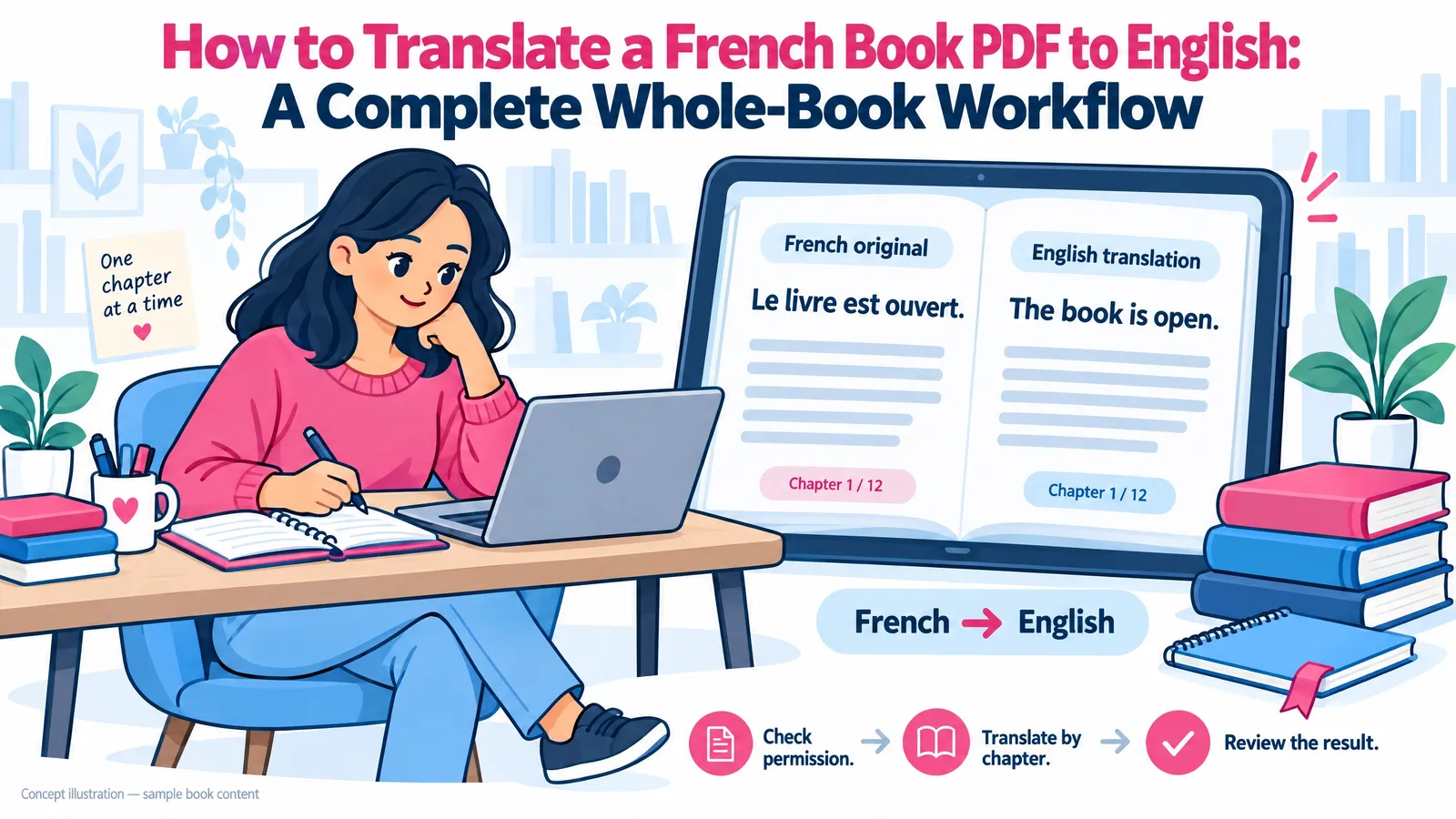
How to Translate a French Book PDF to English: A Complete Whole-Book Workflow
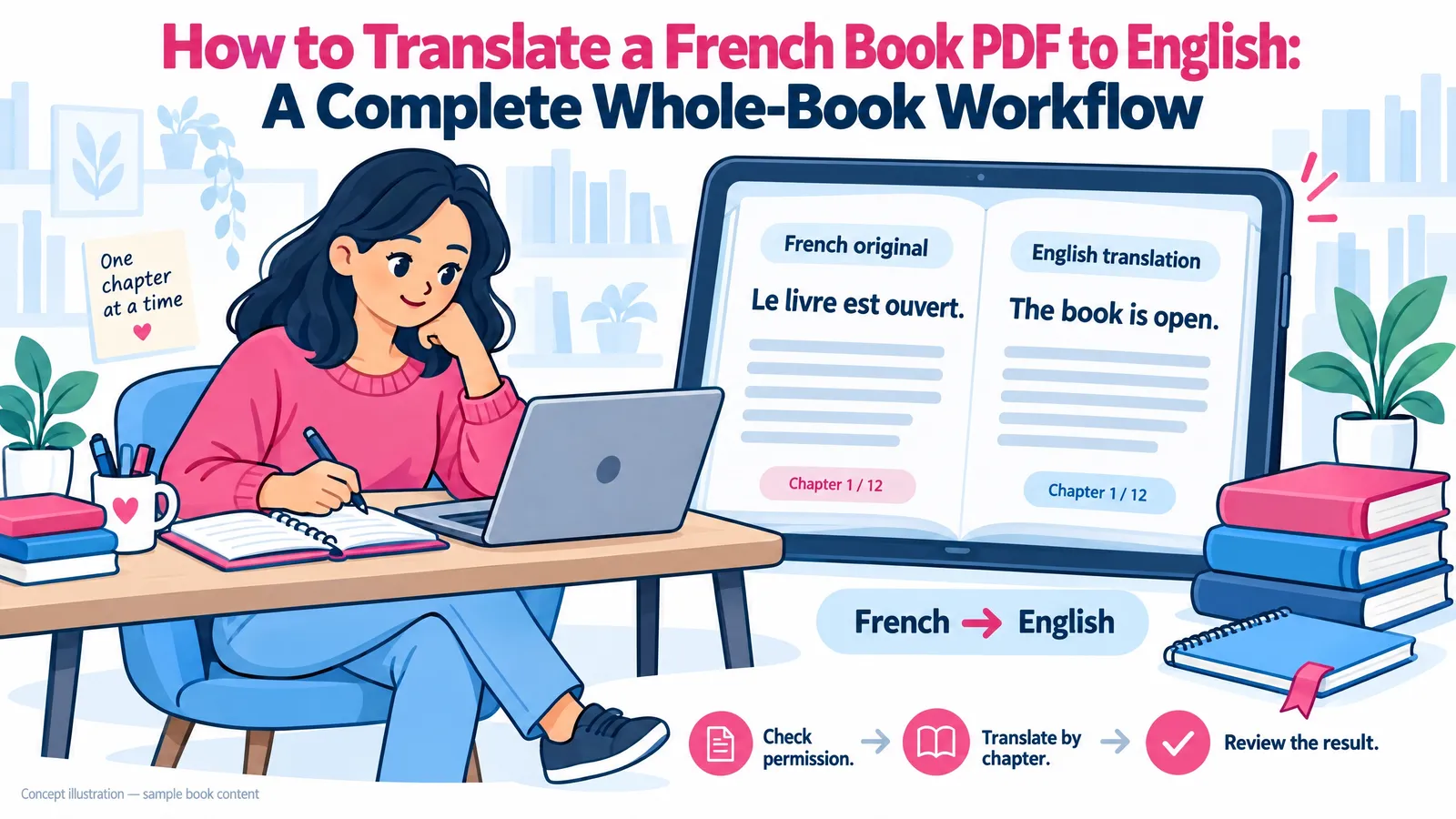
Yes — you can translate an entire French book PDF into English with a document translation tool, and the process is more manageable than it sounds. The key is treating it as a whole-book project rather than one giant file: check that you may translate the book, decide whether you want English only or a bilingual edition, translate chapter by chapter, then spot-check the result. This guide covers each stage, including scanned books, what ChatGPT can and can't do with a full book, and how to review the finished translation.
What to Check Before You Translate a French Book
Two quick checks save hours later: whether you may translate the book, and whether your file is machine-translatable in the first place.
On copyright: only translate (or download) a full book if it is in the public domain, openly licensed, or legally owned by you. A French novel whose author died generations ago may well be public domain; a current bestseller you bought as an ebook is legally yours to read but not free to copy or share. Copyright rules differ between countries and have exceptions that are easy to miss, so if you're unsure, check an authoritative source before translating a full book — this article isn't legal advice.
On the file itself, run this quick check:
-
Try selecting a sentence with your mouse. If the text highlights, your PDF is text-based and ready for direct translation.
-
If nothing selects, the pages are scanned images — the text needs OCR before translation (covered below).
-
Note the total page count and file size. Long books translate more reliably in chapter-sized pieces, which is exactly how the workflow below is built.
English-Only or Bilingual? Choose Your Output Format
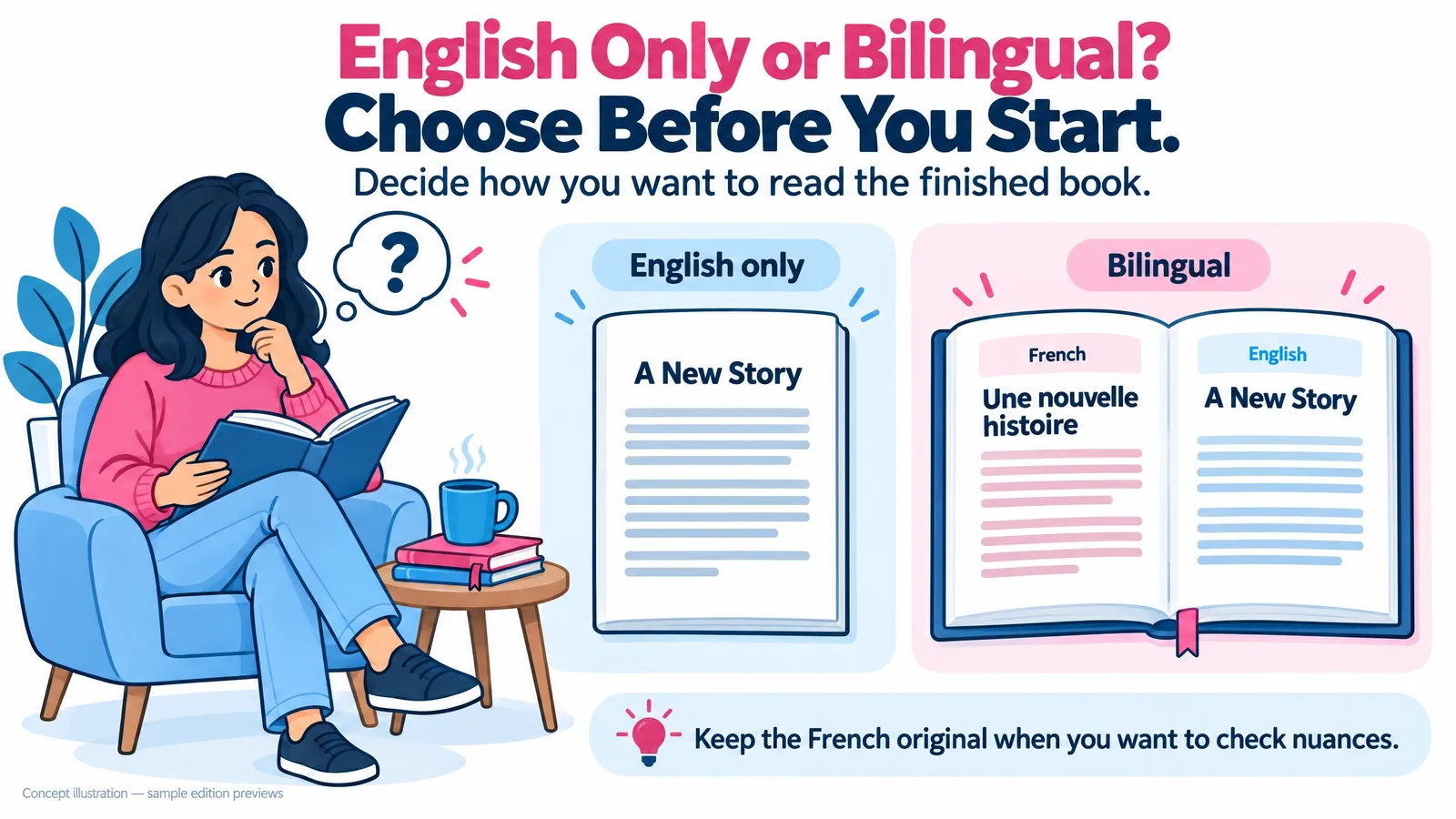
Before you translate anything, decide what the finished book should look like. This one decision shapes the whole workflow, and it's the step most guides skip.
| English-only translation | Bilingual edition (French + English) | |
|---|---|---|
| Best for | Reading straight through for story or content | Language learning, close reading, checking nuances |
| What you see | English text only | Original French with English alongside |
| Typical formats | Translated PDF | Bilingual PDF or ePub ebook |
| Trade-off | Lighter, faster to produce | Larger output, but keeps the original as reference |
An English-only translation suits readers who simply want the plot or the information. A bilingual edition is the better choice for French learners and anyone who expects to verify tricky passages — you read the English and glance at the original whenever something feels off, without hunting for the source file.
If you use Immersive Translate, you can produce either form: its PDF translation supports both bilingual and translation-only outputs while preserving the original formatting, and it also translates ePub ebooks, which is handy if you want a bilingual edition on an e-reader. Whichever tool you use, settle the output format before you start so you don't end up re-translating a 300-page book twice.
How to Translate a French Book PDF to English, Step by Step
Step 1. Check whether your PDF is text-based or scanned
Open the book and try to select or copy a paragraph. Selectable, copyable text means the PDF carries real text that translation engines can read directly. If the cursor grabs nothing — or selects the entire page as one image — the book was scanned, and the text has to be recognized with OCR before it can be translated. This one-minute test determines which tools and settings you'll use in the rest of the workflow, so do it first.
Step 2. Split the book into chapters
Resist the urge to translate the whole book in one pass. Translating chapter by chapter tends to give cleaner results and avoids the file-size limits that many document translation tools apply to a single upload. For a heavily formatted book, it also contains any layout problems to one section instead of corrupting the entire output.
How to split:
-
If the PDF has bookmarks or a clickable table of contents, split by chapter in any PDF editor.
-
No bookmarks? Split by page ranges using the printed table of contents.
-
For very long chapters, split again around every 50–100 pages — long, complex sections are where automated translation is most likely to drop layout elements or images.
Step 3. Choose a translation engine
For French-to-English, engines differ in ways that matter for books: how they handle literary style and dialogue, how consistently they render recurring names and terminology, and whether you can supply custom terms for a specific book. There is no single "best engine for French" — the practical approach is to translate one chapter with two or three engines and compare the results.
Tools that let you switch engines make that comparison painless. Immersive Translate, for example, integrates more than 20 translation engines — including ChatGPT, DeepL, DeepSeek, and Gemini — so you can run the same chapter through different engines and keep the one that reads best. Its context-aware AI terminology support also helps keep recurring terms and names consistent.
Step 4. Translate, review, and export
Now run the translation:
-
Upload the first chapter (or open it in the app).
-
Set French as the source language and English as the target. Auto-detect usually works, but explicit settings avoid surprises.
-
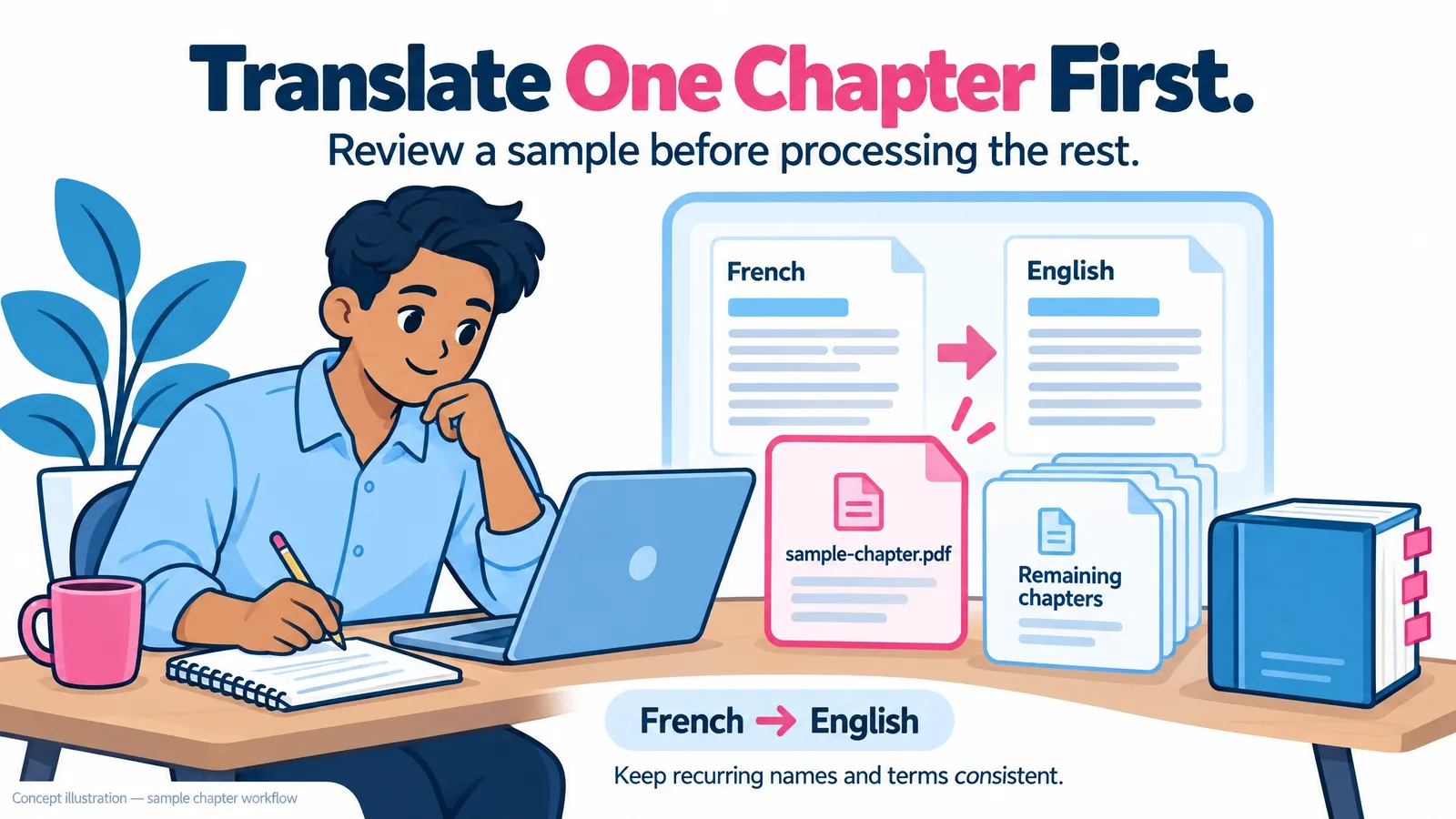
Let the translation finish, then read a couple of representative pages before processing the rest of the book.
-
Export in the format you chose earlier: bilingual PDF, English-only PDF, or ePub.
If the sample pages read well, repeat for the remaining chapters. Immersive Translate's PDF translator handles PDF and ePub documents with the original layout preserved — you can start directly from its document translation page.
How to Translate a Scanned French Book (OCR)
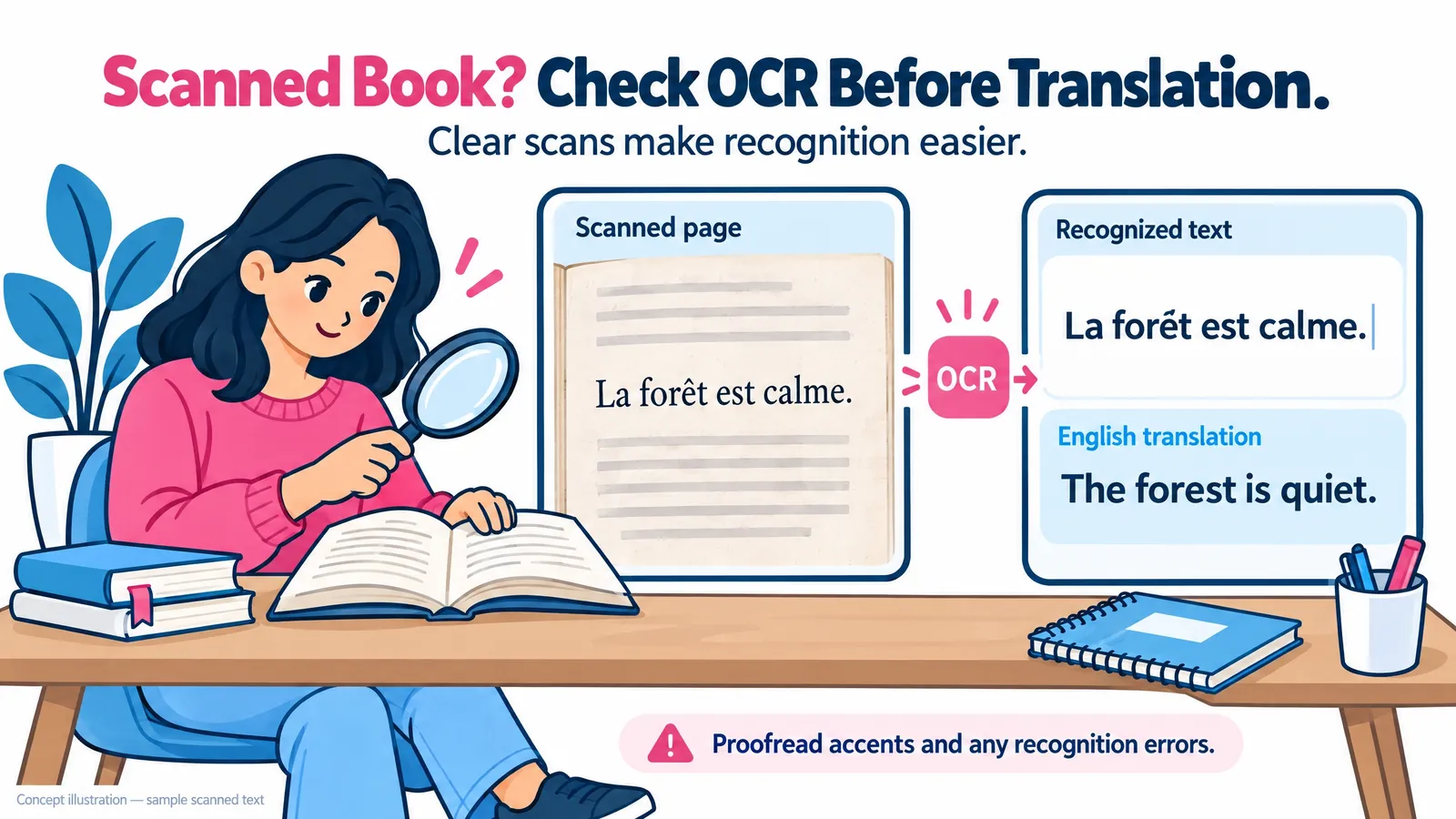
Older French books often arrive as scans: photographs of pages rather than real text. Translation then takes one extra step — optical character recognition (OCR) converts the page images into text that a translation engine can read.
A realistic workflow for a scanned book: check the scan quality first (blurry, skewed, or low-contrast pages cause recognition errors), translate with a tool that includes OCR, then proofread more aggressively than you would for a text-based PDF — OCR mistakes compound with translation mistakes, especially around French accents, ligatures like œ and æ, and older typefaces. Expect complex layouts to shift more than simple ones, and treat the output as a good reading draft rather than a typeset edition. Immersive Translate provides OCR translation for scanned PDFs, which keeps the recognize-and-translate step in one place.
Can ChatGPT Translate an Entire French Book?
ChatGPT translates French well at the paragraph level, and it's genuinely useful for interrogating a difficult sentence. For an entire book, the honest answer is: only piece by piece, and with friction. If you've ever pasted long passages into a chatbot, you know the pattern — you hit length limits, split the text by hand, and the conversation's consistency drifts as the book goes on. Uploaded files have their own size limits, which OpenAI updates over time, so check its official help pages for current numbers; either way, what you get back is translated text, not a formatted book.
A more practical division of labor:
-
Short passages, tricky sentences, and style questions → a general AI chatbot is excellent.
-
A whole book with layout intact and a bilingual option → a document translation workflow built for long files.
Immersive Translate takes the middle path here: ChatGPT is one of the 20+ engines you can select, but it runs inside a document pipeline designed for entire PDFs rather than a chat window.
French-to-English PDF Translation Methods Compared
| Method | Best for | Bilingual output | Layout | Scanned PDFs | Cost |
|---|---|---|---|---|---|
| Google Translate (documents feature) | Quick translation of short documents | Check Google's official page for side-by-side options | Complex layouts can break | Scanned-PDF support: check Google's official page | Free — verify current limits on Google's page |
| ChatGPT | Paragraphs and questions about nuance | No | Translated text, not a formatted book | Limited | Check OpenAI's current limits |
| DeepL | High-quality French–English translation | Check DeepL's plans for side-by-side options | Document translation with limits | Scanned-PDF support: check DeepL's official page | Check DeepL's plans |
| Immersive Translate | Whole-book workflow | Bilingual or English-only | Preserves original formatting | OCR for scanned PDFs | Free to start, Pro available |
Third-party limits and features change over time, so verify current details on each tool's official page before committing a full book. A quick decision guide:
-
Want the fastest gist of a short document? Google Translate's documents feature.
-
Want to argue with a translation or ask about a passage? ChatGPT.
-
Want the whole book, in English or bilingual, with layout intact? A dedicated PDF translation tool such as Immersive Translate.
For a side-by-side look at more translation tools, see Immersive Translate's tool comparisons.
How to Check Your French-to-English Translation Quality
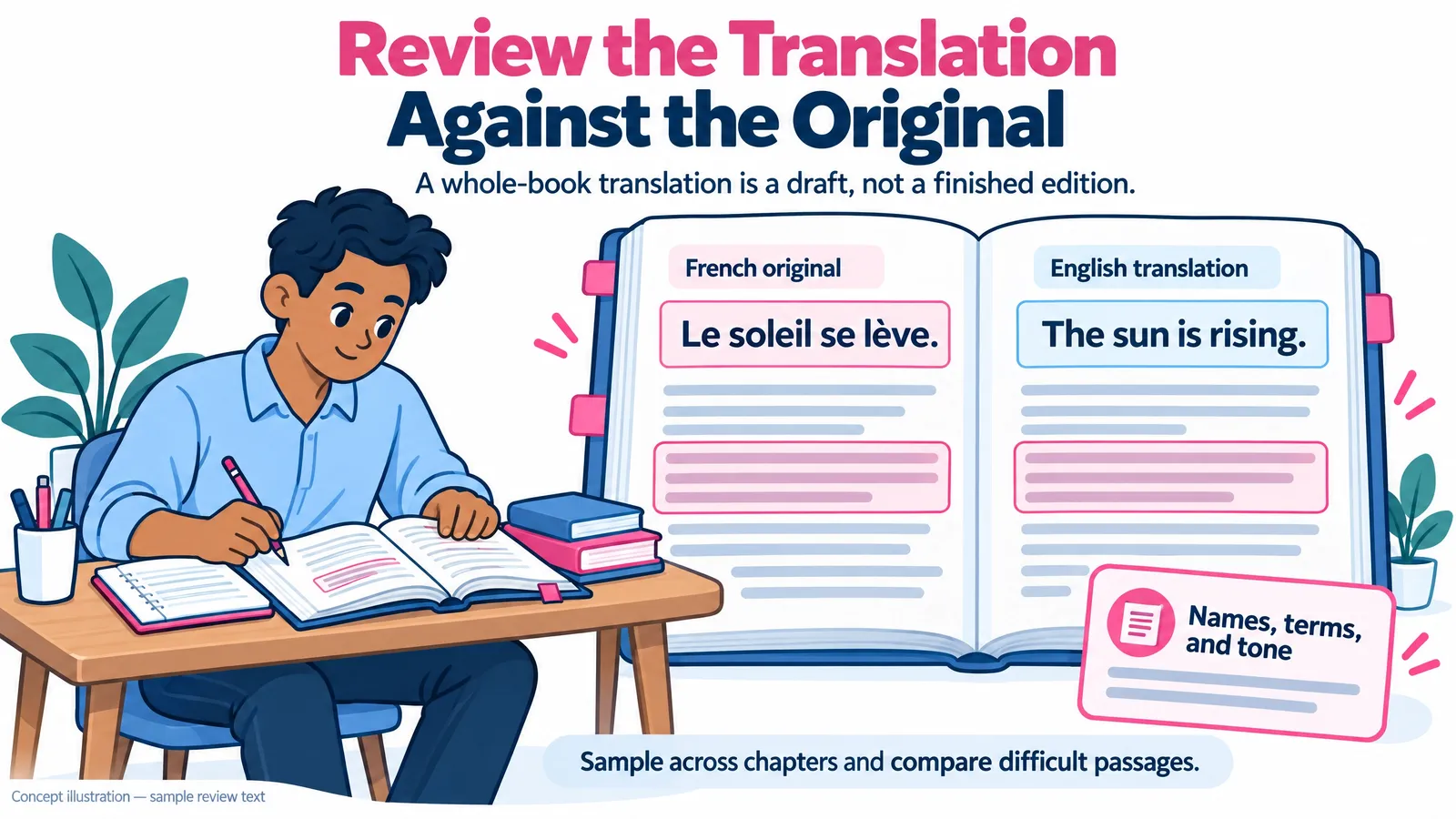
Machine translation of a whole book is a first draft, not a finished edition. Before you spend a weekend reading it, sample the translation the way an editor would:
-
Sample strategically: the first chapter (where style is set), a terminology-heavy chapter, a dialogue-heavy section, and the final chapter — consistency problems in long documents tend to surface late.
-
Check recurring names, place names, and technical terms. The most common whole-book failure is inconsistency: the same character rendered two different ways.
-
Watch classic French-to-English traps: formal and informal "you" (vous/tu) flattened into one register, idioms translated literally, and titles or cultural terms handled inconsistently.
-
If your output is bilingual, compare paragraph by paragraph. With the original sitting next to the translation, this is the fastest reliable check you can do.
That last point is a quiet argument for choosing a bilingual output even if you plan to read mostly in English — the original doubles as a built-in quality reference.
Looking for Free French-to-English Translation PDFs?
If you're searching for a free French-to-English translation PDF, it helps to know that this phrase covers two different goals. Some people want to create a translation of a book they hold; others want to find a ready-made translated book or practice material to download.
If you're looking for existing translations: focus on books in the public domain or openly licensed editions. Public-domain French literature is widely available through legitimate free libraries and academic projects online — verify the site and the license before downloading anything.
If you already own the book in French, you don't need to hunt for a translation at all: the workflow in this guide can produce one from your own copy for personal reading. Either way, the copyright check from the first section applies to downloads as well — only take full books that are public domain, openly licensed, or legally yours.
FAQ
How can I translate a French PDF to English?
Check that the book is one you may translate, confirm the PDF is text-based rather than a scan, split it into chapters, choose a translation engine, and translate chapter by chapter, reviewing a sample before running the rest. The full workflow is laid out above.
Can ChatGPT translate an entire PDF?
It can translate parts of a PDF well — pasted passages or short uploads — but a whole book means repeated uploads, manual splitting, plain-text output, and limits that change over time (check OpenAI's official help pages for current numbers). For entire books, a document translation workflow is the more reliable route.
How to translate into English book PDF download?
There are two paths behind this question. To create the translation yourself, use the whole-book workflow in this guide. To find a ready-made translated PDF, look for public-domain or openly licensed editions from legitimate sources — and apply the same copyright rules before downloading.
How to translate written French to English?
For everyday text, paste it into any web translator or AI chatbot. For reading French content in context — webpages or documents — a bilingual translation tool that shows the translation alongside the original is easier than bouncing between tabs.
Can I translate a scanned PDF?
Yes — via OCR. The text in a scanned PDF is an image, so it must be recognized before translation; Immersive Translate handles that recognize-and-translate step in one pass. Proofread the results, since accuracy depends on scan quality.
Will the PDF layout stay exactly the same?
Not pixel-identical — think faithful rather than exact. In Immersive Translate the original formatting is kept through translation, but heavily designed pages — complex tables, images, elaborate layouts — can still shift, one more reason to translate long books chapter by chapter.
Is my PDF stored after translation?
Policies differ by tool, so check the one you use. Immersive Translate states that it processes only what is needed for translation, explains its retention and deletion rules, sends requests over encrypted channels, and does not use your content to train models (for applicable official translation services). Details are on its security page.
A whole French book in English is now mostly a matter of setup rather than effort: clear the copyright question, choose your output format, translate chapter by chapter, and spot-check the result. When you're ready to begin, Immersive Translate's PDF translator is a good place to start — and the Immersive Translate blog has more guides on translating documents, ebooks, and the web.