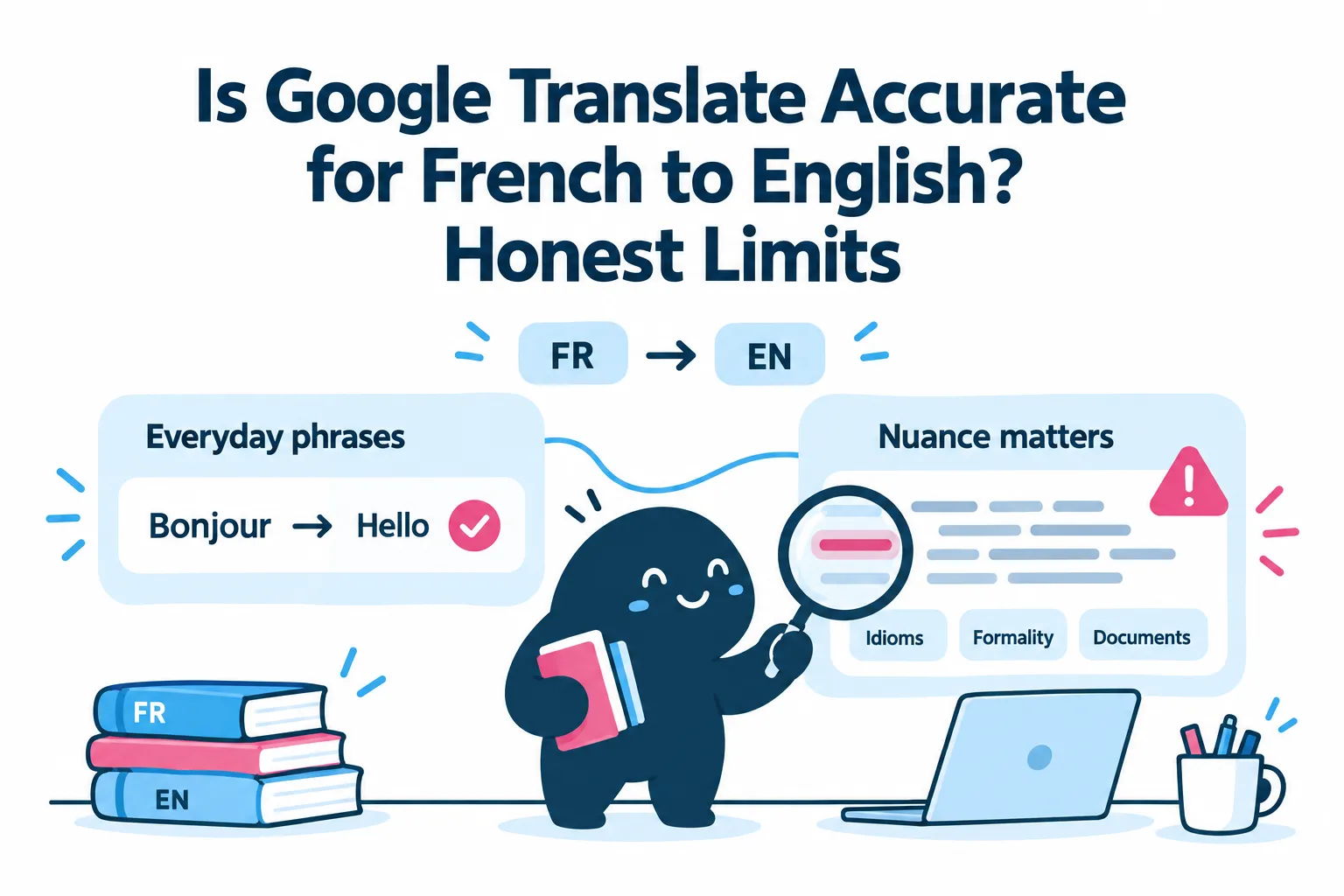
Is Google Translate Accurate for French to English? The Short Answer
No — Google Translate is not 100% correct for French to English, and no machine translation system is. But that answer alone undersells how useful it can be. For everyday French-to-English work, Google Translate is generally dependable for short sentences, common words and phrases, and any situation where you only need the gist. It gets risky exactly where nuance starts to matter: idioms, formality, long and complex sentences, and formatted documents where layout and completeness count.
The practical dividing line: the shorter and more ordinary your French text, the more you can trust the English output. The longer, more formal, or more idiomatic it gets, the more you should cross-check the result — or reach for a tool built for that specific kind of content. The rest of this page shows where the limits show up, how to verify a translation in under a minute, and what tends to work better for each type of French content.
Where Google Translate Works Well for French to English
Honest limits deserve an honest starting point: for a mature, heavily used language pair like French–English, Google Translate handles a large share of everyday translation well. Google describes the tool as one that "instantly translates words, phrases, and web pages between English and over 100 other languages," and French to English is one of its most-traveled routes.
Where it tends to do well:
-
Single words and common phrases. Quick lookups — how to translate French words like fromage, en retard, or rendez-vous — are exactly the short, high-frequency queries machine translation handles best, which makes the tool a reasonable first stop for word-level gisting.
-
Short, simple sentences. "Le magasin ferme à 20 heures." "Je prends le train de neuf heures." Plain subject-verb-object sentences with common vocabulary rarely go wrong between French and English.
-
Getting the gist. Skimming a French headline, product page, or social post to understand roughly what it says is low-stakes; small errors rarely change the overall picture.
-
Everyday, non-critical use. Menus, street signs, casual chat — contexts where a mistake costs you nothing but a second glance.
The common thread: when a single mistake wouldn't change a decision or embarrass you, Google Translate is usually good enough — and it's fast and free.
Where Google Translate Falls Short for French to English
The failure modes are predictable once you know what to look for. These are the four that matter most for French specifically — each with a real example of where meaning slips.
Idioms, Slang, and Cultural Nuance
French is rich in expressions whose literal words have nothing to do with what they mean. Tomber dans les pommes — literally, "to fall into the apples" — actually means "to faint." A translation that renders the words instead of the meaning produces English that is grammatical and entirely beside the point. The same risk applies to slang and cultural references: machine translation learns from patterns in training data, so rare expressions, regional slang, and jokes are precisely where quality drops. As a qualitative observation, translating the words rather than the meaning in low-context idioms is a general limitation of machine translation — not a flaw unique to any one engine.
Watch out for false friends too: actuellement means "currently," not "actually"; éventuellement means "possibly," not "eventually." In a full sentence, a good engine usually disambiguates them from context; in a short, context-free phrase, the wrong reading can slip through.
Formality and Register (tu vs. vous)
French encodes formality in its grammar: tu is the informal "you," vous the formal or plural one. English collapses both into "you" — so when you translate to English from French, the formality signal simply vanishes. Tu peux venir and Vous pouvez venir both come out as "You can come," with nothing to show whether the original was warm or respectful.
That loss is invisible in casual reading and consequential in professional French. Emails, cover letters, contracts, and customer communication all lean on the tu/vous distinction and the vocabulary that travels with it. A machine translation won't flag whether the original tone was appropriate — and if you translate into French with such a tool, choosing the wrong register is a classic mistake. Accuracy isn't only about words: a translation can be word-perfect and still wrong for its context.
Long Sentences, Context, and Ambiguity
French prose — journalism, literature, formal reports — favors long sentences with chained clauses (que… qui… dont…), postposed modifiers, and pronouns that reach back across sentences. The more structure a sentence carries, the more chances a translation engine has to attach a clause to the wrong anchor or pick the wrong antecedent. The pronoun on is a classic trap: depending on context, it can mean "we," "people in general," or "someone."
Cutting a long French text into isolated sentences makes this worse, because each fragment loses exactly the context that would resolve the ambiguity. Practical takeaway: the longer and more complex the French, the more you should treat any single engine's English output as a draft that needs a second opinion.
Documents, Layouts, and Formatting
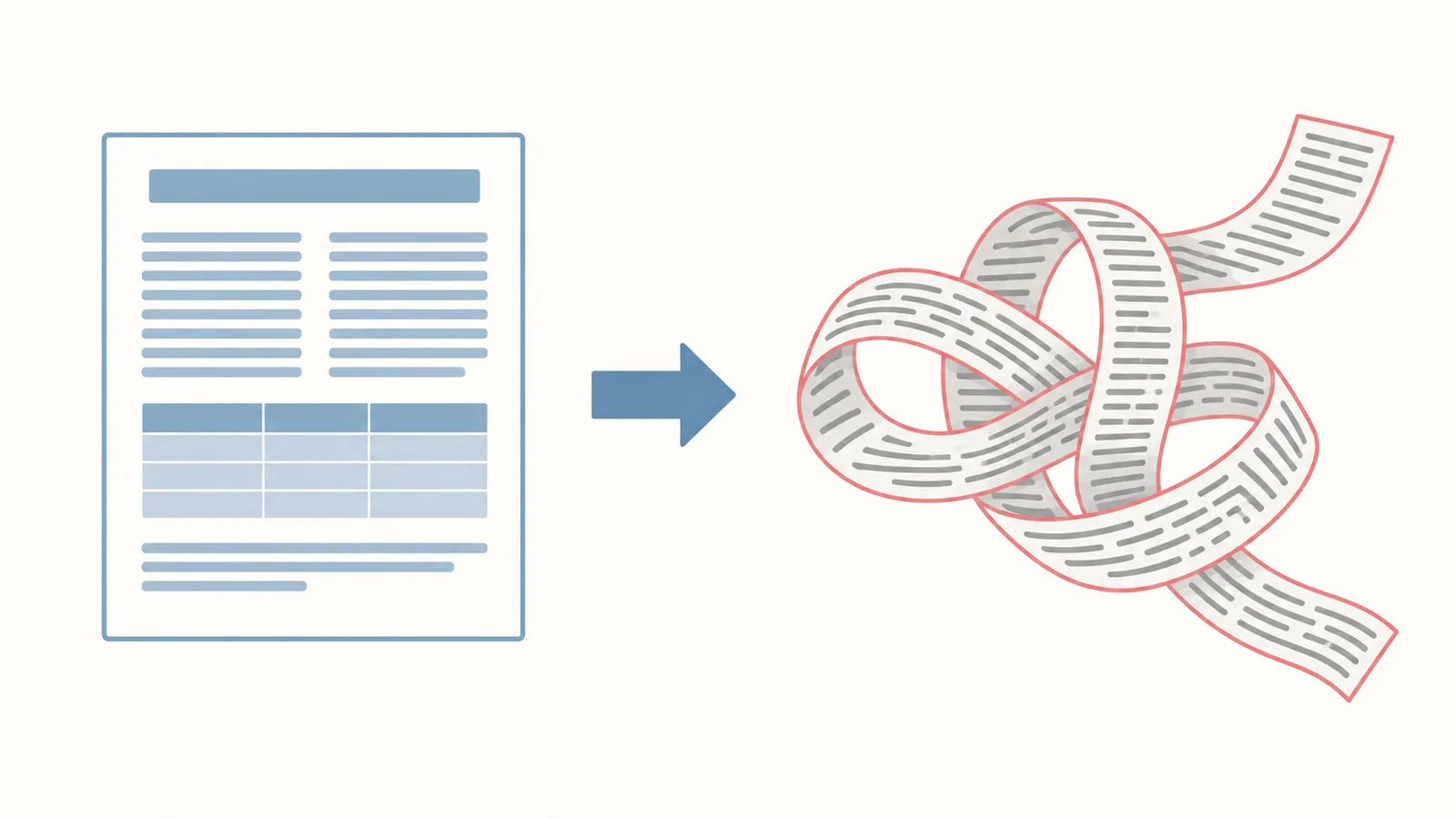
The paste-and-copy workflow — drop a French document into a translation box, scrape the English back out — strips out everything that made the document usable: headings, tables, columns, captions, page structure. For a two-line email, fine. For a forty-page report, a contract, or a journal article, "all the words in one long strip" is not a usable deliverable, and rebuilding the layout by hand can take longer than reading it.
A French contract shows how quickly this happens. Contracts number their clauses — «Article 8 — Confidentialité», with sub-clauses 8.1 and 8.2 and cross-references like conformément à l'article 12 — and that structure is exactly what a translation box flattens. Paste a section in, and the clause numbers may or may not survive, the sub-clause hierarchy disappears, and a cross-reference can end up pointing at a sentence that now sits three paragraphs away. Every word gets translated; the document stops working as a document.
Length limits bite as well. When we checked, translate.com's free web translator showed a limit of 500 characters per day — a couple of sentences, not a document. (DeepL, for comparison, offers drag-and-drop file translation, but its French-to-English pages don't include a walkthrough of document workflows for this language pair.) Google Translate's own input box is built for snippets, not files.
How to Cross-Check a French-to-English Translation with Multiple Engines
Since no engine is 100% correct, the cheapest quality check available is disagreement. Google Translate, DeepL, and AI models such as ChatGPT, Gemini, and DeepSeek are trained on different data with different architectures. When several engines agree on a French sentence, your confidence can go up. When they diverge, you've located the exact spot where meaning is contested — an idiom, an ambiguous pronoun, a register choice. The disagreement is the signal.
Manual method (a couple of minutes):
-
Copy your French text.
-
Run it through two or three different translation tools.
-
Line up the English outputs side by side.
-
Wherever they differ meaningfully, treat that sentence as unresolved: check a dictionary, or ask someone who reads French.
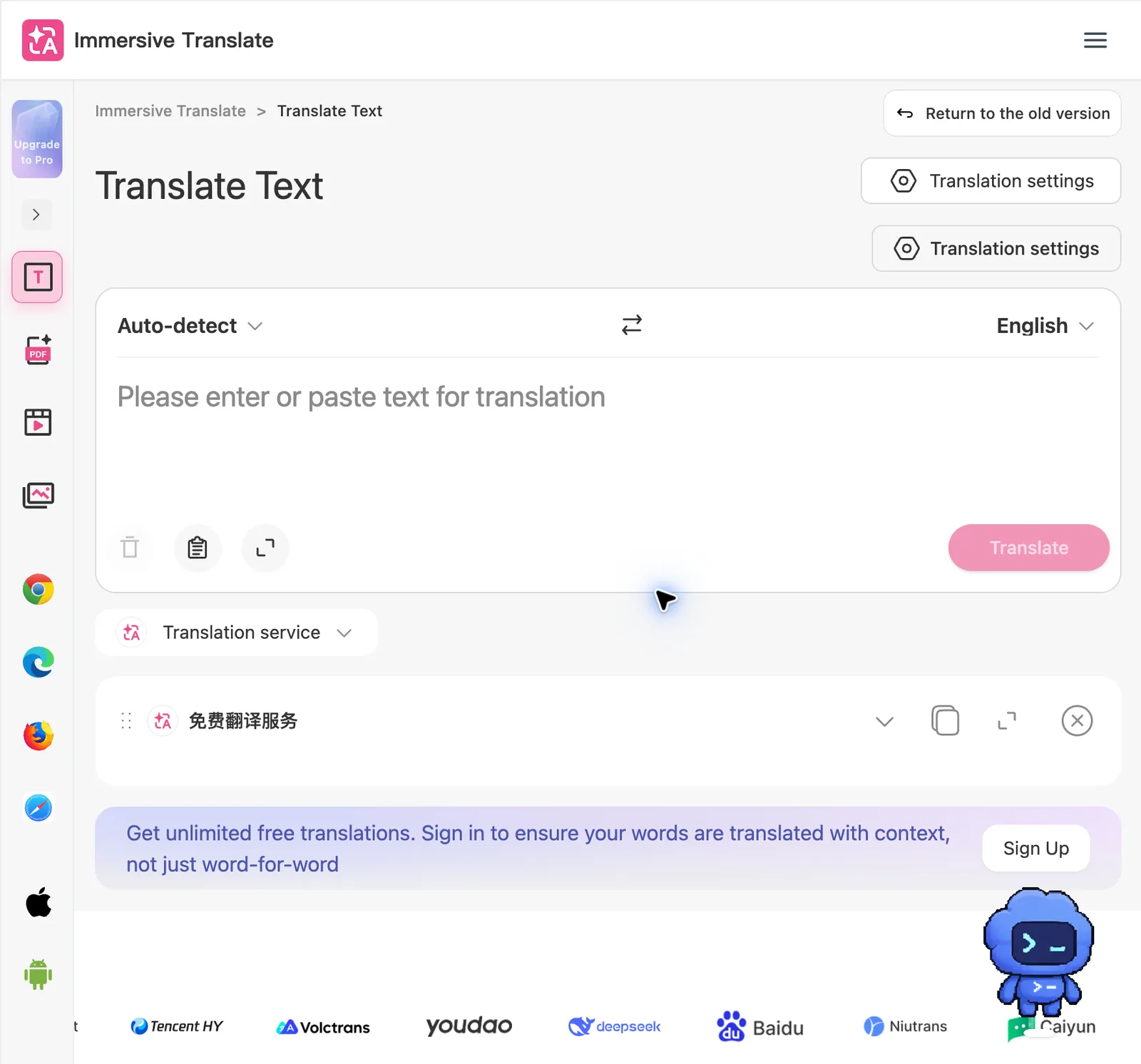
One-step method: Immersive Translate — a bilingual translation extension featured in Chrome's 2024 favorites collection and used by over 20 million people, according to its official website — integrates more than 20 translation engines, including Google, DeepL, ChatGPT, Gemini, and DeepSeek. You can point it at the same French text and switch engines to see how each one renders the tricky passage, which turns "trust one engine" into "compare several." For a quick check with no installation, its free online French-to-English translator runs in the browser.
What Works Better Than Google Translate for French to English
"Better" depends entirely on what you're translating. Google Translate is a general-purpose text tool; the real gains come from matching the tool to the shape of your content.
| French content | Better approach | Why it beats pasting into a translation box |
|---|---|---|
| Short text, quick lookups | Online translator with engine switching | Same speed, plus built-in cross-checking |
| Full French web pages | Bilingual browser extension | Whole page translated in place — no copy-paste |
| PDFs and long documents | Layout-preserving document translation | Structure kept — translate the whole file, not pasted snippets |
| Video with French audio | Bilingual subtitles | Translation in context, in real time |
Short Text and Quick Lookups
For a sentence or a paragraph, paste-and-translate is still the right shape — just pick a translator that lets you switch engines and compare outputs instead of accepting the first answer. The online translator above does this in the browser, free, with no install.
Full French Web Pages
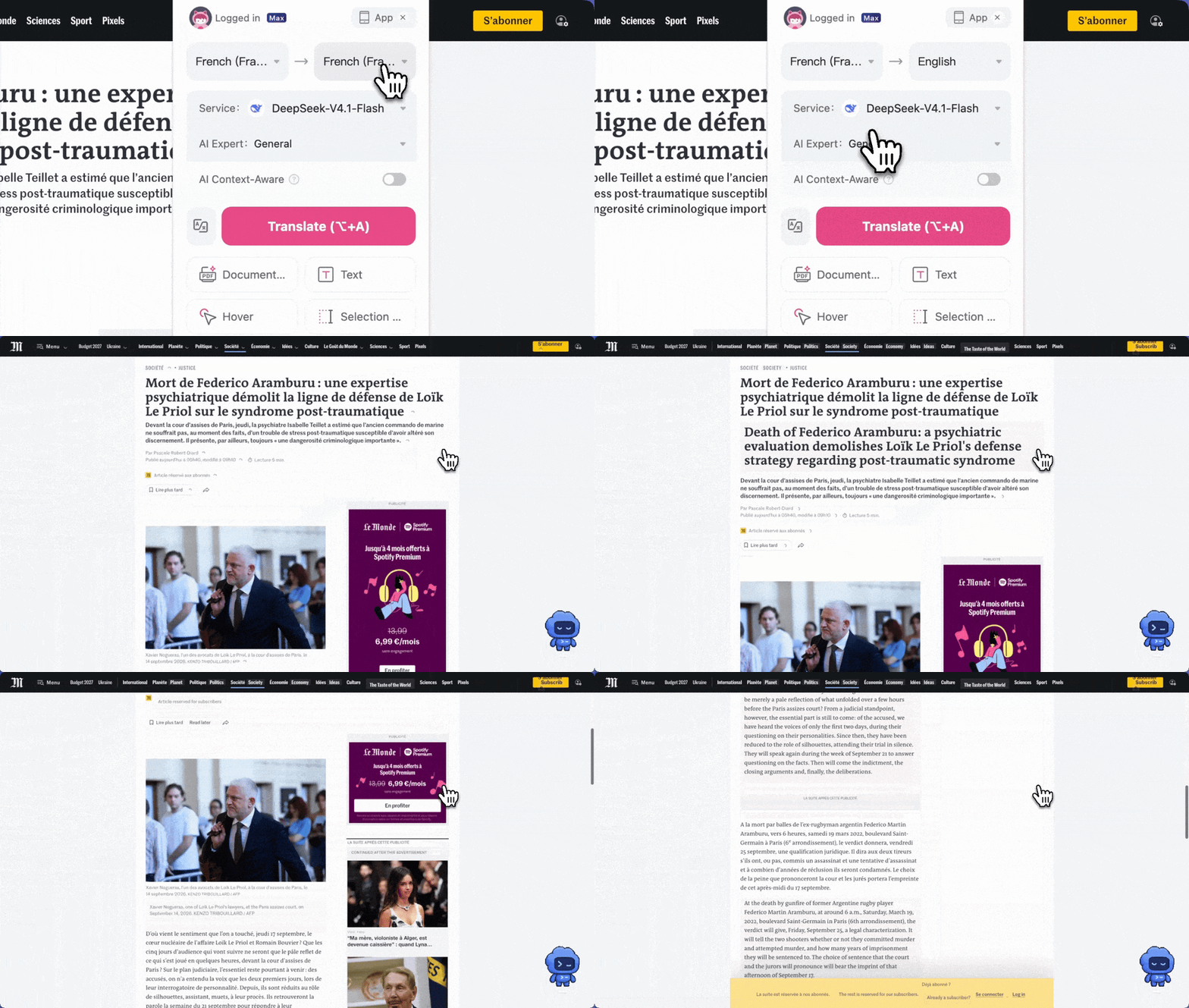
Reading a French news site, product docs, or a forum thread? Copying paragraphs one by one is the slowest possible workflow: it destroys context and structure along with the page itself. A bilingual browser extension translates the entire page and shows English alongside the French, keeping layout, links, and reading flow. Immersive Translate pioneered this side-by-side bilingual layout for website translation (per the company's published claims), and the extension is available for Chrome, Edge, Firefox, and Safari — you can add the browser extension in a few clicks. One user review on its site puts it bluntly: "It can translate the web apps even though google translate doesn't recognise [them]." That's one individual's experience, but it points at the same theme: whole-page translation and paste-box translation are different jobs.
French PDFs and Long Documents
This is where paste-a-box translation breaks down completely. A French paper, contract, or ebook needs its columns, tables, figures, and footnotes to survive translation. A layout-preserving document translator supports bilingual and translation-only outputs while keeping the original formatting, handles PDF, ePub, HTML, TXT, DOCX, Markdown, and subtitle files, and adds OCR for scanned PDFs — so even image-only French documents can be translated. Compared with rebuilding a pasted wall of text by hand, this is the difference between reading a document and reconstructing one.
Video Subtitles
French video works the same way: rather than transcribing subtitles into a box, the same extension delivers real-time bilingual subtitles across more than 100 video platforms, including YouTube and Netflix, per the company's site. If you're using French video to learn the language, French-and-English subtitles side by side beat a plain translation for comprehension.
FAQ: Google Translate French to English
The first two questions below are the exact wording from Google's "People Also Ask" box; the last two rephrase common related searches as questions.
Is Google translator 100% correct?
No. "Google translator" is the colloquial name for Google Translate, and no machine translation system — Google's included — is 100% correct for French to English. It's dependable for short everyday sentences and single words, and least dependable for idioms, formality-sensitive text, long complex sentences, and formatted documents. When a mistranslation would actually cost you something — grades, money, a relationship — cross-check with a second engine or a fluent reader.
How can I translate French text to English?
The fastest route is Google Translate itself: open the tool, set the source language to French and the target to English, then type or paste your text. For more confidence, run the same text through two or three engines and compare the results — a Google translation next to DeepL and an AI model will surface the contested spots. For whole web pages, PDFs, and video, use a tool built for that content shape instead of pasting.
Can Google Translate handle full French sentences and long documents?
Full sentences: usually yes, with quality dropping as sentences get longer and more complex. Long documents are a different problem — pasting loses layout and structure, and free web translators impose length caps (translate.com's free tier showed 500 characters per day when we checked). For multi-page French files, a layout-preserving document translator is the practical route.
Can Google Translate French from a photo or camera?
Google Translate's mobile app includes image and camera translation. For French screenshots, scans, and comics where you want the original layout respected, a dedicated image-translation path is better: Immersive Translate translates both local images and web images using OCR with layout preservation.
If you translate French content regularly — sites, papers, or videos — the Immersive Translate blog has more French-to-English translation guides, and you can try the free online translator or install the browser extension.