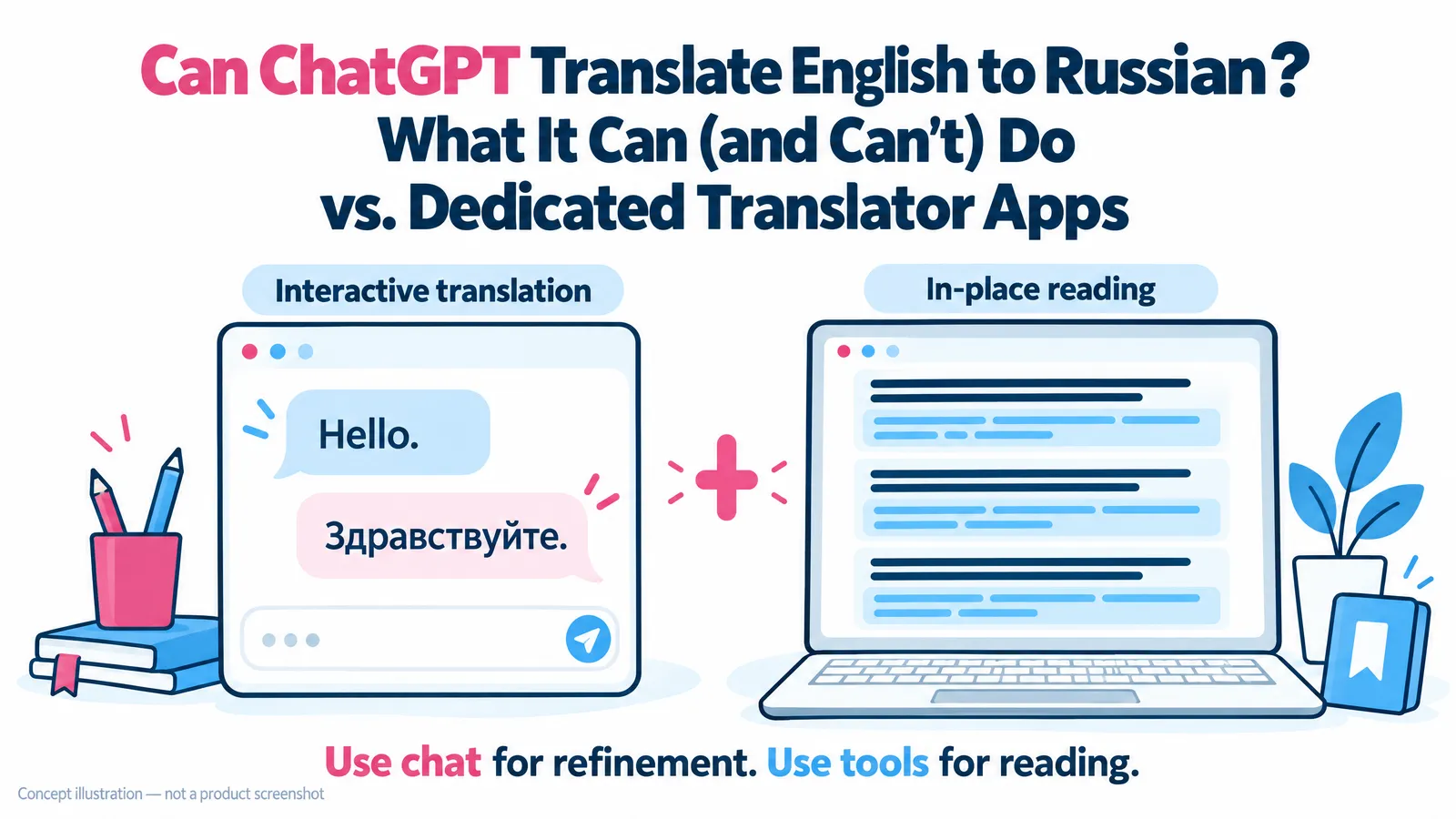
Can ChatGPT Translate English to Russian? What It Can (and Can't) Do vs. Dedicated Translator Apps
If you regularly work across English and Russian, you've probably wondered whether ChatGPT can replace a dedicated English to Russian translation application — or whether you still need a purpose-built Russian translation app for reading, documents, and video. The honest answer: it depends on the task. This guide lays out what ChatGPT does well, where it falls short, and a decision framework for choosing the right tool for each job — including a way to get the strengths of both in one workflow.
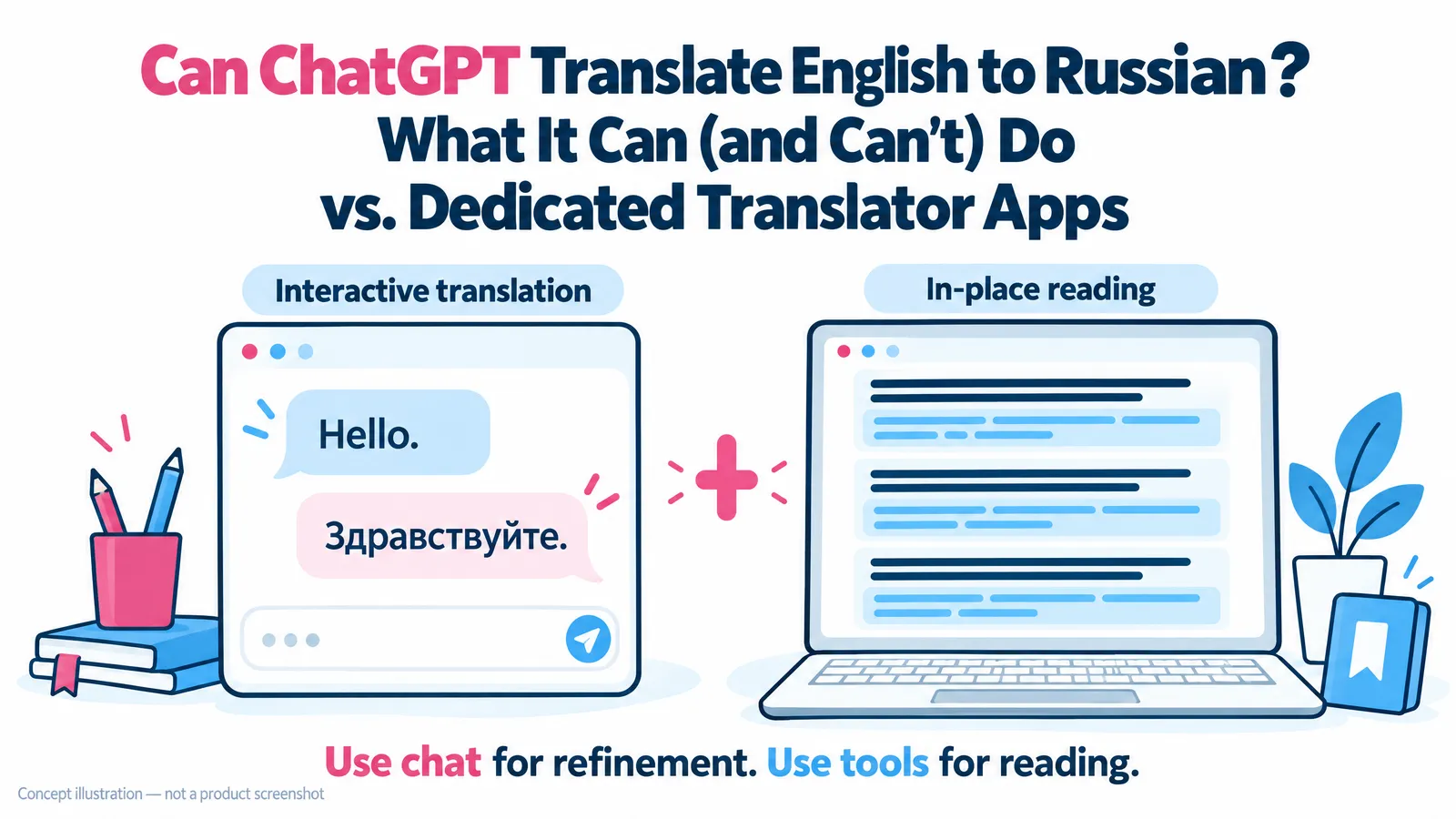
Quick Answer: Yes, But It Depends on the Task
Yes — ChatGPT can translate English to Russian, and for short everyday texts like emails, messages, and single paragraphs the output is often perfectly usable. You can also iterate: ask for a more formal tone, request alternatives, or have a grammar choice explained.
Three limits matter before you treat it as your only translation tool, though:
-
Long documents and formatting. ChatGPT translates text you paste in. It doesn't preserve the layout of web pages, PDFs, or slides, and very long documents can exceed a single paste or drift across sections.
-
Workflow friction. Copy, switch tabs, paste, copy back — negligible for one paragraph, exhausting across a whole research session.
-
Accuracy and consistency. For casual content the quality is often fine; for terminology-heavy or formal Russian, the output needs review, and key terms can be rendered inconsistently across a long document.
The sections below expand each point, compare ChatGPT with dedicated translator apps, and close with a task-by-task decision framework.
What ChatGPT Does Well for English–Russian Translation
For interactive, short-form translation, a general-purpose LLM brings capabilities that classic translation software never had.
Whole-passage context. ChatGPT reads the entire input before translating, so it can restructure sentences rather than converting them word for word. Russian rewards that: it's a heavily inflected language where word endings encode case, number, gender, and verb aspect, and where the choice between formal and informal "you" (Вы/ты) shifts the register of a whole sentence. A model that sees the full passage can pick a register and stick to it — the kind of judgment older word-by-word engines were notorious for missing.
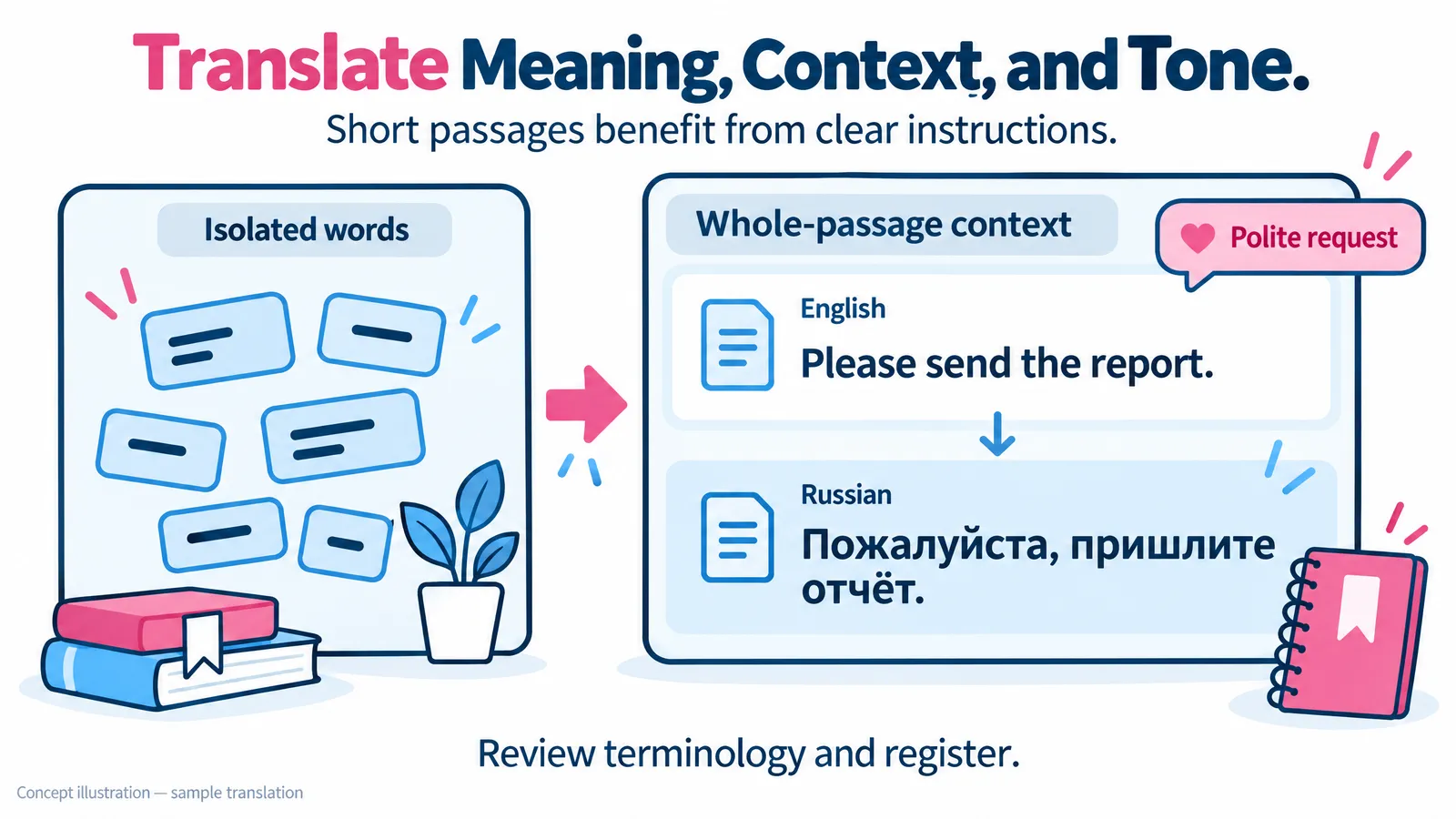
Everyday formats. Emails, chat messages, product reviews, homework sentences, a paragraph of an article — short texts where you want a quick, readable version rather than a certified one. This is where a chat model's breadth helps: the same tool that translates your email can explain a joke, summarize the translated text, or suggest a softer phrasing.
It explains and iterates. This is ChatGPT's real edge over a one-click Russian to English translation program. You can ask it to make a translation more formal, simplify it for a beginner, explain a case ending, or offer two alternatives for an idiom. The tool doubles as a language tutor — genuinely useful when you're learning Russian or double-checking an important sentence.
Tone control on demand. You can specify audience and register in the prompt ("for a business email," "casual texting style"). Classic translation tools expose register only indirectly, if at all.
A fair caveat: model quality varies by content type, prompt, and model version, and no independent benchmark settles which engine is "best" for Russian. Treat strong quality claims — including vendors' own side-by-side rankings — as marketing until you've tested them on your own texts. But if your English–Russian work looks like "short passages, frequent back-and-forth, tolerance for a bit of review," ChatGPT is a strong starting point: for many people it's the most accessible Russian to English app they already have installed.
Where ChatGPT Falls Short for Russian Translation
The weaknesses aren't about intelligence — they're about shape. A chat window is built for conversation, and translation-heavy work has different needs.
Long documents and formatting. You can't paste a 40-page PDF into a chat box. Even within a long text, models can lose track of earlier content as the passage grows, and long machine-translated documents often show inconsistent terminology, with personal names rendered differently across sections. Formatting is the other half: a chat reply is plain text, so tables, footnotes, and layouts are gone by the time the translation returns.
Workflow friction. For a page of Russian text, the ChatGPT loop is copy → switch tab → paste → copy back. Fine for a one-off paragraph; repeated across a full day of reading Russian sources, it becomes real friction — the wrong shape of tool for that kind of work.
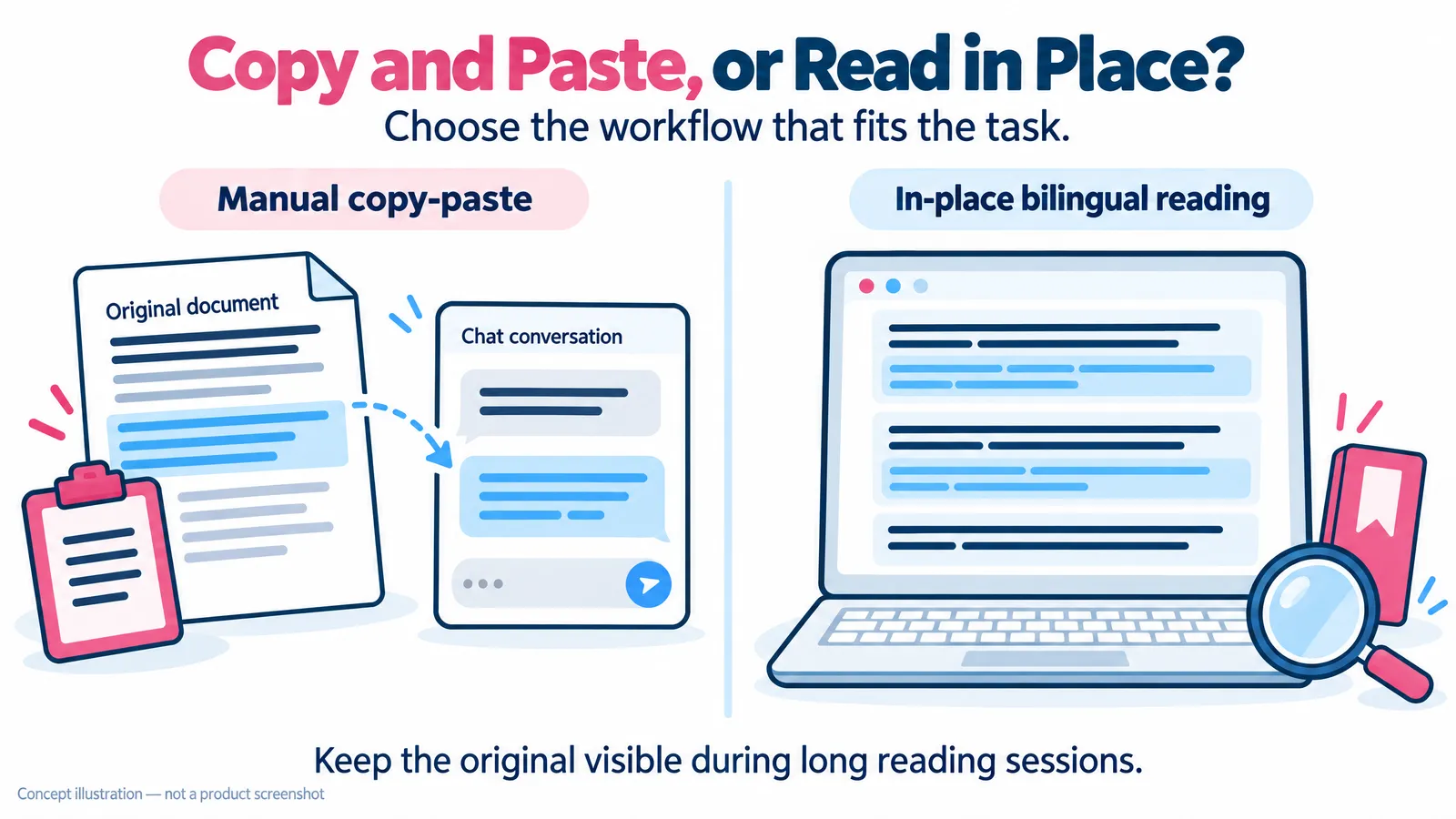
Consistency across a document. The same term should read the same way every time. In a contract, one phrase must not come back as three variants across sections. Chat output can drift; dedicated tools address this with terminology libraries and context-aware modes that carry a page-level summary or glossary through every paragraph.
Privacy and confidentiality. Pasting confidential business or personal text into a third-party AI service means it leaves your device under that provider's data terms. Users take this seriously — app-store listings for translation tools now foreground their "Data safety" sections. If the text shouldn't leave your control unreviewed, check the tool's policy before pasting.
Cost and thresholds. ChatGPT's free tier has usage limits, and heavier translation work pushes you toward paid plans or metered API use. Dedicated tools have their own gates: store listings in this category commonly carry a "Free · Contains ads" label, and a 2026 comparison review found that one major engine's free trial requires a credit card upfront. "Free" is real but rarely unlimited — whichever type of Russian to English software you pick, find out where the paid gate sits before you build your workflow around it.
ChatGPT vs. Dedicated Translator Apps: Side-by-Side
If you're choosing an English to Russian translation application, compare dimension by dimension. Competitor capabilities below reflect publicly available information as of November 2026 — features and pricing change, so verify anything business-critical before committing.
| Dimension | ChatGPT (web / mobile chat) | Dedicated translator apps (e.g., Immersive Translate) |
|---|---|---|
| Where translation happens | In a chat window, via copy-paste | In place: on web pages, in PDFs, on video subtitles, on images |
| Long documents | Paste-length limits; plain-text output | Document modes built for length; Immersive Translate translates PDFs with the original layout preserved, including OCR for scanned files |
| Bilingual reading | Translation shown beside your prompt, chat-style | Side-by-side bilingual layout — the format Immersive Translate pioneered for web pages |
| Video and images | Not designed for subtitles or OCR | Real-time bilingual subtitles on 100+ video platforms (YouTube, Netflix, Prime Video); image translation with OCR |
| Terminology consistency | Can drift across long outputs | Terminology libraries and context-aware translation options |
| Privacy | Content processed under the AI provider's terms | Varies by tool; Immersive Translate uses encrypted requests and states that applicable official services do not use your content to train AI models |
| Cost | Free tier with usage limits; paid plans above | Free tiers with gates: ads, usage quotas, or premium-engine paywalls |
Read down the rows and the pattern is simple: ChatGPT wins on interaction — explaining, refining, rephrasing — and dedicated apps win on integration: translating where the content lives, keeping layouts intact, covering video and images. Neither column makes the other obsolete; they solve different halves of the English–Russian job. To go deeper on specific tool matchups, see our translation tool comparisons.
When to Use ChatGPT (and When to Use a Dedicated App): A Decision Framework
One caveat before the table: this framework is an editorial judgment based on the capability and user evidence above (as of November 2026), not a controlled test. Your content may push any row either way.
| Your task | Better fit | Why | Next step |
|---|---|---|---|
| Short text, email, chat message | ChatGPT or another LLM | Tone control, explanations, and alternatives in one place | Paste and refine; for a quick one-shot, a text translation tool is faster |
| Reading Russian websites (news, forums, docs) | Browser translation extension | Translate in place with a bilingual layout; no copy-paste loop | Install the extension (see the setup section below) |
| PDFs, academic papers, long reports | Document translation tool | Layout preserved, OCR for scans, consistent terminology | Translate Russian documents and PDFs |
| Watching Russian video content | Subtitle translation tool | Real-time bilingual subtitles without leaving the video | Bilingual video subtitle translation |
| Images: menus, signs, screenshots, comics | Image translation (OCR) | Translate photos and web images in place | Image translation with OCR |
| Formal, legal, or medical documents | High-accuracy engine + human professional | Unreviewed machine output isn't enough when the stakes are high | Use AI as a first pass only; hire a qualified translator |
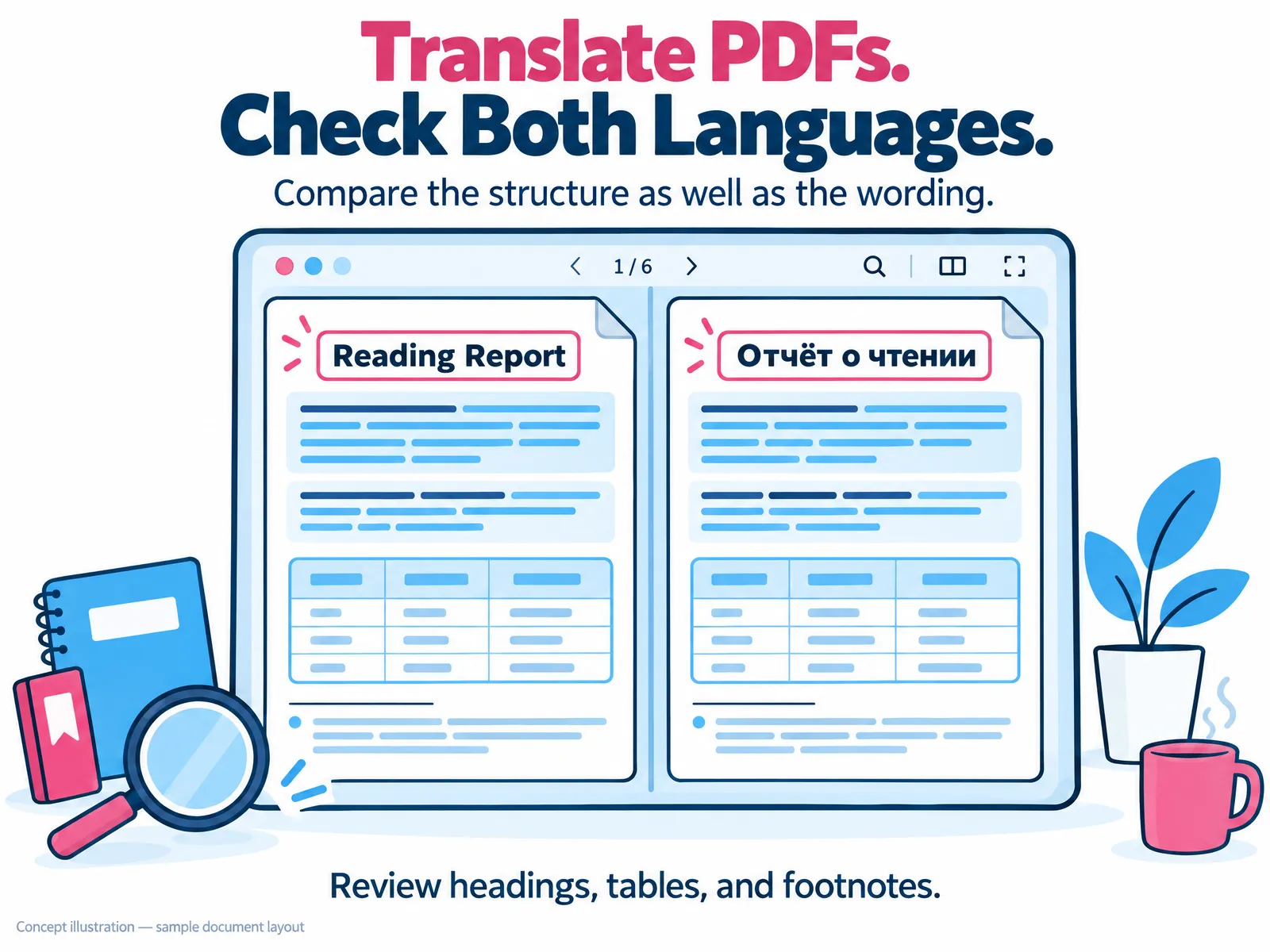
The rule of thumb: the more your content lives inside a format — a page, a PDF, a video, an image — the more a dedicated app pays off; the more the task is a conversation about a short text, the more ChatGPT pays off. Most rows above have a free starting point, so the practical difference between tools isn't "free vs. paid" — it's where each one sets its paid gate, which the next two sections address.
下一步
Translate Pages, PDFs, and Video in Place
A dedicated browser extension turns the scenarios above into one bilingual workflow instead of a copy-paste loop.
https://chrome.google.com/webstore/detail/immersive-translate/bpoadfkcbjbfhfodiogcnhhhpibjhbnh
One App, Many Engines: Running ChatGPT Inside a Translator
The framing so far — "ChatGPT or a dedicated app" — hides the option many people eventually land on: use both, from one interface. The English to Russian translation application category has evolved, and tools like Immersive Translate now integrate more than 20 translation engines — including ChatGPT, DeepL, DeepSeek, and Gemini — across more than 100 language pairs. The engine becomes a swappable component inside a translation workflow, not the workflow itself.
For English–Russian work, that looks like this:
-
Install once. Add Immersive Translate to Chrome, Edge, Firefox, or Safari, or install the iOS or Android app.
-
Pick your engine. Choose anything from standard machine translation to AI models; premium AI engines typically require a Pro plan or your own API key.
-
Translate in place. Open a Russian article and get a side-by-side bilingual version of the whole page; run a PDF through document translation that keeps the original layout; turn on bilingual subtitles on more than 100 video platforms; point OCR at a menu photo or a web image.
-
Switch engines when it matters. When one engine mishandles a sentence — a colloquialism, a term of art — swap engines, compare renditions, and keep reading.
The privacy path differs from a chat window too: Immersive Translate states that requests travel over encrypted channels and that applicable official translation services do not use your content for AI training.
The either/or dissolves here: whether today's job needs an app to translate Russian to English or the reverse direction, an app — not a chat thread — is what keeps web pages, documents, videos, and images inside one bilingual workflow, while LLM quality stays available as an engine choice. You can add Immersive Translate to Chrome, or get the mobile app on iOS or Google Play.
重点行动
Run ChatGPT and 20+ Translation Engines in One Bilingual Interface
Immersive Translate brings ChatGPT, DeepL, and other leading engines into one workflow across web pages, PDFs, video, and images, so you can swap engines on a hard sentence without leaving the page.
https://chrome.google.com/webstore/detail/immersive-translate/bpoadfkcbjbfhfodiogcnhhhpibjhbnh
Free vs. Paid: What "Free" Actually Gets You
"Which translator app is completely free?" Almost none are completely free with no conditions. What varies is where the gate sits:
-
Ads and in-app purchases. Store listings for popular translation apps commonly carry a "Free · Contains ads" label, with premium features sold as in-app purchases.
-
Trial cards. A 2026 comparison review noted that at least one major engine's free trial requires a credit card upfront — a real cost if you forget to cancel.
-
Engine limits. AI-powered engines are the most common gate. Immersive Translate is positioned as a free bilingual translation tool, and its premium AI engines — such as out-of-the-box DeepL and OpenAI services — typically require a Pro plan or your own API key.
-
Usage quotas. Free tiers often cap characters, pages, or monthly volume; heavy workflows hit paid plans quickly. ChatGPT's own free tier has usage limits too.
So the checklist for any "free" label: which engines the free tier actually includes, whether payment information is required upfront, and what happens at the limit. If you're looking for a free app to translate English to Russian, start with the free tier's real coverage rather than the label — Immersive Translate's plans are detailed on its pricing page.
FAQ
Can ChatGPT translate English to Russian?
Yes. ChatGPT handles everyday English–Russian translation — short texts, emails, single documents — and you can refine tone or ask for alternatives. The limits are practical: pasted-in long texts, no preserved formatting, and terminology that can drift across sections. Use it for short interactive tasks; use a dedicated translation tool for pages, PDFs, video, and images.
Which translator app is completely free?
Very few tools are completely free without conditions. Most translation apps — and AI chatbots — offer a free tier with gates: ads, in-app purchases, usage limits, or credit-card-required trials. Before committing, check which engines and quotas the free tier actually includes; that tells you more than any "free" label on its own.
What is the best app for translating English to Russian?
There's no single best — it depends on the job. Google's AI Overview for this topic (as of November 2026) points to Yandex Translate for native Russian grammar and slang, DeepL for accuracy in formal documents, and Google Translate for voice, camera, and on-the-go use; a cross-engine tool like Immersive Translate covers web pages, PDFs, video, and images in one place. Match the tool to your actual task.
What is the most accurate translator for English to Russian?
No independent benchmark settles English–Russian accuracy, and results differ by content type: formal documents, grammar-sensitive prose, and casual speech each reward different engines. Treat single "most accurate" rankings — especially vendors' comparisons of their own tools — with caution, and test candidates on a sample of your real text instead.
Are Russian Translation Apps Safe For Confidential Business Data?
It depends on the data path. Pasting confidential text into a third-party AI chat means it leaves your device under that provider's terms. Translation tools differ too: Immersive Translate, for example, states that requests travel over encrypted channels and that applicable official translation services do not use your content to train AI models — details are on its security page. For highly sensitive material, read the tool's policy and your own compliance requirements first.
Can A Russian Translation App Replace A Human Interpreter?
For everyday cross-language communication — reading, messaging, following a video — a translation app covers most needs. For treaty-grade, legal, or medical situations, no: those require a qualified human interpreter or translator, with machine output at most as a first draft. When accuracy carries legal consequences, hire a professional.
The bottom line: ChatGPT can translate English to Russian, and it's a genuinely good tool for short, interactive tasks. The moment your work involves full web pages, PDFs, videos, or images — or you want to compare engines on a hard sentence — a dedicated app wins on workflow. And since tools like Immersive Translate let you run ChatGPT, DeepL, and other engines inside one bilingual interface, you don't have to choose. Install the Immersive Translate browser extension (Chrome, Edge, Firefox, Safari) or the mobile app on iOS or Google Play — and for more translation workflow guides, browse the Immersive Translate blog.