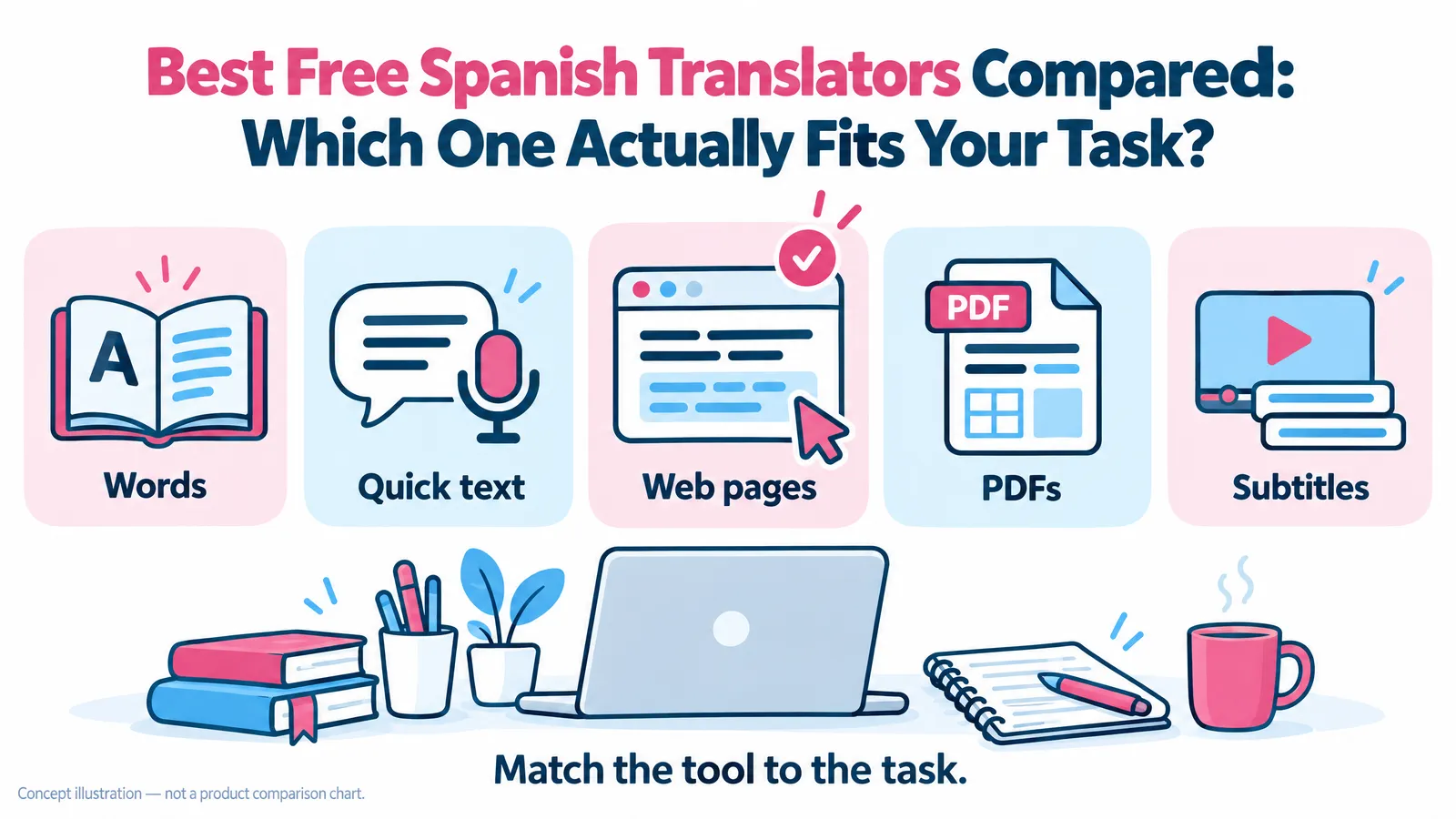
Best Free Spanish Translators Compared: Which One Actually Fits Your Task?
Quick Answer: The Best Free Spanish Translator for Each Task
There is no single "best free Spanish translator." When you're weighing free Spanish translation services, the right pick depends on what you're translating: a two-word phrase, a whole web page, a scanned PDF, and a Netflix episode each call for a different tool. For this exact query, Google's AI Overview names Google Translate, SpanishDict, ImTranslator, and Reverso; we add Immersive Translate because it covers the full-page bilingual reading, PDF, and subtitle tasks those tools don't. Every option below is free to try, so you can verify each recommendation in a few minutes.
| Your task | Best free pick | Why it fits |
|---|---|---|
| Word lookups, conjugations, grammar | SpanishDict | Dictionary definitions, three compared translations, regional variants |
| Quick text, voice, or photo translation | Google Translate | Instant text box plus voice and photo input |
| Reading a full web page bilingually | Immersive Translate | Side-by-side original text and translation on the same page |
| PDFs that keep their layout | Immersive Translate | Bilingual or translation-only output with the original layout preserved |
| Bilingual video subtitles | Immersive Translate | Real-time dual subtitles on 100+ video platforms |
| Translating on your phone | Google Translate or SpanishDict app | Mature iOS and Android apps for lookups and quick text |
How We Compared These Free Spanish Translators
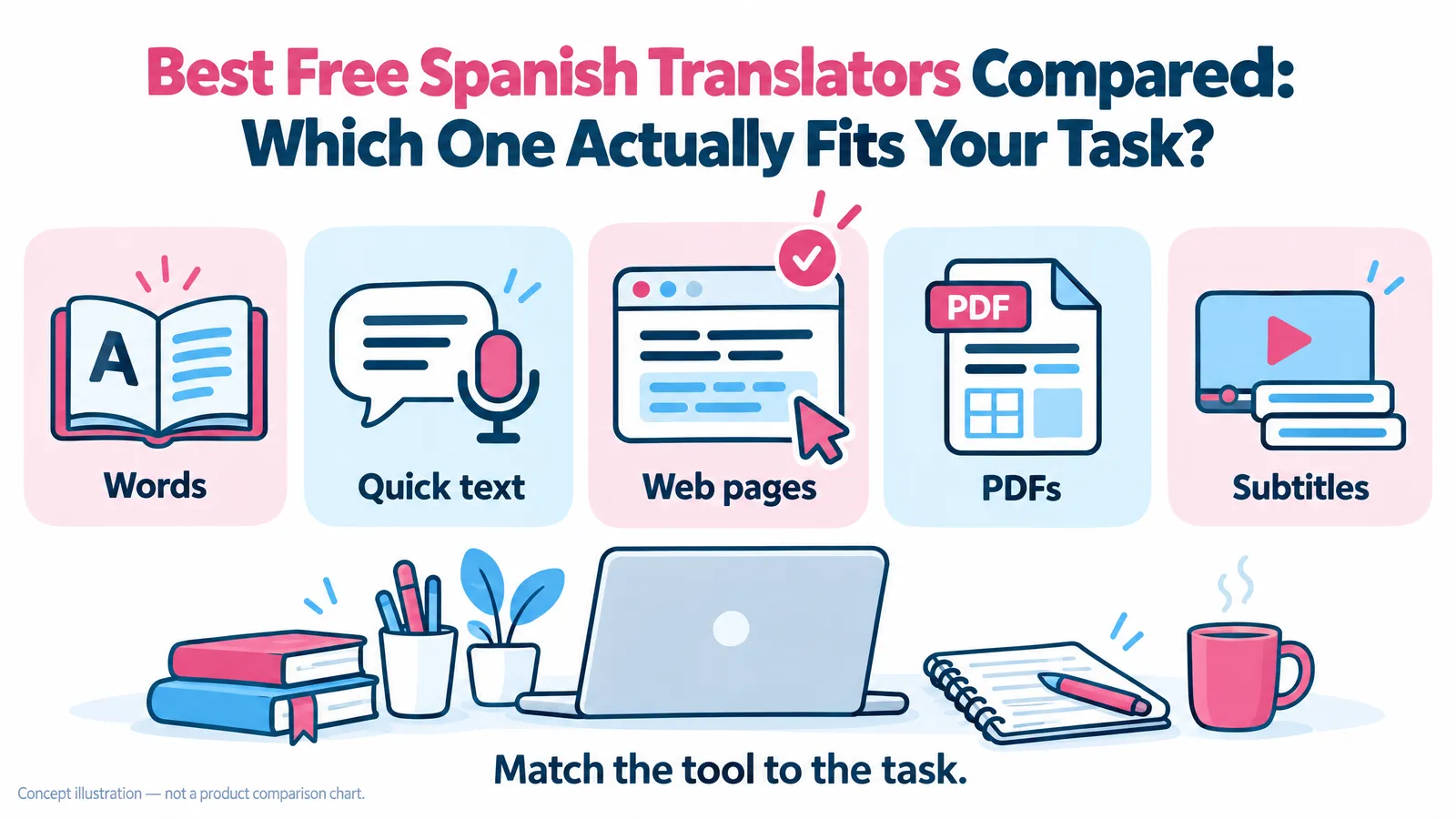
We compared each tool across six task lenses: word lookups, quick text, full web pages, PDFs, video subtitles, and mobile use. Two ground rules kept the comparison honest:
-
"Free" means usable without paying. A "free quote" for a paid human translation service is marketing language, not a free tool. Only tools you can open and use at no cost made the list.
-
Bilingual display matters for reading. Some tools swap your text for a translation; others keep original and translation on screen together. For study and serious reading, that difference changes everything.
Trying any of the five costs nothing, so every conclusion here is one you can check on your own. For more head-to-head breakdowns, our translation tool comparisons hub covers additional languages and use cases.
The Five Free Spanish Translators at a Glance
-
Google Translate — Google's general-purpose translator. Per Google's own AI Overview for this query, it's "best for quick web pages, text, and app-based conversations; supports voice and photo translation."
-
SpanishDict — A Spanish-English dictionary and learning portal first, a translator second. Its site calls it the world's most popular Spanish-English dictionary and learning website, with expert-written definitions, regional translations, and full courses.
-
ImTranslator — A veteran tool offering "free multi-engine online text and voice translation using Google and Microsoft engines," in the AI Overview's words. Instant, no sign-up, ad-supported.
-
Reverso — Focused on short document snippets, context examples, and real-time suggestions; free checks are limited to 100 words without an account.
-
Immersive Translate — A browser extension and mobile app for bilingual reading: full web pages, PDFs, and video subtitles in one tool. Its site reports more than 30 million users and a "2024 Favorite" Chrome collection badge.
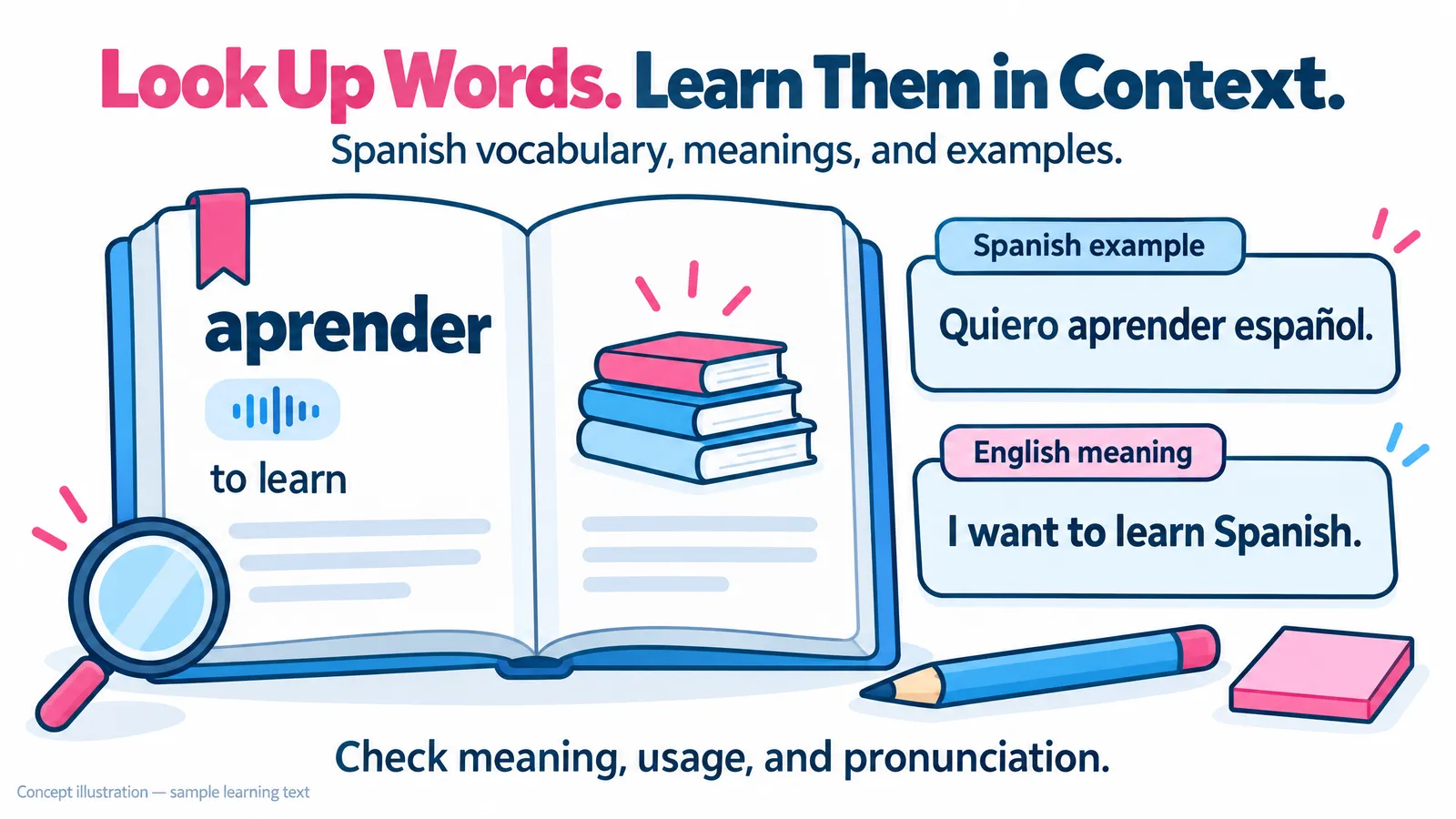
Best for Word Lookups, Conjugations, and Grammar: SpanishDict
If your Spanish-to-English work is mostly words and phrases—vocabulary, conjugations, grammar—SpanishDict is the strongest free tool for the job. Machine translation gives you three side-by-side versions to compare, backed by dictionary definitions and expert-written example sentences. Regional translations show how a phrase differs between Latin American and European Spanish, so you learn the version the people you actually speak with use. Around the translator sits a learning ecosystem: grammar cheat sheets, vocabulary lists, a word of the day, and audio pronunciation.
Know the boundaries: SpanishDict handles words, sentences, and short documents. It doesn't create a bilingual reading view of a whole web page, and it doesn't translate video subtitles or preserve PDF layouts. It's free to use without logging in, supported by ads.
Best for Quick Text, Voice, and Photo Translation: Google Translate
For English-to-Spanish quick text, Google Translate remains the default answer. Type or paste a phrase and you get an instant translation, and the mobile app adds voice and photo input—point your camera at a menu or a sign and get a translation on the spot. It's the tool most people already have, and for everyday English-to-Spanish translation at no cost, it needs no setup.
Where it fits less well is sustained reading—it's built for quick conversions, not for keeping original and translation on screen together through a long page. One Immersive Translate user, Dan, described the difference in his review: "It can translate the web apps even though google translate doesn't recognise." If you want a fast text box with a choice of 20+ AI engines in one place, you can also translate text online with Immersive Translate's web tool.
Best for Multi-Engine Text and Short Documents: ImTranslator and Reverso
Two veteran tools still earn a place for short Spanish-to-English translation jobs. ImTranslator runs your text through three engines—its own, Google, and Bing—and shows the alternatives, which is useful when you want a second opinion on a sentence. It's free, instant, and requires no registration; the tradeoff is a dated, ad-heavy interface with no help for web pages, PDFs, or subtitles.
Reverso approaches the same job from the context side: short document snippets, context examples, and real-time suggestions, so you see how a phrase behaves in real sentences rather than one isolated output. Free checks without an account are capped at 100 words—fine for paragraphs and emails, not long documents. For sentence-level Spanish-to-English translation at no cost, these two remain useful specialists; just don't expect reading-flow features.
Best for Reading Full Web Pages Side by Side: Immersive Translate
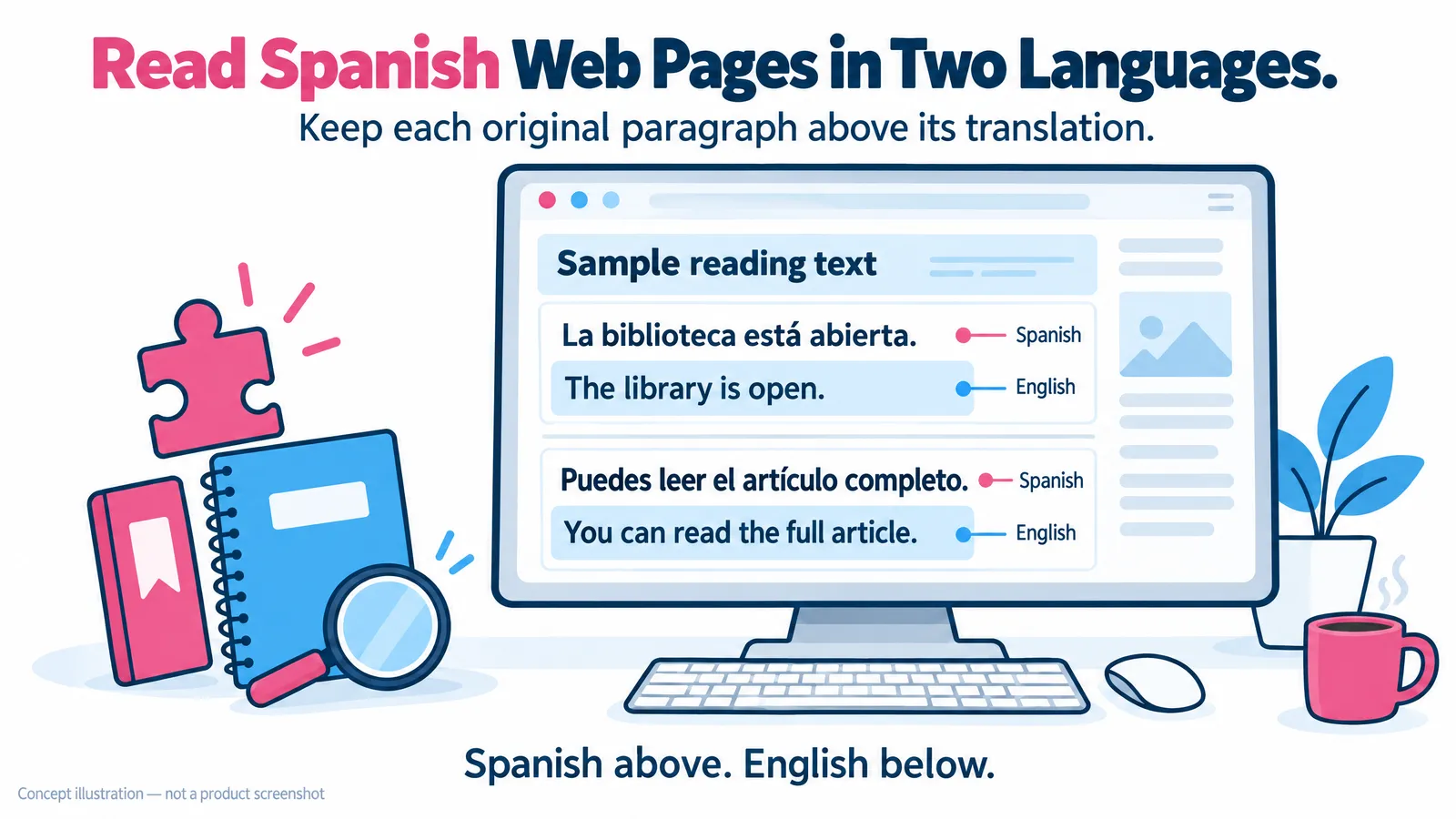
When the job is understanding an entire Spanish article, documentation page, or forum thread—not converting a snippet—you need the original and the translation on screen together. Immersive Translate is built for exactly that.
How side-by-side bilingual reading works
Setup takes about a minute:
-
Install the free Immersive Translate browser extension (Chrome, Edge, Firefox, or Safari).
-
Open the Spanish or English page you want to read.
-
Enable translation, and the page renders as a side-by-side bilingual layout: the original text with its translation directly beneath it, paragraph by paragraph.
According to its official site, Immersive Translate pioneered this vertical bilingual layout, which keeps a page readable instead of replacing your text wholesale. Lighter features fill the gaps: select a word or phrase for an instant lookup, hover over a paragraph and press the shortcut key to translate that block, or type in any input box and press the spacebar three times to translate as you write. To try it, install the free extension from the download page.
Compare 20+ translation engines on the same page
Immersive Translate integrates more than 20 translation engines—Google, DeepL, Microsoft, OpenAI, Gemini, and DeepSeek among them—so the engines powering the other tools on this list are available here, switchable on the same page. The company claims it supports more AI translation engines than any other browser-based extension, and because this site is itself an engine aggregator, you can verify that directly: translate one paragraph with several engines and compare the results yourself.
Best for PDF Translations That Keep Their Layout: Immersive Translate
Most free translators choke on PDFs: you get a plain-text dump or a long copy-paste session. Immersive Translate translates PDFs with the original layout preserved, in two modes—bilingual, original and translation together, or translation-only. Supported formats include PDF, ePub, HTML, TXT, DOCX, Markdown, and subtitle files, and scanned PDFs are handled through OCR translation.
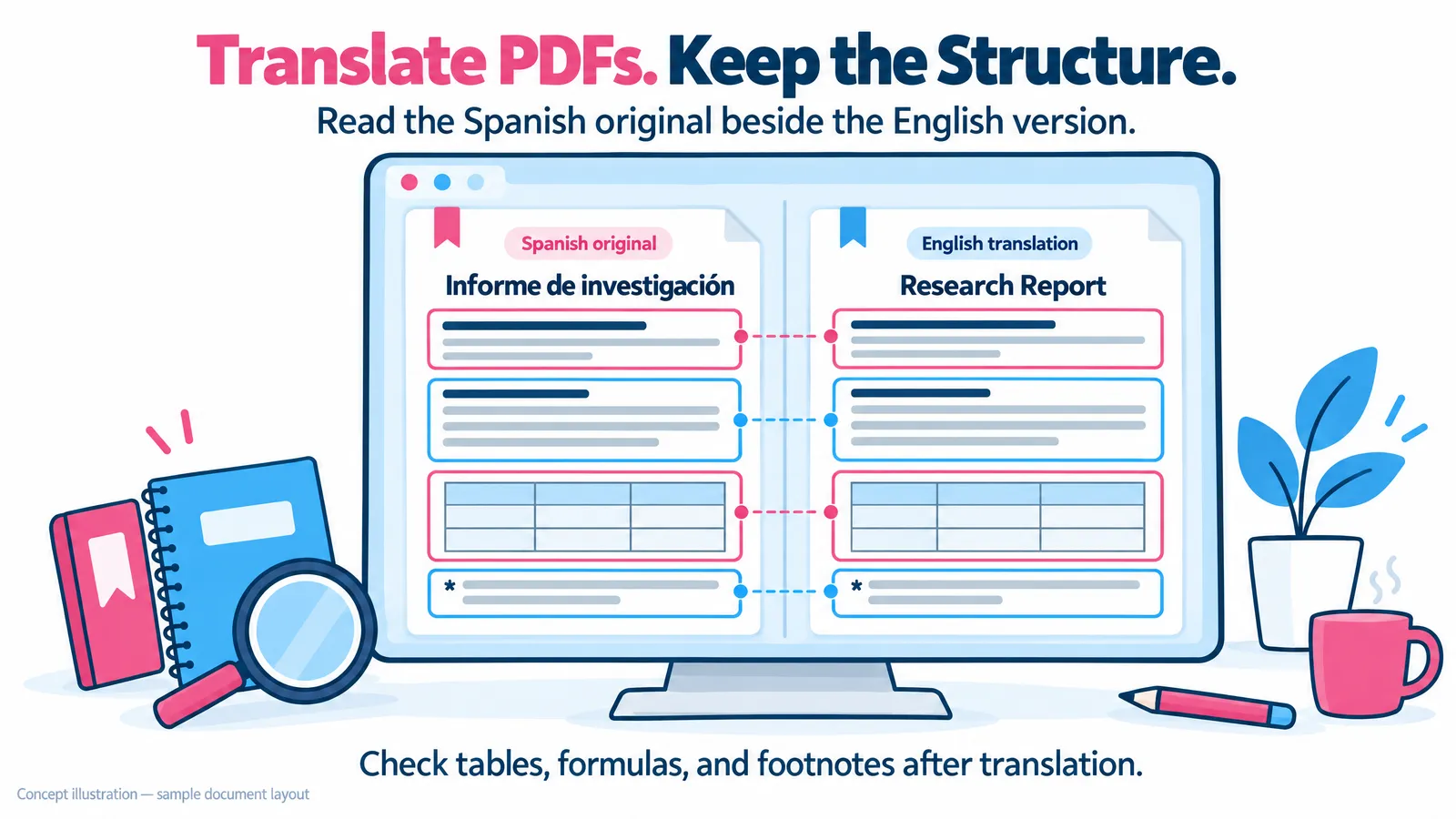
That makes it a fit for the documents Spanish-English readers wrestle with most—academic papers, contracts, and reports, the kinds of professional use cases its official site names. Asuka Makina, a freelancer and Immersive Translate user, wrote that she "just discovered today that the 'Immersive Bilingual Web Page Translation Extension' even supports PDF translation." If PDFs are your main task, start with the free PDF translator.
Best for Bilingual Video Subtitles: Immersive Translate
Watching Spanish-language video—YouTube tutorials, a Netflix series, a Coursera lecture—is where subtitle translation earns its keep. Immersive Translate shows real-time bilingual subtitles—original line and Spanish (or English) translation together—across more than 100 video platforms. The official list covers YouTube, Netflix, Prime Video, TED, Coursera, Udemy, Khan Academy, Disney+, HBO Max, TikTok, and over a hundred others, and it even translates videos with no original subtitles.
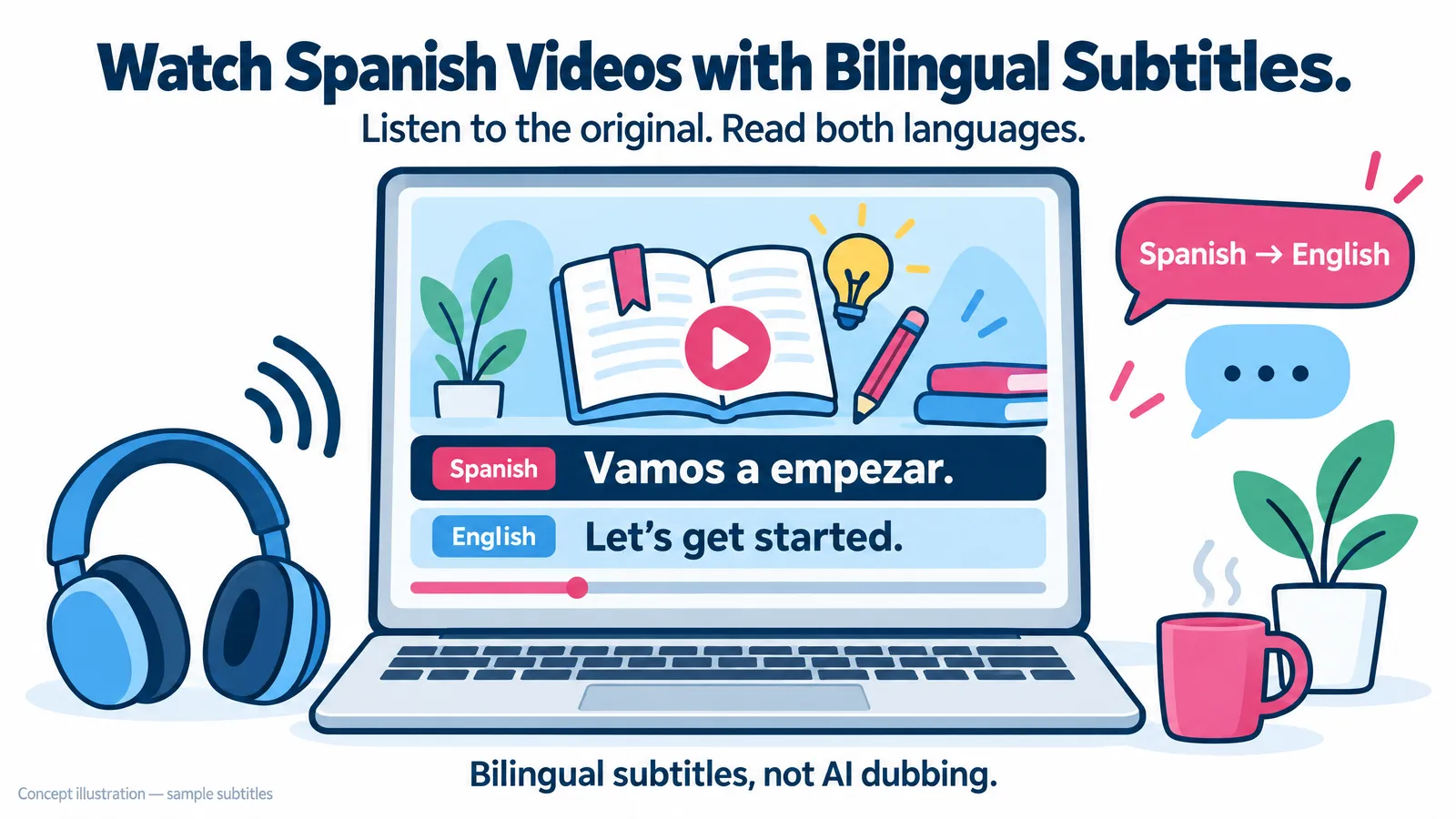
No other free tool on this list handles subtitles, so for this scenario the choice is settled. To try it, install the free extension and open any supported platform, or explore the bilingual video subtitles feature in depth.
Best Free Spanish Translator Apps for iPhone and Android
For phone-first users: Google Translate and SpanishDict both ship mature iOS and Android apps, free to download, covering quick text, camera and voice input, and word lookups. Immersive Translate pairs its browser extensions with a full app matrix: the iOS App Store, an Android APK, and Google Play installs are all listed on its official site.
"Completely free" deserves care on mobile, because app tiers change often. Google Translate and SpanishDict apps are free to download, with core translation features at no charge; Immersive Translate's apps are free to install for bilingual reading, with advanced features governed by its current plan terms—details are on the pricing and free plan page. Whichever you choose, run your real task once before committing.
When Free Tools Aren't Enough: Certified and Human Translation
Free tools cover reading, learning, and everyday communication. They don't cover official paperwork. Documents like birth certificates, marriage certificates, immigration filings, and academic credential evaluations generally require certified human translation—receiving institutions normally won't accept raw machine translation output for official submission.
If you need that route, expect real prices: at the time of this comparison, human translation services advertised certified Spanish translation from about $24.95 per page and standard translation around $0.10 per word (RushTranslate). Immersive Translate is a machine-translation reading tool and does not provide certified translation. When an institution demands certified work, that's a signal to hire a human service, not to shop for another free tool; for borderline cases, confirm requirements with the receiving institution.
Frequently Asked Questions
What is the best free Spanish translator?
There isn't one single best. For word lookups and grammar, use SpanishDict. For quick text, voice, and photo translation, use Google Translate. For reading full web pages, PDFs, and video subtitles bilingually, use Immersive Translate. Pick by task.
Which translator app is completely free?
No app on this list charges to install. Google Translate and SpanishDict download at no cost from the App Store and Google Play, and their core translation features work without paying. Immersive Translate's mobile apps also install free for bilingual reading and subtitles, while its more advanced features follow the plan terms on its pricing page. Store listings change, so check today's details before you install.
Is there a free translation service?
Yes—several kinds. Free online tools like the five compared here handle text, web pages, documents, and subtitles at no cost. Separately, free interpretation help exists for specific U.S. audiences: courts and many public agencies provide interpreters, and dialing 711 reaches the free telecommunications relay service. Those programs have eligibility rules and don't cover general translation work.
How much does it cost to hire a Spanish translator?
For certified human Spanish translation, advertised rates at the time of this comparison started around $24.95 per page, with standard translation at roughly $0.10 per word. Free machine-translation tools cost nothing for everyday reading and writing, but their output isn't accepted for certified uses—so hire a human service when an institution requires it, not before.
The Bottom Line
No single tool wins every task. But if your Spanish reading involves full web pages, PDF documents, or videos with subtitles, Immersive Translate is the free starting point worth installing first—add the extension from the Chrome Web Store or grab the iOS or Android app.