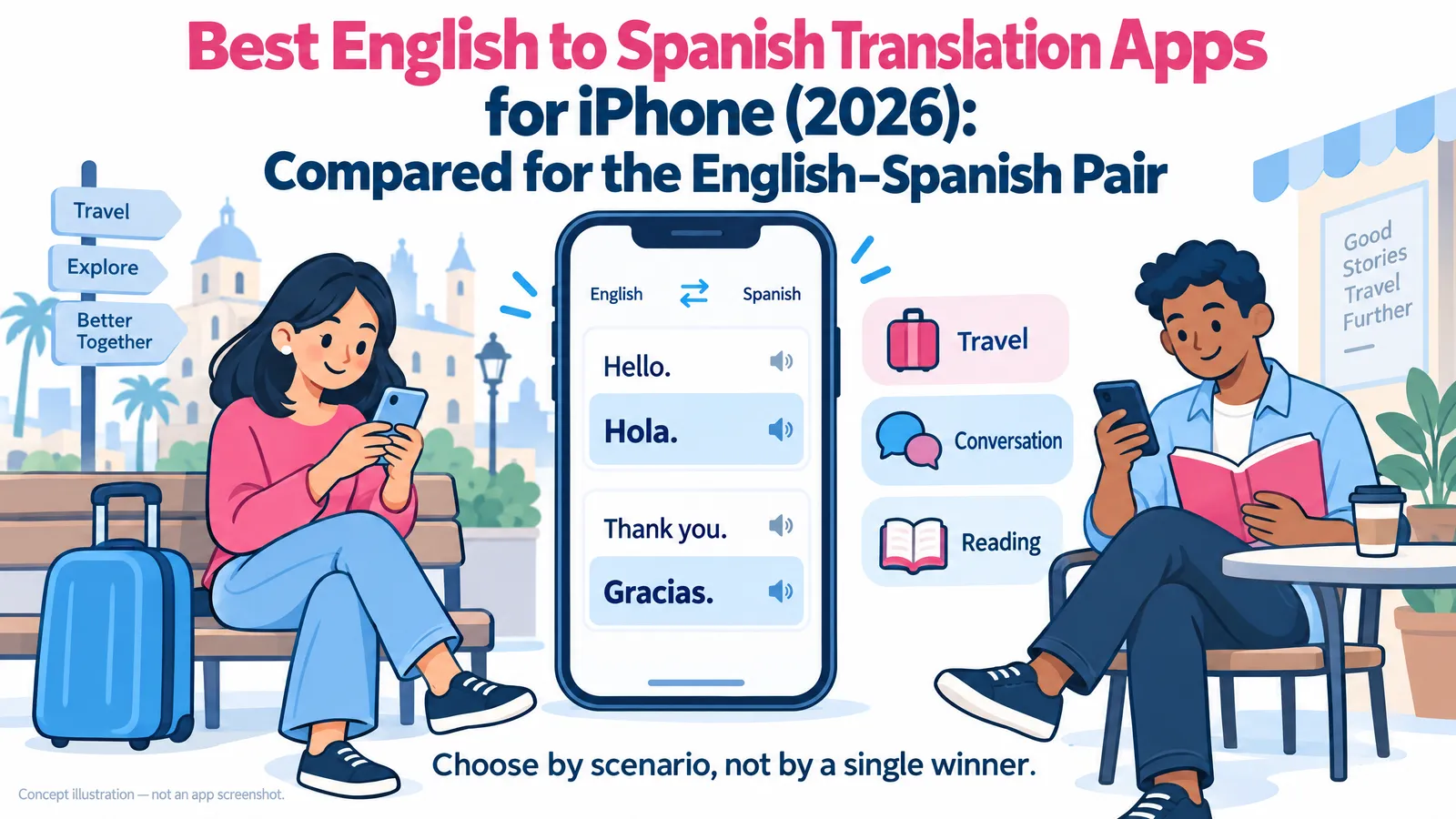
Best English to Spanish Translation Apps for iPhone (2026): Compared for the English–Spanish Pair
Quick Answer: The Best English–Spanish Translation Apps for iPhone
Looking for the best English to Spanish translation app for iPhone? Here's the short answer first: there is no single winner. The right app depends on what you actually do with Spanish — typing quick phrases at a hotel desk, holding a conversation, studying the language, or reading Spanish content. If you want an app for iPhone to translate English to Spanish, start with the scenario that fits you:
-
Best free all-rounder: Google Translate. Text, camera, conversation, and offline support in one app. The trade-off: translations are processed in the cloud, not on your phone.
-
Best built-in option: Apple Translate. Free, preinstalled, and private. The catch: it supports fewer languages and fewer features than the big third-party apps.
-
Best for learning Spanish alongside translation: SpanishDict. Dictionary depth, example sentences, and conjugation in one place. Free with ads; an optional subscription removes them.
-
Best for reading Spanish content bilingually: Immersive Translate. Original and translation shown together for web pages, PDFs, and video subtitles — the one app on this list built for reading rather than quick lookups.
The rest of this page explains each pick, compares all six contenders for the English–Spanish pair specifically, and covers the questions most comparisons skip: what "free" really means, what works offline, where your text goes, how to translate in the reverse direction, and how to read Spanish content bilingually.
Is There a Translation App Already on Your iPhone?
Yes — and it costs nothing. Every iPhone ships with Apple's Translate app preinstalled, so there is nothing to download before you can translate. If you have never opened it, check your home screen; it is already there.
For the English–Spanish pair specifically, the built-in app covers more than most people expect:
-
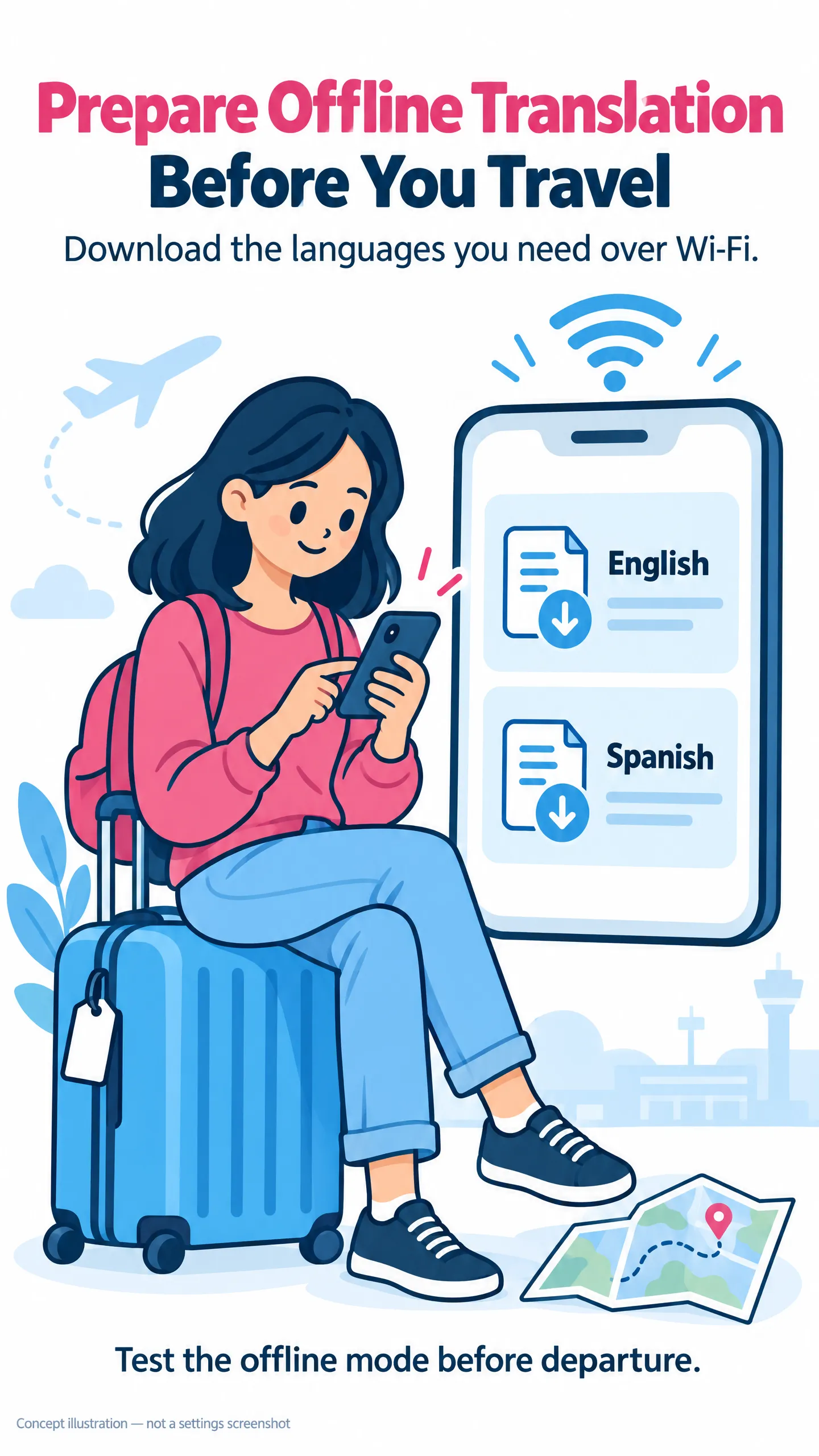
Offline language downloads — download Spanish over Wi-Fi and keep translating without a connection.
-
Camera translation — point the camera at menus, signs, and printed text.
-
Face-to-face conversation mode — a dedicated mode for two people taking turns speaking.
-
Live translation with AirPods Pro — supported on compatible hardware.
The honest boundary: Apple's app is deliberately lean. It supports fewer languages than Google or Microsoft, and it has no document, subtitle, or reading features. For pure trips-and-phrases use, that leanness is a feature — fewer menus, less setup. If your needs run deeper than phrases — reading Spanish web pages, papers, or subtitles — you will hit its limits, and the scenario matrix at the end of this page tells you exactly when to upgrade.
The Contenders at a Glance: Six Apps Compared for English–Spanish
If you are weighing every English to Spanish translator app for iPhone that users can download, the table below lines up the six that matter for this language pair — plus one dimension no other comparison we found includes: bilingual reading.
| App | Free tier & price (Nov 2026) | Offline | Camera translation | Conversation mode | Bilingual reading (web/PDF/subtitles) | Privacy model |
|---|---|---|---|---|---|---|
| Apple Translate | Free, preinstalled | Yes — downloadable language packs | Yes | Yes — face-to-face mode | — | On-device |
| Google Translate | Free | Yes — offline language packs | Yes | Yes — live conversation | — | Cloud-based |
| DeepL | Free tier; paid Pro plan | — | — | Speech translation supported | — | — |
| SpanishDict | Free with ads; optional $12.99/mo ad-free | — | — | — | Dictionary examples, not bilingual reading | — |
| Microsoft Translator | Free | — | — | — | — | — |
| Immersive Translate | Core bilingual translation free; Pro tier for advanced features | — | Image translation | — | Yes — web, PDF, video subtitles, comics | Encrypted requests; content not used for AI training |
A dash (—) means the capability is not publicly claimed or could not be verified as of November 2026 — check the app's current App Store listing before you decide. All pricing claims were last checked in November 2026.
Most app comparisons stop at typing, camera, and voice. But if you ever read Spanish — news sites, work documents, WhatsApp groups, video subtitles — the bilingual reading column is where the real differences between these apps show up. That is the dimension this page adds to the usual comparison.
Two names that appear in other roundups but not in this table: iTranslate (feature-rich, but with its most complete features behind a paywall) and OmniTalk (focused on live voice conversation, iOS-only). We left them out to keep the list to apps with distinct strengths for English–Spanish.
Pick-by-Pick: Which English–Spanish Translator Fits Your iPhone
Apple Translate
The zero-download option. Apple Translate is preinstalled, free, and processes translation on-device, which makes it the most private choice here. For English–Spanish you get offline packs, camera mode, and a face-to-face conversation mode. Use it if you want a capable translator with zero setup and maximum privacy. Skip it if you need broad language coverage or reading features — its toolkit stays lean. For the English–Spanish pair: fully supported, including offline — it is one of the app's core languages.
Google Translate
The default answer, for good reason. Google Translate covers text, camera, live conversation, and offline packs, and it is the app other travelers recommend by default in forum discussions. Use it if you want one free app that handles everything reasonably well, online or off. Skip it if on-device privacy matters more to you than coverage — Google's translations run in the cloud. For the English–Spanish pair: a mature, well-supported combination with downloadable offline files.
DeepL
The writer's engine. DeepL's reputation is nuanced, natural written translation — the tool for emails and documents rather than menus and signs — and it also handles speech translation. Community opinion on whether it beats Google for Spanish is genuinely mixed; it is a recurring debate in learner communities such as r/dreamingspanish, and no rigorous public benchmark we could find settles it. Use it if you translate written text that needs to sound natural. Skip it if you expect one app to cover every travel scenario. For the English–Spanish pair: strong for written Spanish — test it against Google on your own text.
SpanishDict
The learner's pick. SpanishDict is a dictionary-and-learning tool first: conjugation tables, example sentences, and word-by-word depth rather than fast phrase translation. It is free with ads; an optional subscription, reported at $12.99/month by PCMag, removes them. Use it if you are studying Spanish and want to understand why a translation says what it says. Skip it if you just need quick phrase translation — a dictionary-first app slows that down. For the English–Spanish pair: one of the deepest Spanish references on iOS. For pure dictionary lookups, forums like r/Spanish also recommend WordReference.
Microsoft Translator
The quiet workhorse. Microsoft Translator is free and capable, with a slightly dated design compared with the rest of this list. Use it if you want another free general-purpose translator as an alternative to Google. Skip it if design polish matters to you — its interface lags behind Apple's and Google's. For the English–Spanish pair: supported as a core pair.
Immersive Translate
Immersive Translate is the reading specialist of this list — a free, bilingual AI translation tool that approaches Spanish from the reading side: the original text and the English translation are shown together instead of one replacing the other. It also runs on more than 20 interchangeable translation engines across 100+ language pairs, so you can swap translators for the same text instead of settling for a single rendering. Use it if you read Spanish web pages, PDFs, or videos with subtitles and want original and translation side by side. Skip it if you need live voice-to-voice conversation interpretation — that is not what it is built around. For the English–Spanish pair: fully supported, with a downloadable iOS app.
What "Free" Actually Means: Free vs. Paid, App by App
The question behind most "best free English to Spanish translation app for iPhone" searches is rarely just price — it is what free actually buys. Here is the honest breakdown as of November 2026:
-
Apple Translate — completely free. No ads, no tiers, no subscription.
-
Google Translate — free, with no paid tier for everyday translation.
-
Microsoft Translator — free.
-
SpanishDict — free with ads; the $12.99/month subscription reported by PCMag removes them.
-
DeepL — free tier for everyday translation; a paid Pro plan raises limits and adds document features.
-
Immersive Translate — core bilingual translation is free; a Pro tier covers advanced features. Current boundaries are listed on the official pricing page (checked November 2026).
You can rely on a free English to Spanish translation app for iPhone in every category above. But read the boundary before you depend on a free tier for anything critical: subscription prices and free-tier limits change with app updates, so verify in the App Store listing before you commit.
Privacy: On-Device vs. Cloud Translation
Where does your text go when you translate it? This list splits cleanly in two.
Apple Translate processes translation on-device — the core experience does not require your phrases to leave the phone. Every other app in this comparison routes text through cloud servers; that is how Google, DeepL, and SpanishDict reach their quality and coverage. Cloud is not automatically bad — it is the standard trade for capability — but it means the vendor's privacy policy is what stands between your text and other uses.
Immersive Translate states three commitments on its homepage: content privacy (processing only what translation needs, with retention and deletion rules spelled out), content not used for AI training by applicable official translation services, and encrypted requests in transit — how Immersive Translate handles translation privacy is detailed on its security page. Because it integrates third-party engines, the translation itself is processed by whichever engine you choose — the same standard that applies to any app using cloud engines.
If privacy is your top priority, the built-in Apple Translate app is the structurally safest choice on this list.
How to Translate Spanish to English on Your iPhone (Reverse Direction)
Most of this page — like most comparisons — assumes English to Spanish. But if you are looking for a free Spanish to English translation app for iPhone workflows — reading a Spanish email, understanding a reply, helping a Spanish-speaking friend — the good news is that every app above handles the reverse direction too. Spanish to English is a core pair for all six.
With Apple's built-in Translate app, the general path looks like this (these steps describe the general flow, not a device-verified walkthrough — exact screens vary by iOS version, so verify on your own iPhone):
-
Open the Translate app.
-
Tap the language selectors at the top of the screen and set the source language to Spanish and the target to English — or tap the arrows between them to swap a direction you used before.
-
Type, paste, or dictate your Spanish text — or switch to camera mode for printed text such as letters and signs.
-
If you will be offline, check first that the Spanish language pack is downloaded.
Third-party apps follow the same pattern: choose the direction first, then provide input. In Google Translate and the others, the language pair selector is the first control on screen.
Does direction change the experience? Mostly no for English–Spanish — the pair is mature in both directions on every app here. Where direction does matter is preparation: if you have only ever configured English to Spanish, swap the pair before you are standing somewhere needing the reverse. If voice input fails, check the silent switch and microphone permissions — the two most common culprits.
The Comparison Almost Nobody Makes: Reading Spanish Content Bilingually
Here is the scenario every translation app comparison ignores: you are not saying anything to anyone. You are reading. A Spanish news site, a PDF contract, a YouTube video, a WhatsApp group, a manga chapter. The apps above all translate text — but almost none of them are designed for sustained reading, where "replace the text with its translation" throws away the original entirely.
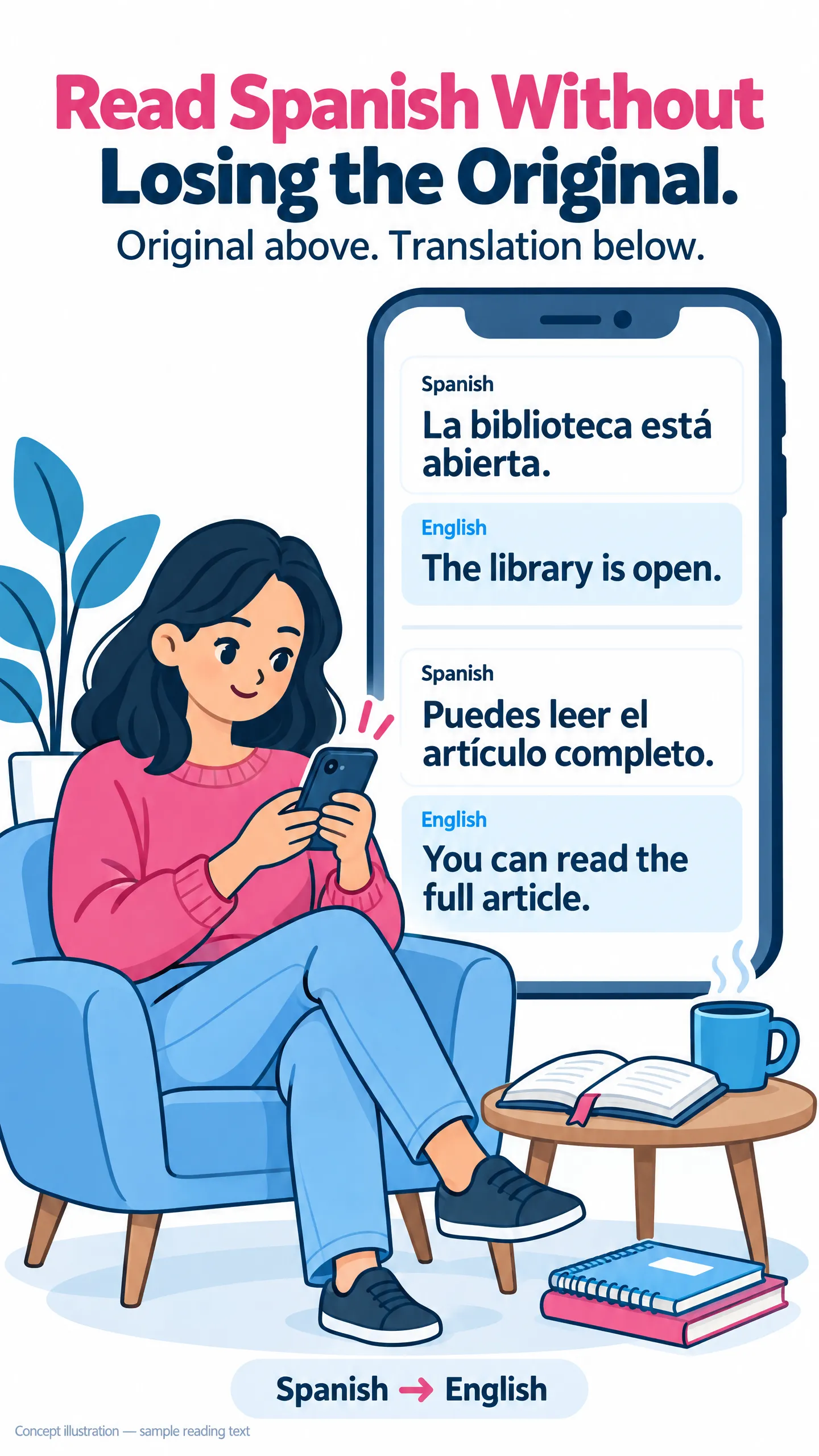
That is the gap Immersive Translate was built for. It is a free tool built for bilingual reading, showing original and translation together — for the web, it pioneered the side-by-side vertical bilingual layout (in the company's own words), keeping original content intact while the translation appears alongside it. On iPhone, that means:
-
Bilingual web translation — original and English in parallel, so you read without losing the source.
-
PDF translation with layouts preserved — bilingual or translation-only output, including OCR for scanned documents.
-
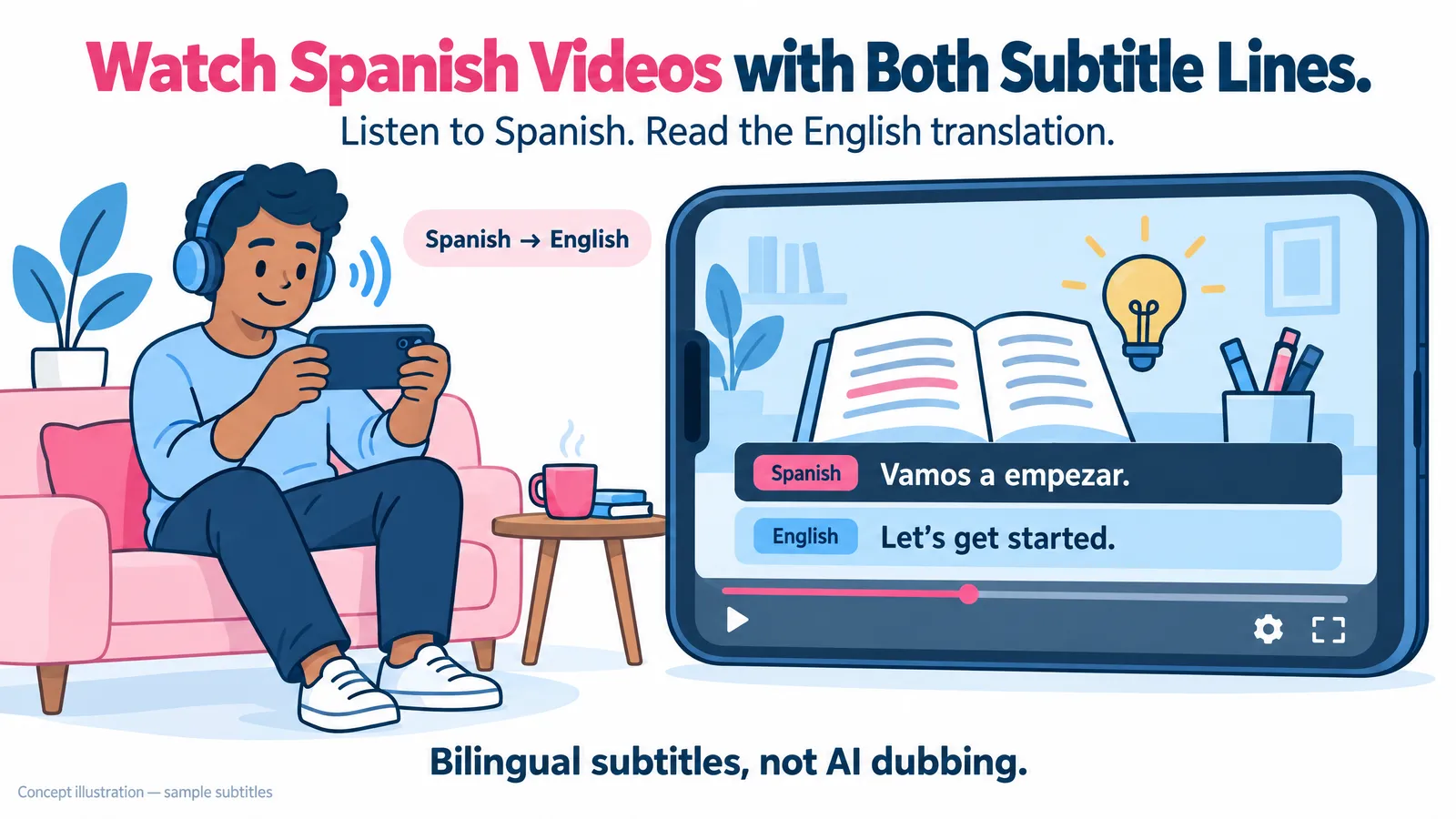
Bilingual video subtitles — real-time bilingual subtitles across more than 100 video platforms, including YouTube, Netflix, and Prime Video.
-
Image and comic translation — point it at a menu photo or a manga page.
Because it integrates more than 20 translation engines — including ChatGPT, DeepL, DeepSeek, and Gemini — you can compare how different engines render the same Spanish sentence, which is the practical way to judge.
If your Spanish need is reading rather than speaking, download Immersive Translate for iOS and try it on a page you actually need to read.
Try Bilingual Reading on Your iPhone
Which App Should You Pick? A Scenario Matrix
So what is the best app for translating English to Spanish on iPhone? By scenario:
| Scenario | Pick | Why |
|---|---|---|
| Restaurant menus and street signs | Apple Translate or Google Translate | Instant camera translation; works offline with downloaded packs |
| Face-to-face conversation | Apple Translate or Google Translate | Dedicated conversation modes |
| No reliable Wi-Fi | Apple Translate or Google Translate | The two apps here with downloadable offline packs |
| Studying the language | SpanishDict | Dictionary depth, examples, and conjugation |
| Reading web pages, PDFs, subtitles | Immersive Translate | The one app on this list built for bilingual reading |
| Work documents | Immersive Translate or DeepL | Layout-preserving PDF translation; natural written output |
No single iPhone app to translate English to Spanish wins every row — that is exactly why the matrix exists. The one-line verdict: start with what is already on your phone, add Google Translate for coverage, and add Immersive Translate when reading Spanish — not just translating it — becomes the job. For deeper tool-by-tool breakdowns, see Immersive Translate's translation tool comparisons.